 GoLocomotive
The workflow engine
When, If, Then: a workflow reads like a sentence. Ready workflows for your trade. Every run, step by step, in words. Test it on a real record first…
Workflow engine
MajorWhen, If, Then: a workflow reads like a sentence
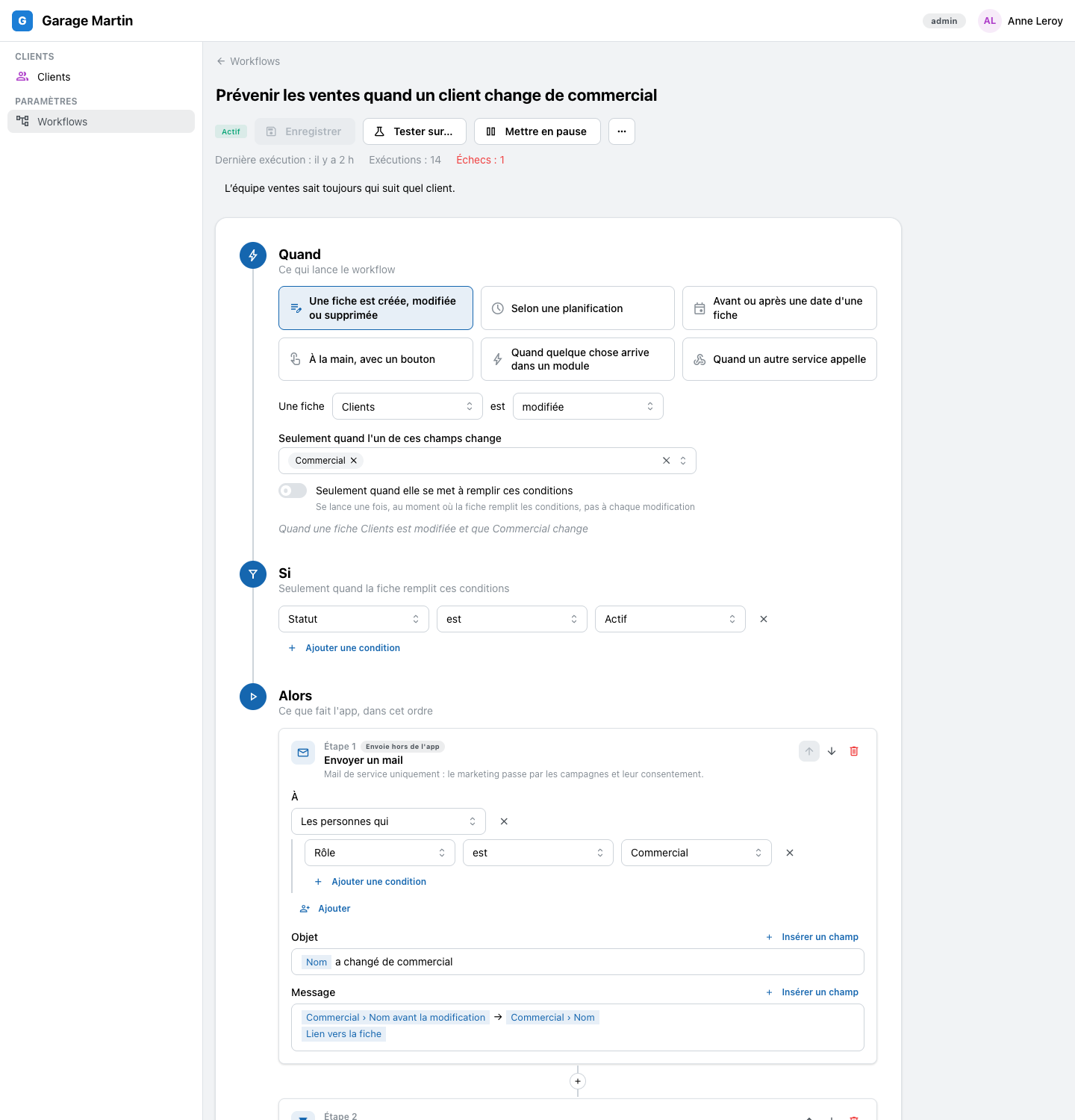
Build a workflow in three blocks, top to bottom: when it starts, the conditions it checks, then the steps in order. « When a client changes salesperson, if the client is active, mail the sales team. »
- Starts on a record created, changed or deleted, a schedule, a date coming near, a button, a module's event or a call from another service
- Steps: send a mail, notify someone in the app, create or update a record, wait, check a condition, ask the assistant, call a webhook, post to Slack
- No code: every trigger, condition and step is chosen in words
MajorThe workflow engine in 48 seconds
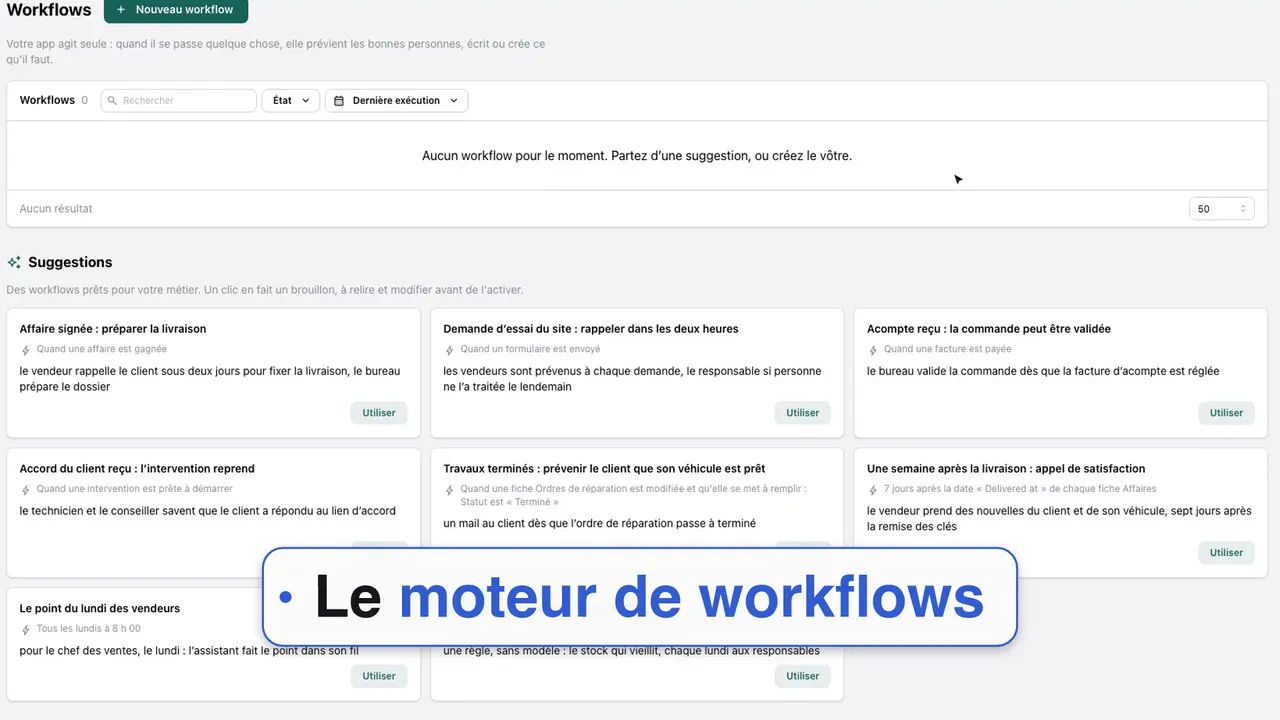
A dealer's manager asks the assistant for a workflow in one sentence, turns it on, and the customer gets the mail when the job is done. Watch the film
NewReady workflows for your trade
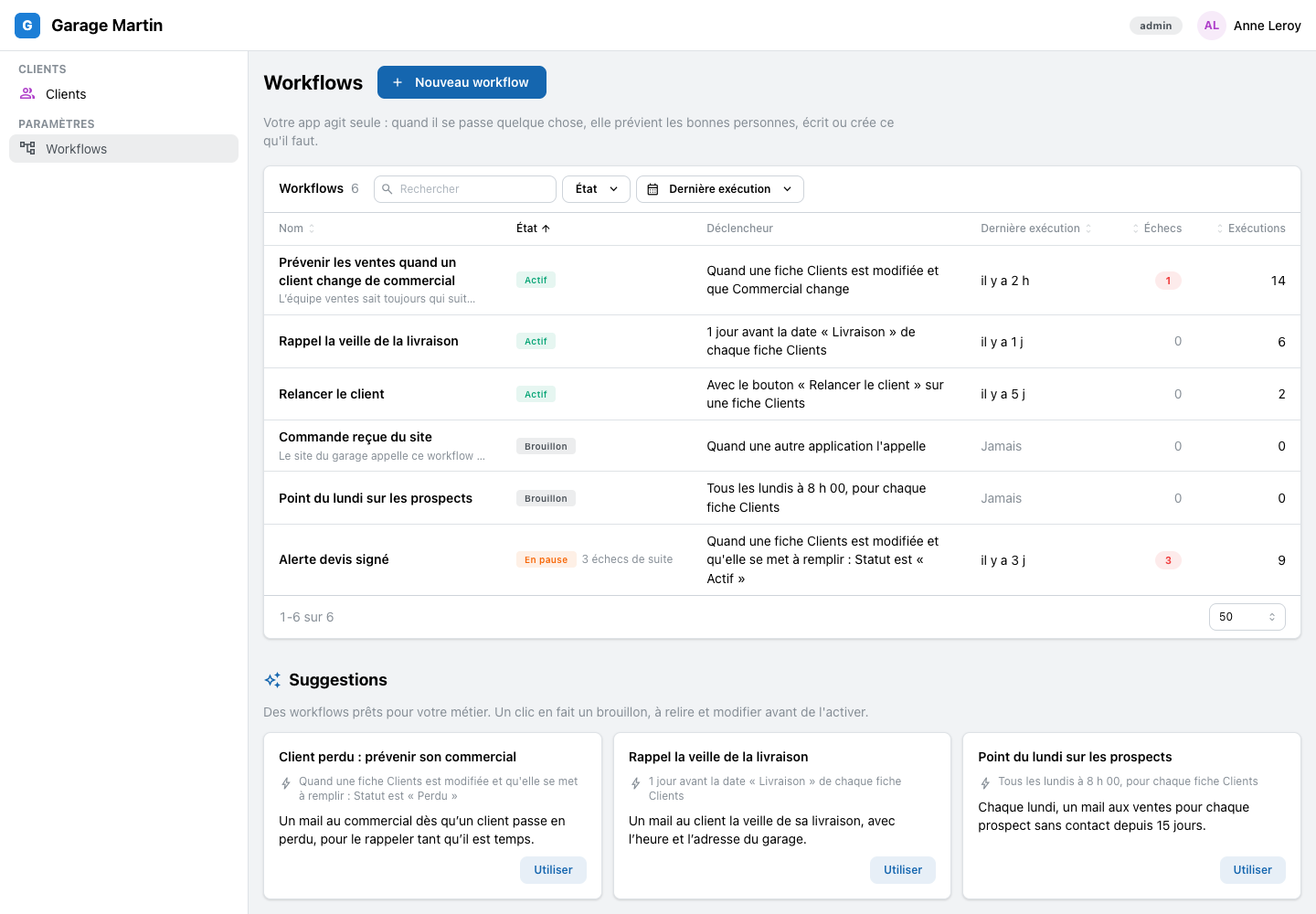
Each trade app comes with workflows ready to use: a dealer, a heating firm. One click makes a draft you read and change before you turn it on.
- Every workflow of the app on one list: what starts it, its last run, its failures
NewEvery run, step by step, in words
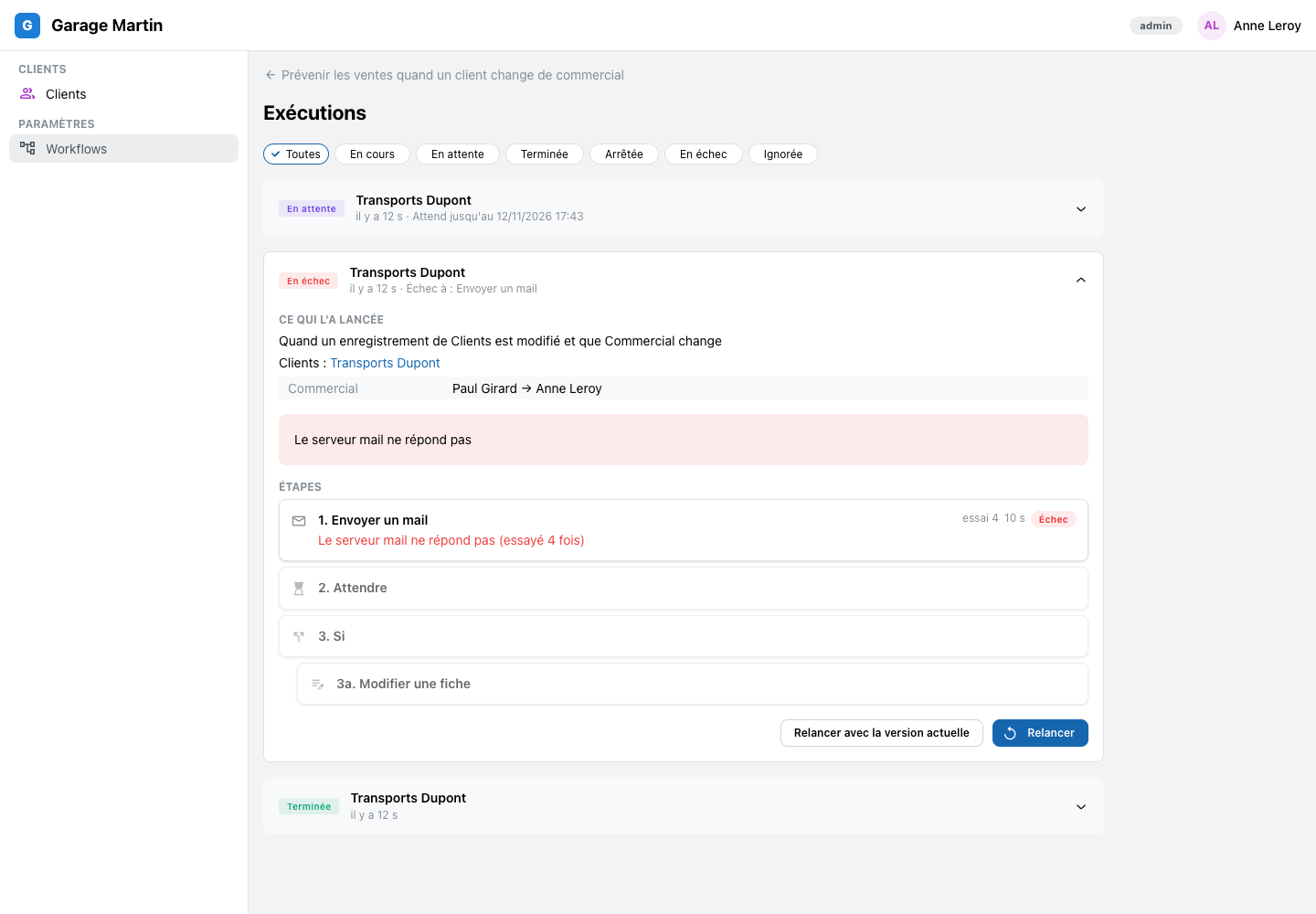
Open any run and read what each step did: « Mail sent to 3 people », « Waiting until 14/11 ». A failed step says why, and « Retry » starts again from that step.
- A failure is told to the workflow's owner in the app, never silent
NewTest it on a real record first
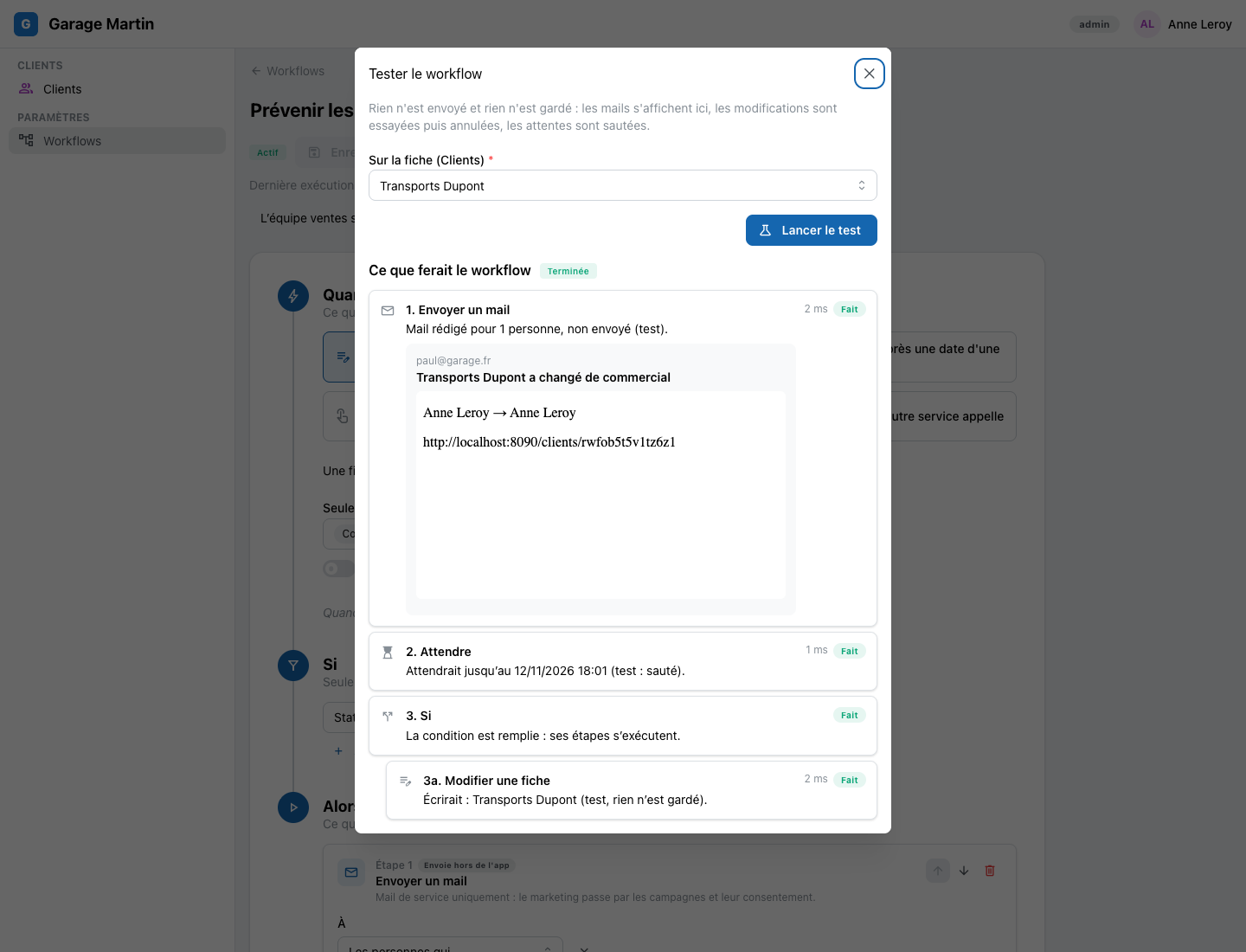
« Test on… » runs the workflow on one record and shows each step as it would happen: the mail it would send, the record it would change. Nothing is sent and nothing is saved.
NewA « Run » button on a record
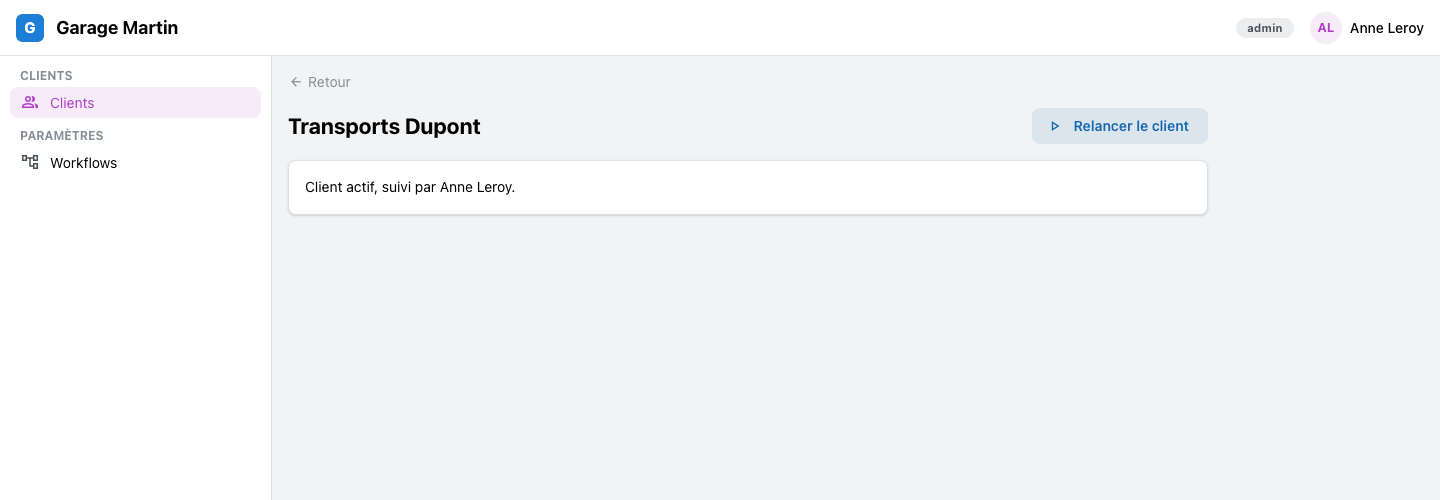
A workflow can start from a button on a client, a quote or a job: one click, and the steps run on that record.
NewSchedules in plain words
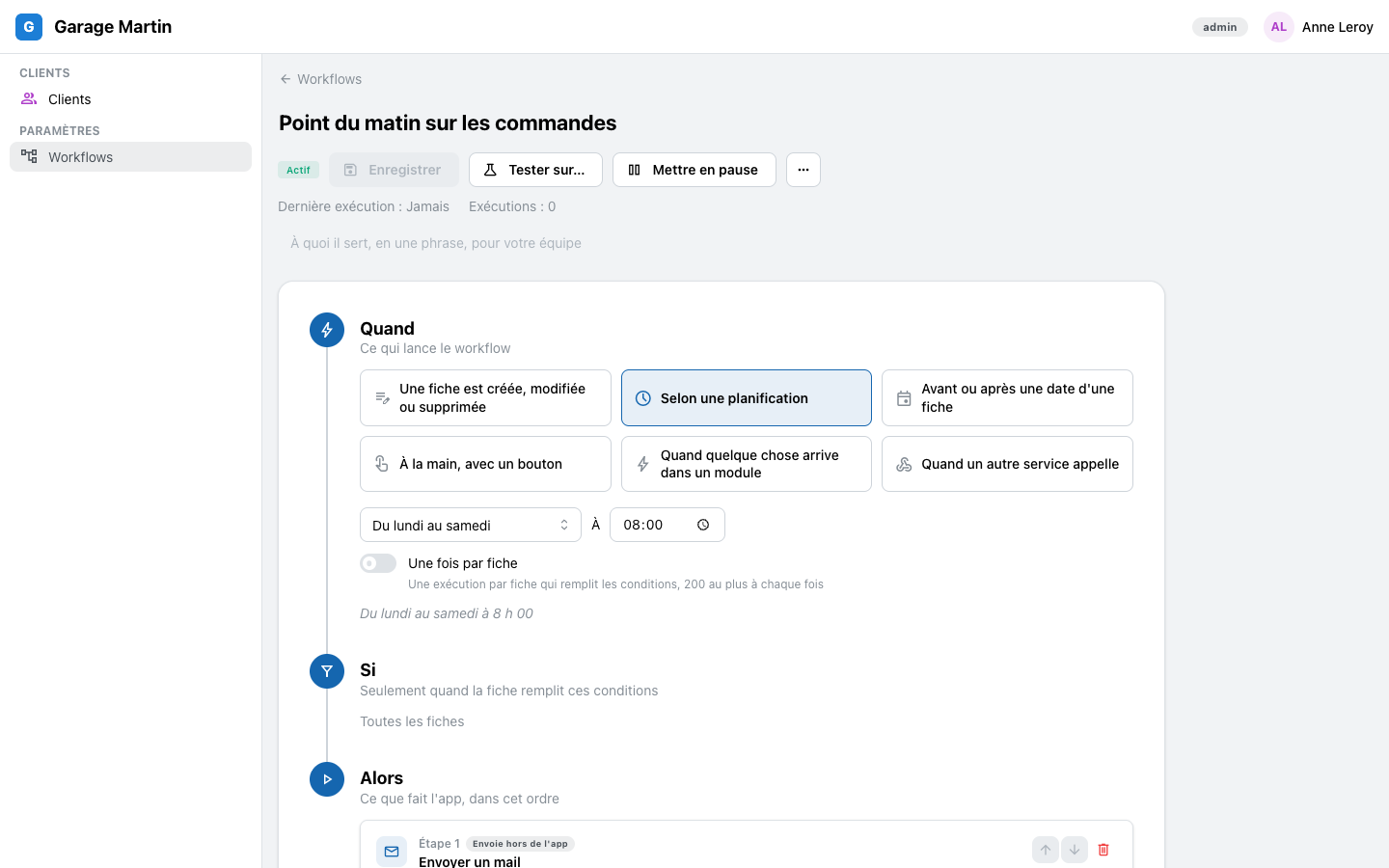
Every day, Monday to Friday, some days of the week, once a month: pick when it runs, at what time. The list says it the same way, « Monday to Saturday at 8:00 ».
NewYour record's fields in the text, in a click
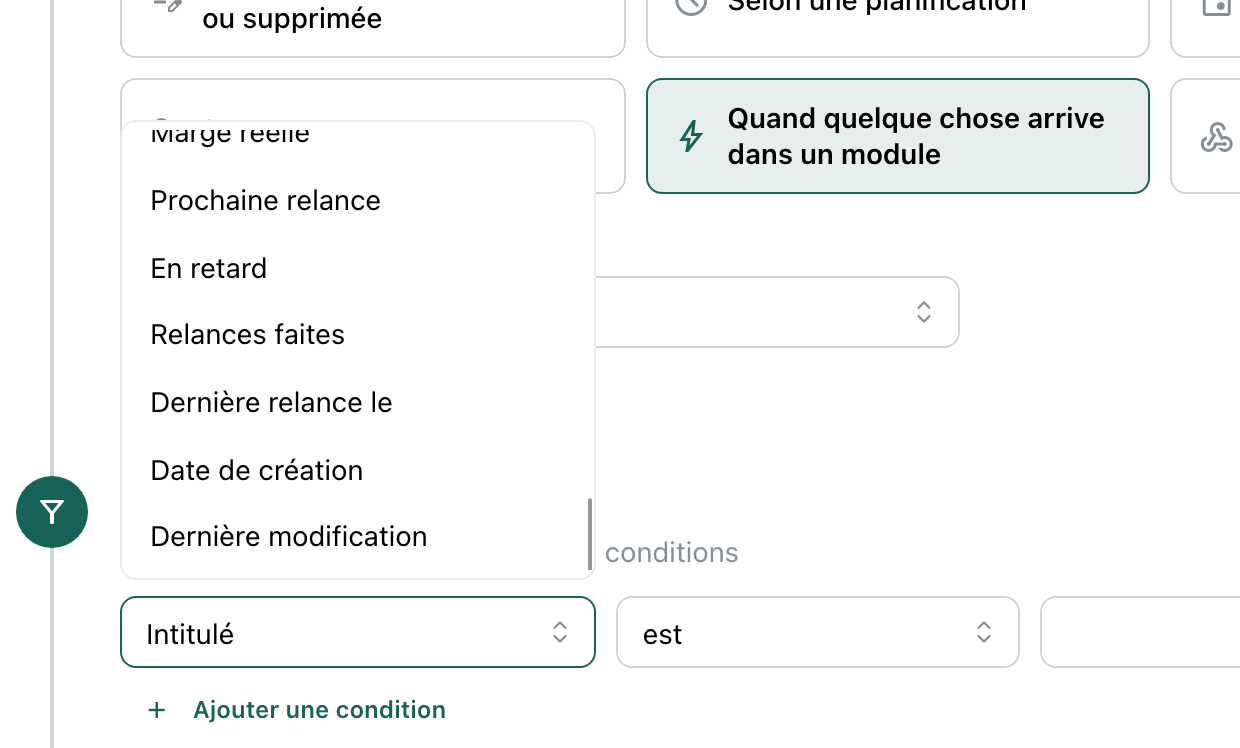
« Insert a field » puts the client's name, the salesperson, the link to the record into a mail or a message. Every field reads in your words, never a technical name.
- A mail only shows what the workflow's owner may open
NewUpdate the right record
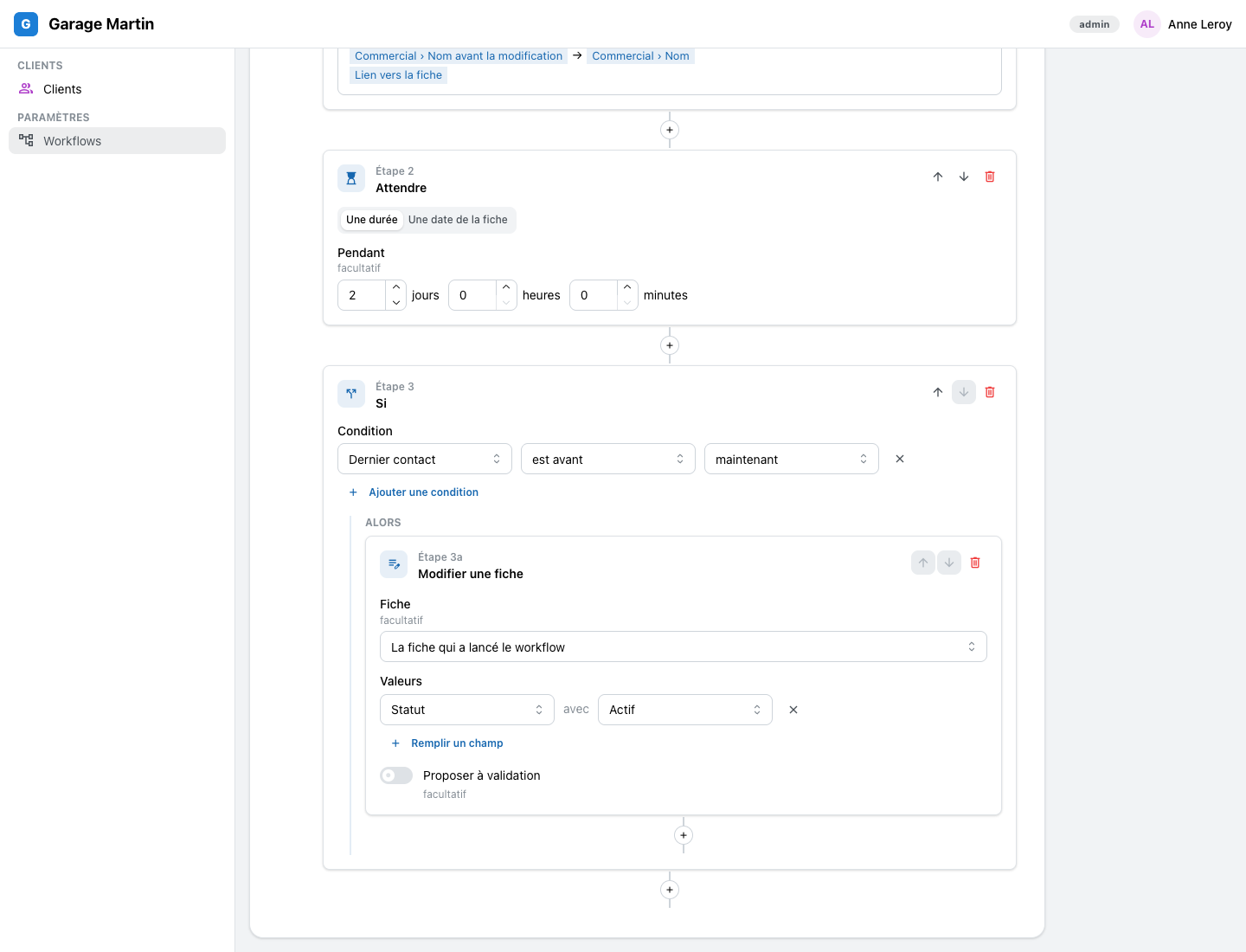
A step can change the record that started the workflow, or one it links to: the client's company, the deal's salesperson.
NewStart a workflow from another service
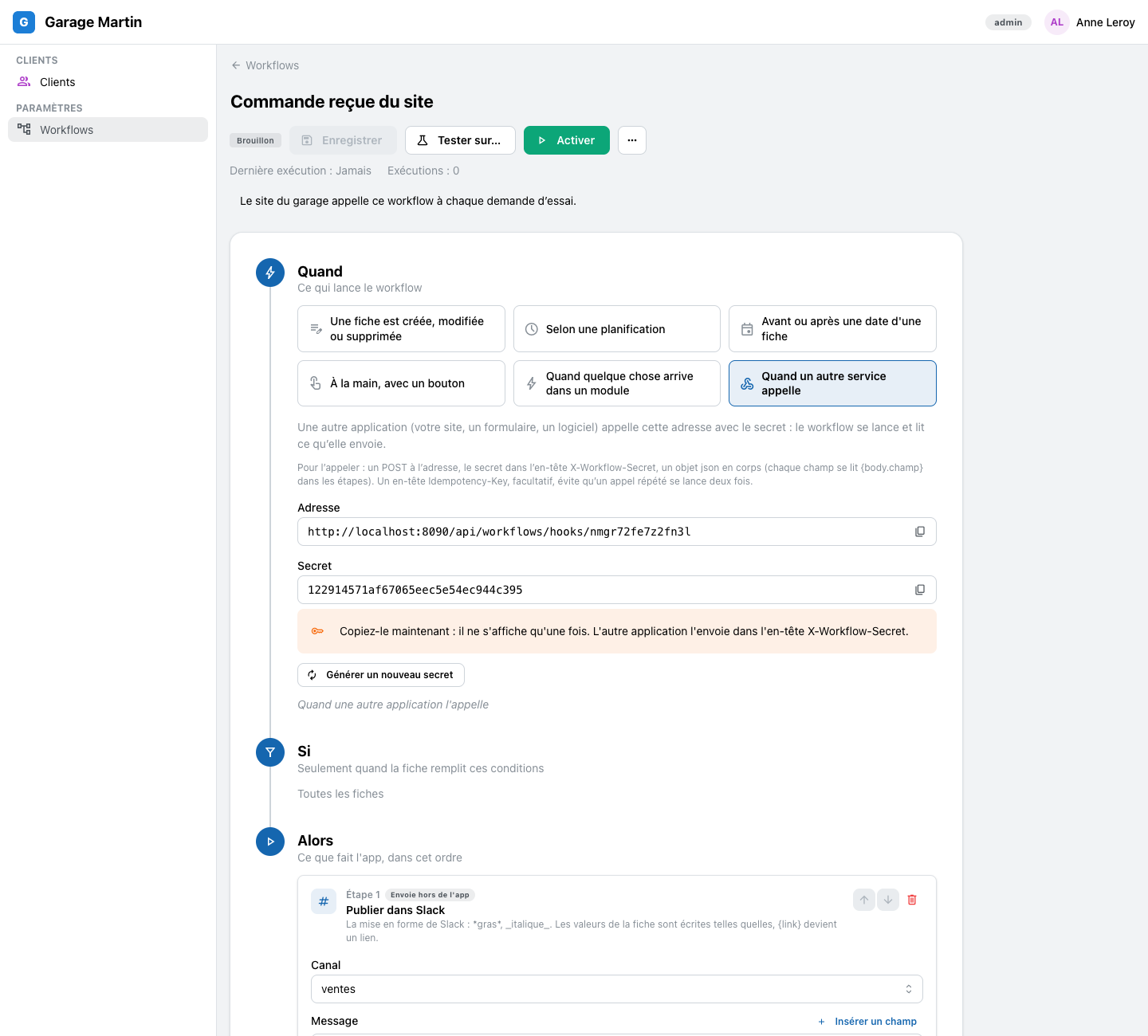
Each workflow can have its own address: another service calls it, the workflow runs. The secret shows once, with « Copy » and « Regenerate ».
- Workflows can also call another service's address, each call signed
NewPost to your Slack channels
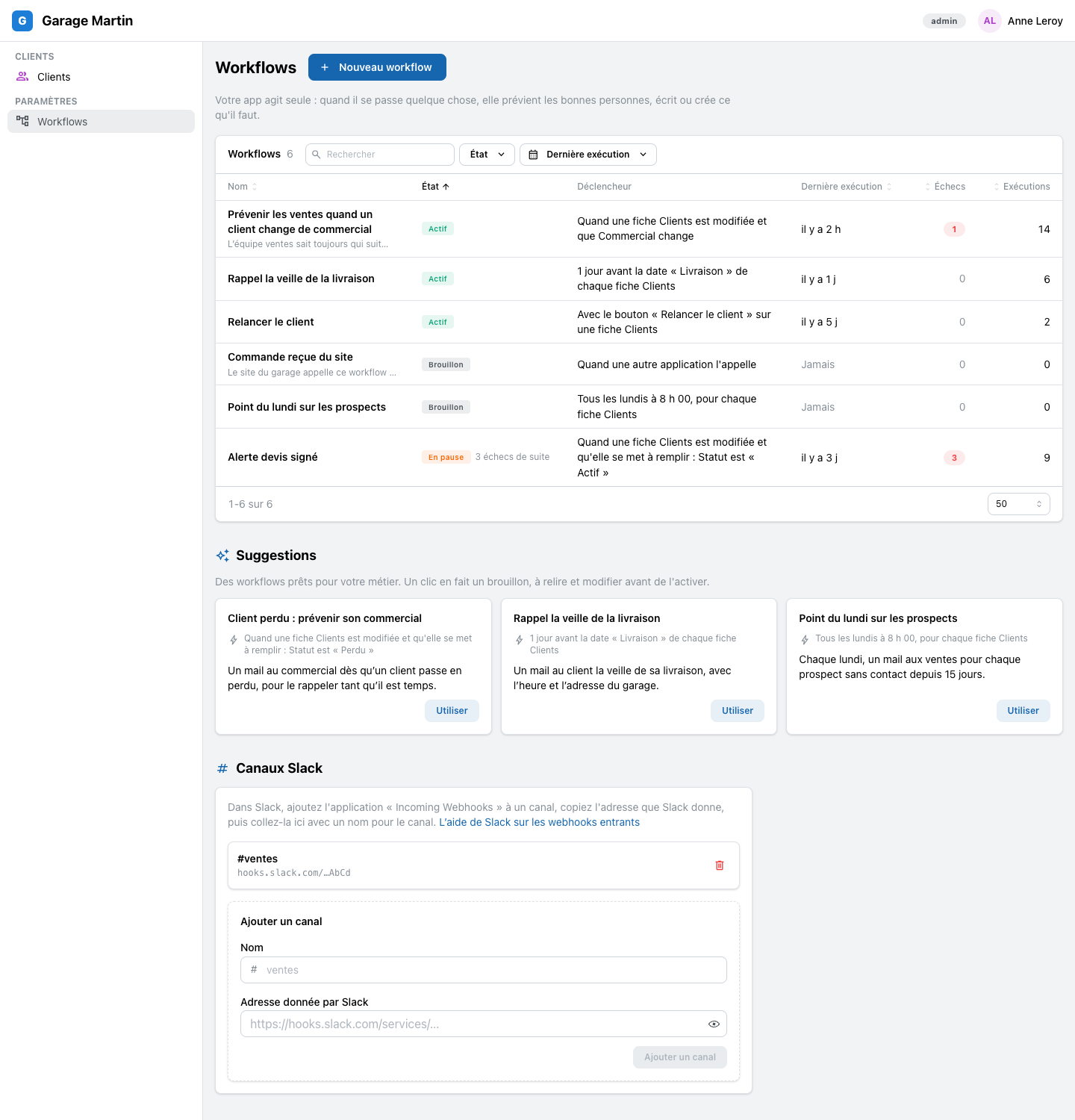
Paste a Slack channel's link once, and any workflow can post there: « Deal won: Ombrine Escale 636 ». The link never shows again.
NewAsk the assistant for a workflow
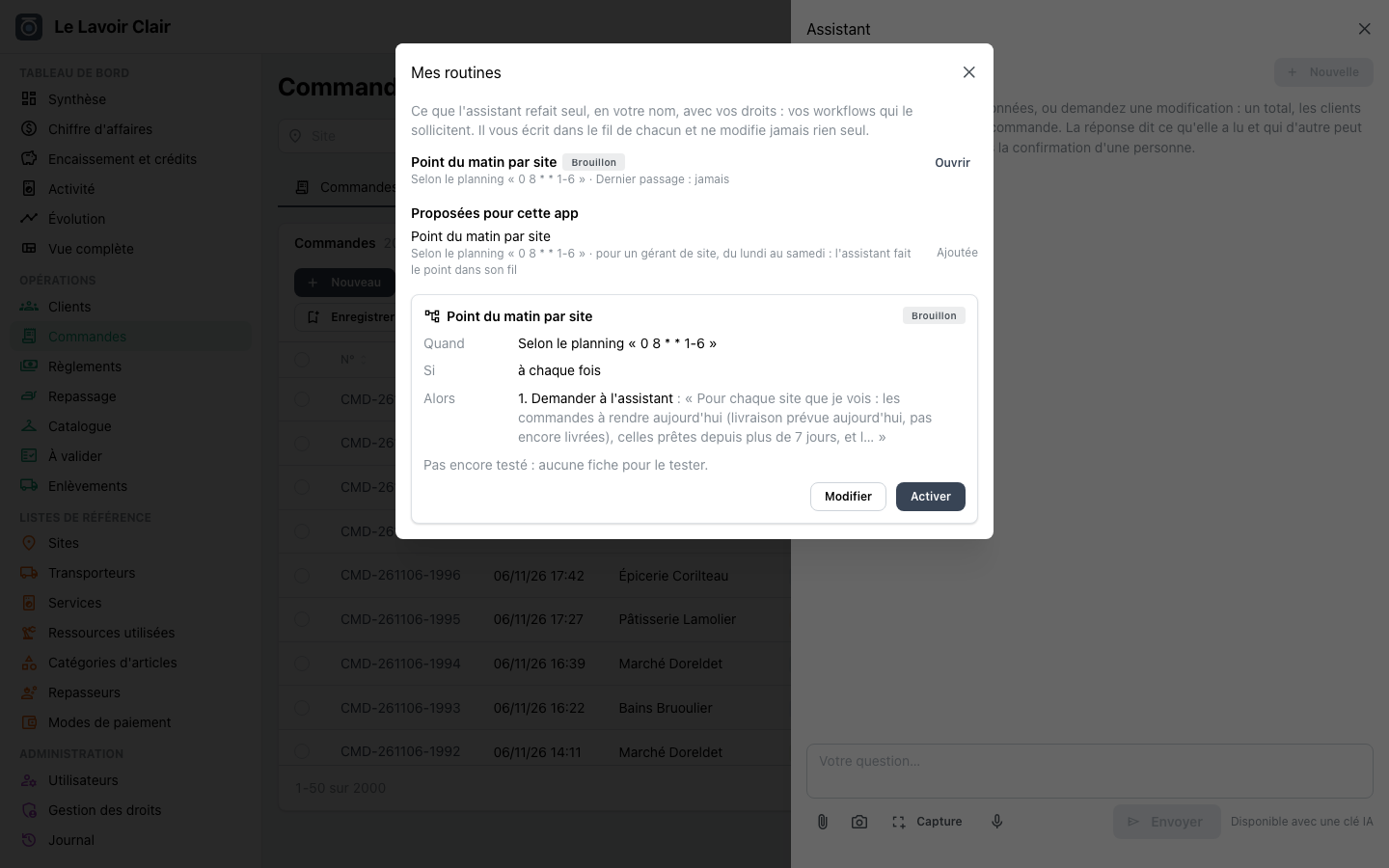
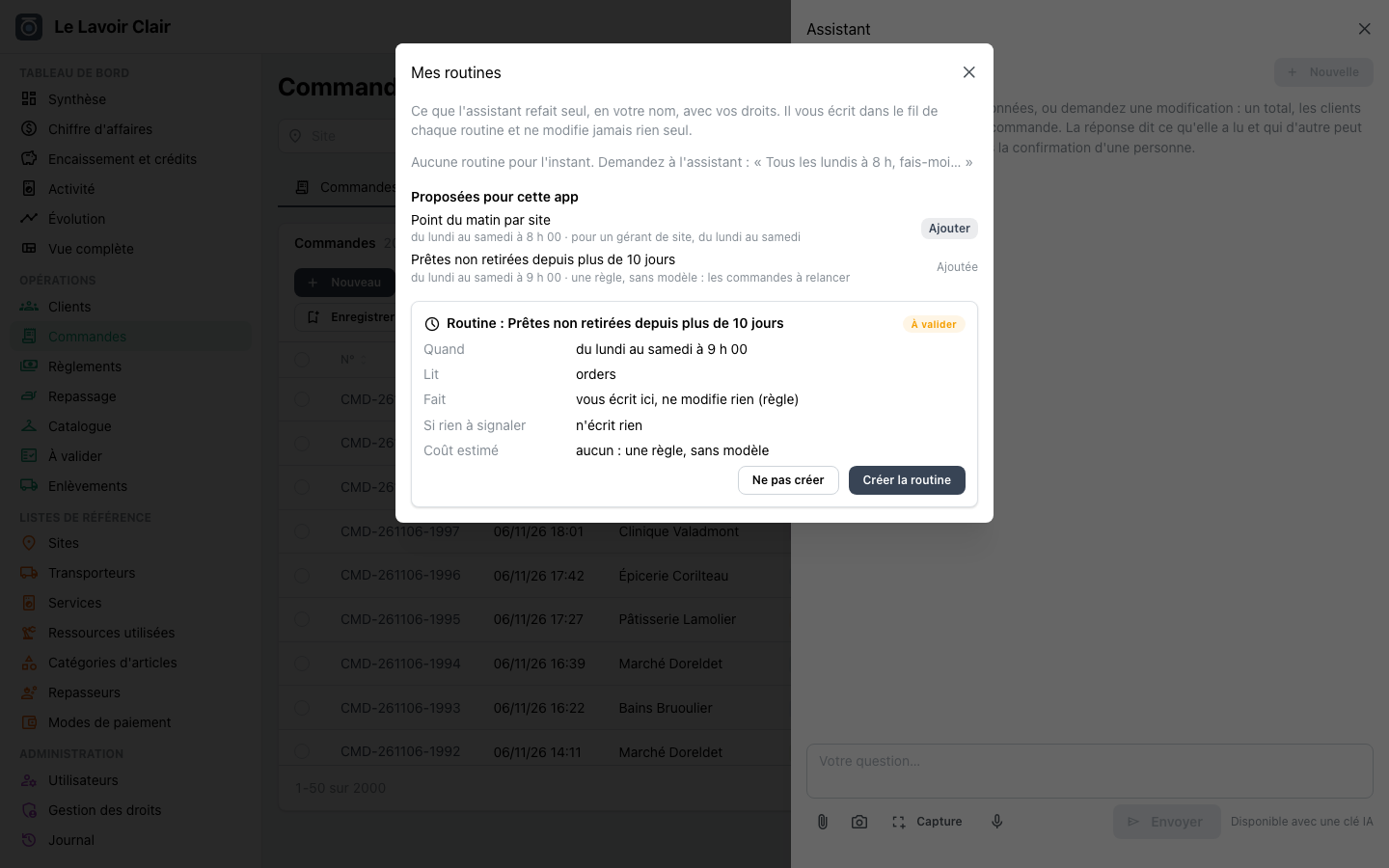
Say it in a sentence: « when a client changes salesperson, tell the sales team ». The assistant drafts the workflow, tests it on one record and shows it as a card. You turn it on in one click.
ImprovedEvery version kept
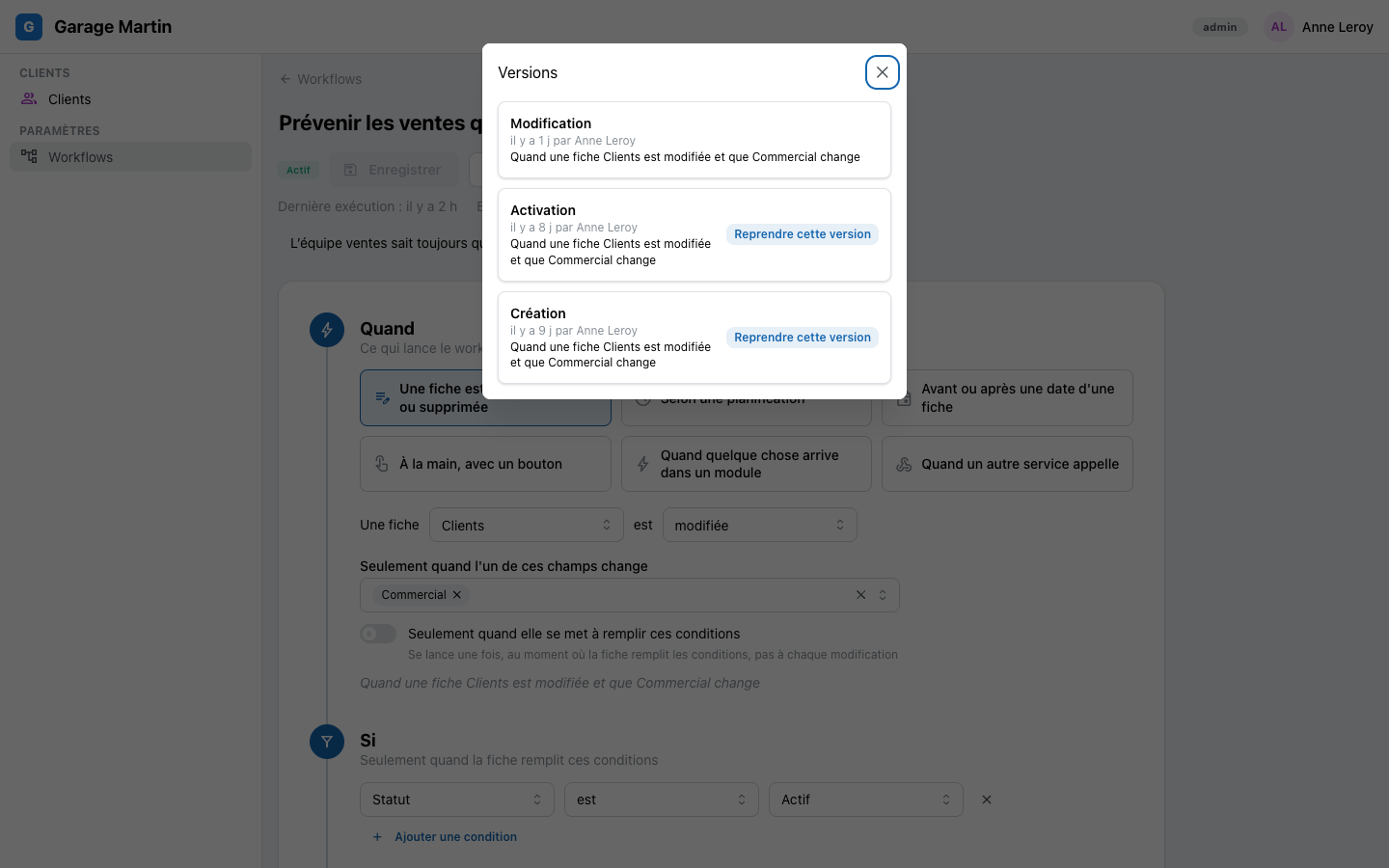
Each change of a workflow is a version: who changed it, when. A run always finishes on the version it started with.
Improved« Run now », on any workflow
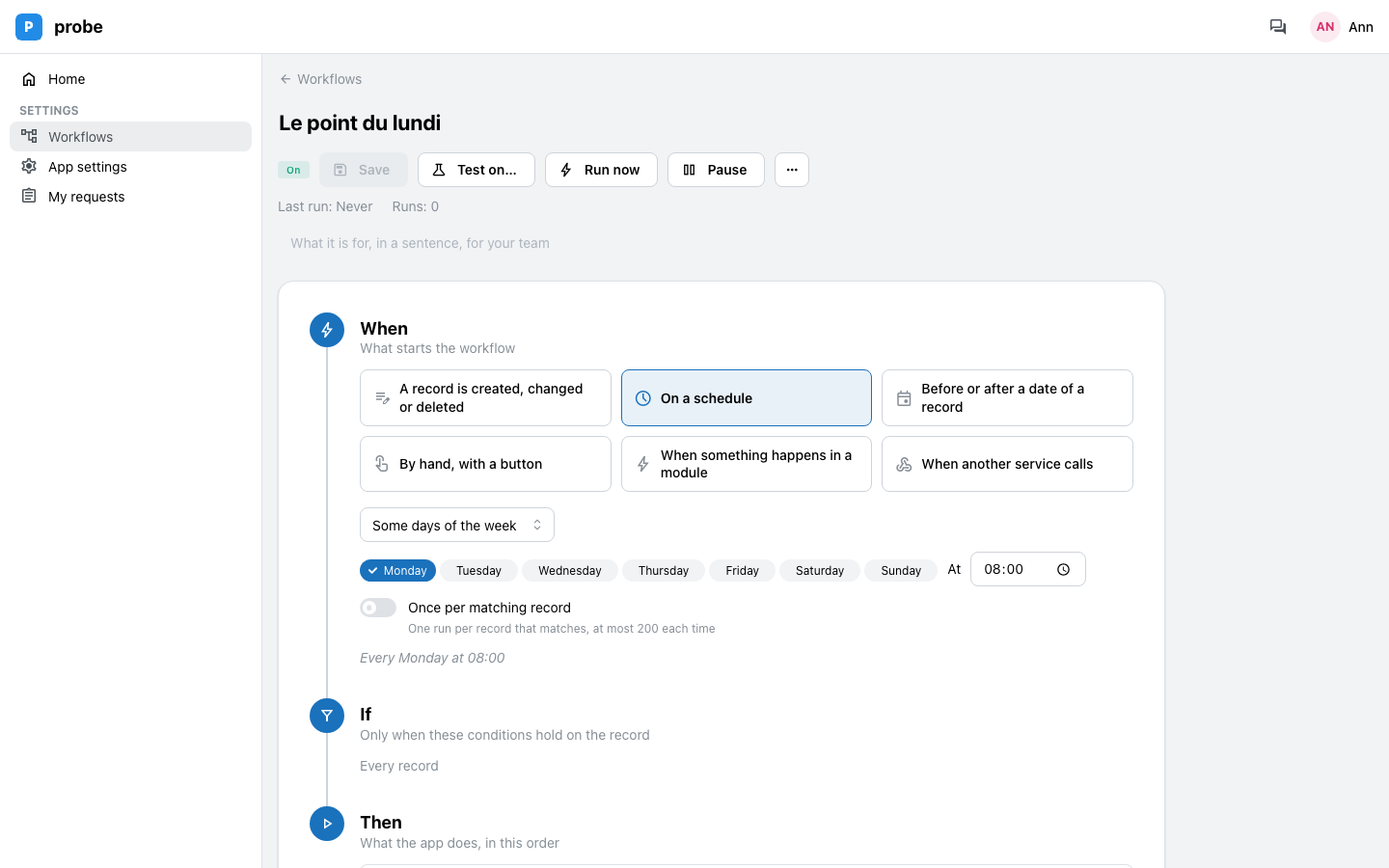
Run a scheduled workflow right away, without waiting for its time, from its page or from « My routines ».
ImprovedThe assistant's routines are workflows
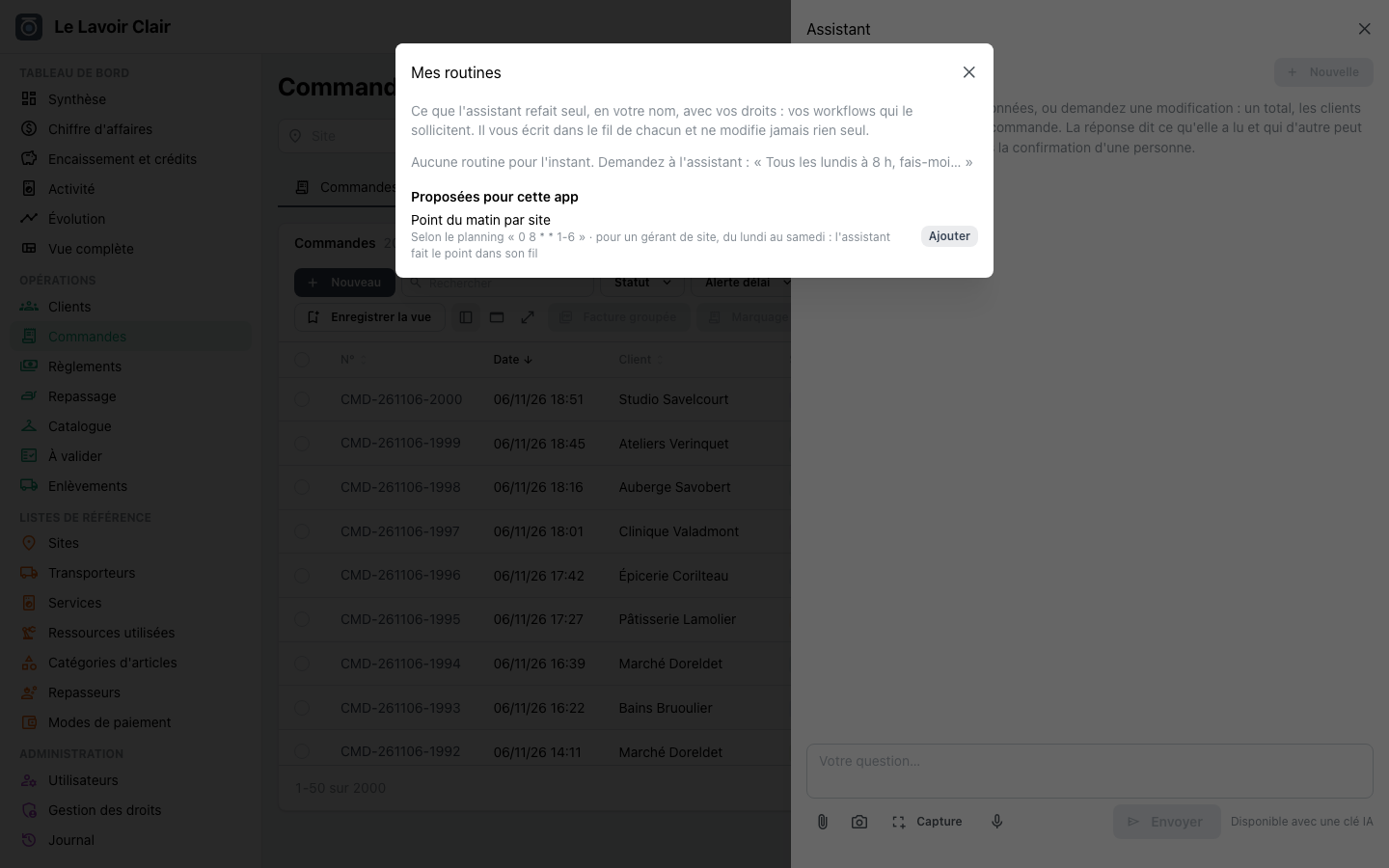
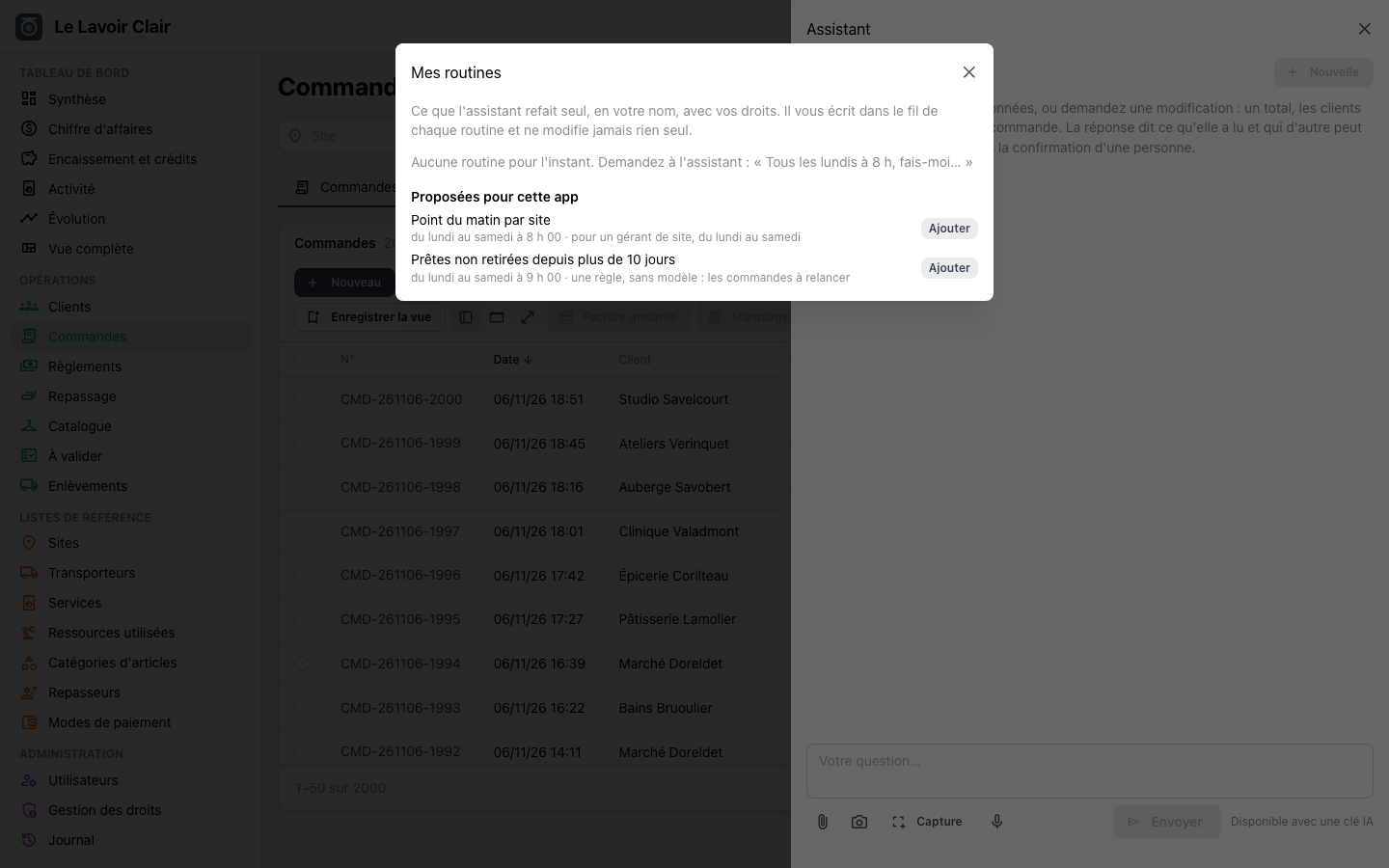
« My routines » lists your workflows: the Monday sales review, the stock alert. One list, one way to run them.
ImprovedEvery new app comes with the workflow engine
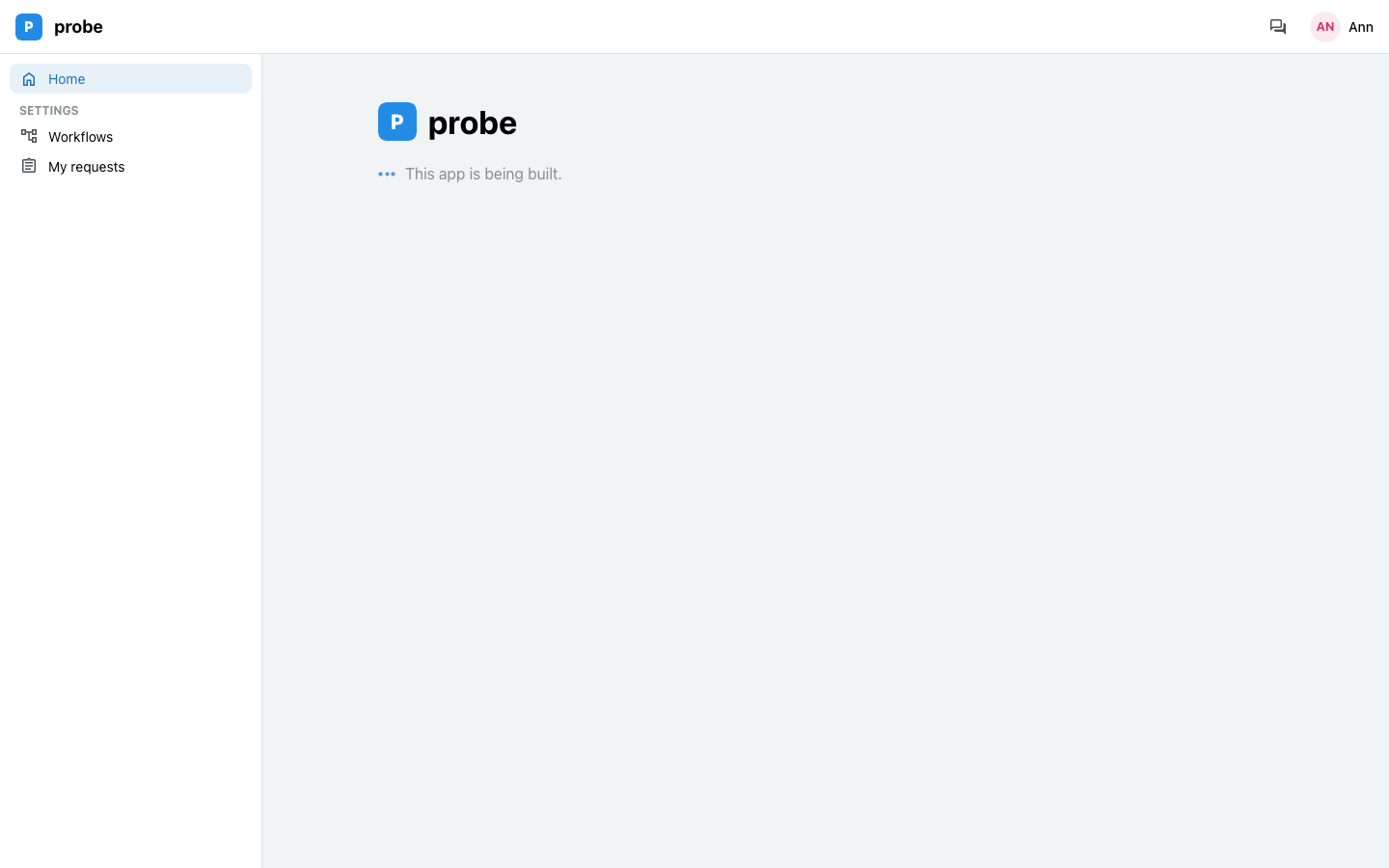
A new app has its « Workflows » page under Settings from its first day.