 GoLocomotive
Report a problem or ask for a change from the screen
In every app, a manager selects part of the screen and sends a bug or a change request, without leaving the app.
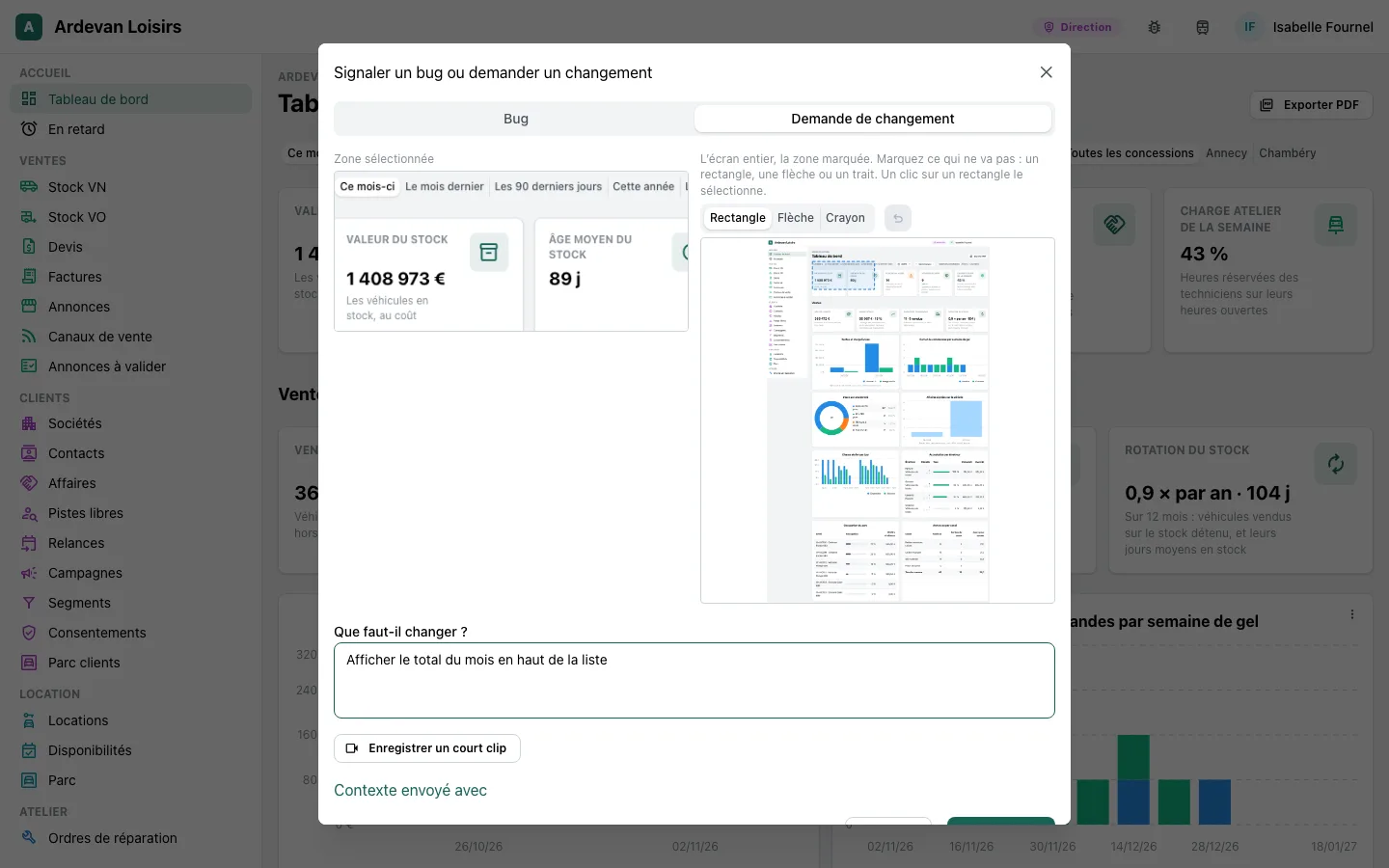
The report is in the top bar of every app, for its managers, and the F8 key opens it too. You drag over the part of the screen in question, or take the whole screen, then you pick: a bug, or a change request.
- The capture goes with the area outlined, the page, the person and the screen's last errors.
- The report is kept in the app first, so nothing is lost if our side does not answer for a moment.
- It reaches us as a card to handle, and the work starts only with a person of our team.