 GoLocomotive
Heating, plumbing, air conditioning, maintenance
Heating, plumbing and air conditioning: the software of your jobs
One app for the office and the technicians, made for your company and changed when you ask. Customers, service contracts, quotes and invoices, the planning, jobs on the technician’s phone and parts are in it today. Van stock is being built.
Access by invitationYour day, role by role →
What a field service firm lives with today
The work happens at the customer’s, and the tools stay at the office. In many firms, the week looks like this.
Quotes chased from memory
A boiler quote goes out, then nothing. The follow up depends on who remembers, and the job goes to whoever called back first.
Service contracts in a spreadsheet
Hundreds of units to visit once a year, each with its date. The spreadsheet tells nobody, and a late visit shows up when the customer calls.
The technicians’ day, on the phone
The planning lives on a whiteboard or a shared calendar, then gets redone by phone as soon as a breakdown comes in. The office does not know where each job stands.
Parts nobody counts
Part of the stock rides in the vans. What was fitted at the customer’s ends up on a paper slip, or nowhere, and restocking is guesswork.
Invoices sent late
The job sheet comes back in the evening or the next week, the invoice goes out when someone has the time, and the money comes in that much later.
The same customer, everywhere
The customer exists in the quoting software, in the contracts spreadsheet and in the technician’s phone, each time a little different.
Your day, desk by desk
On the app of Vernaise Énergies, our example firm with two agencies and eight technicians: what the app already does for each desk, and what is being built.
Agency assistants and managers
At the office and the planning
A customer calls: no heating since this morning. You need the right technician, free and in the right area, to keep the planned service visit, to tell the customer, and to lose nothing when the technician calls back.
In the app today
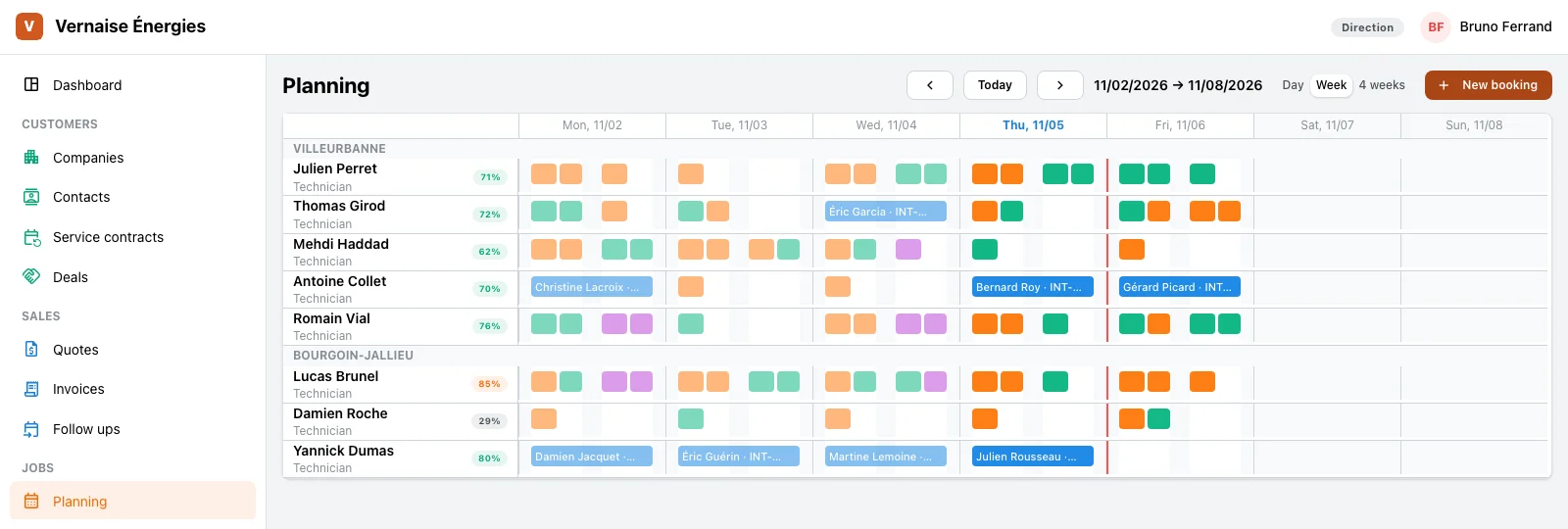
- The week’s planning per agency: each technician, their load, their jobs and their absences, by day, week or four weeks.
- A job and its place on the planning keep the same hours: move one, the other follows.
- The jobs on a board, a column per status, from booked to done.
- The technicians’ absences, approved by the agency manager.
- Each agency’s companies and contacts, their history and the follow ups to do.
Heating, cooling and plumbing technicians
At the customer’s
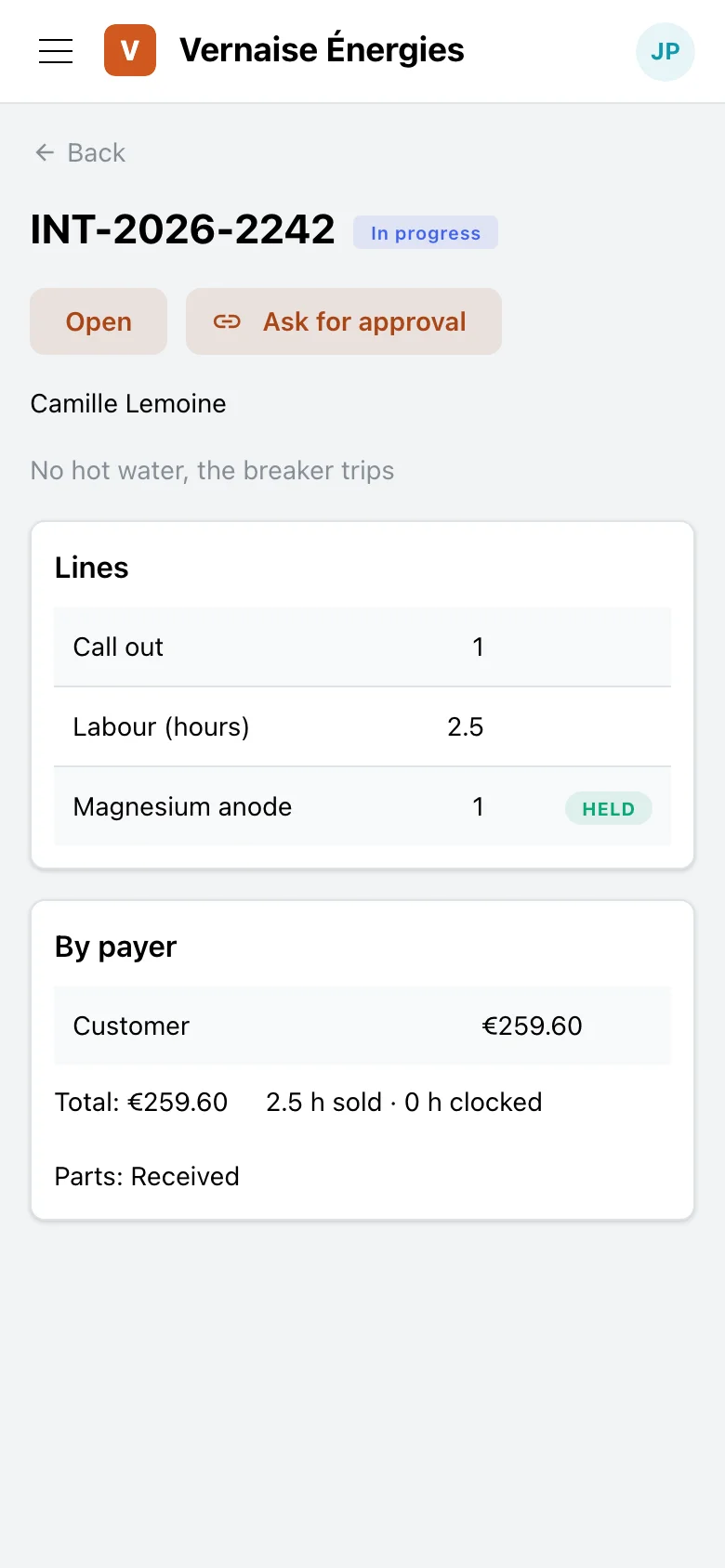
The technician leaves in the morning with the round, goes from one customer to the next, waits for a part, adds work the customer agrees to on the spot, and comes back in the evening with hours to report.
In the app today
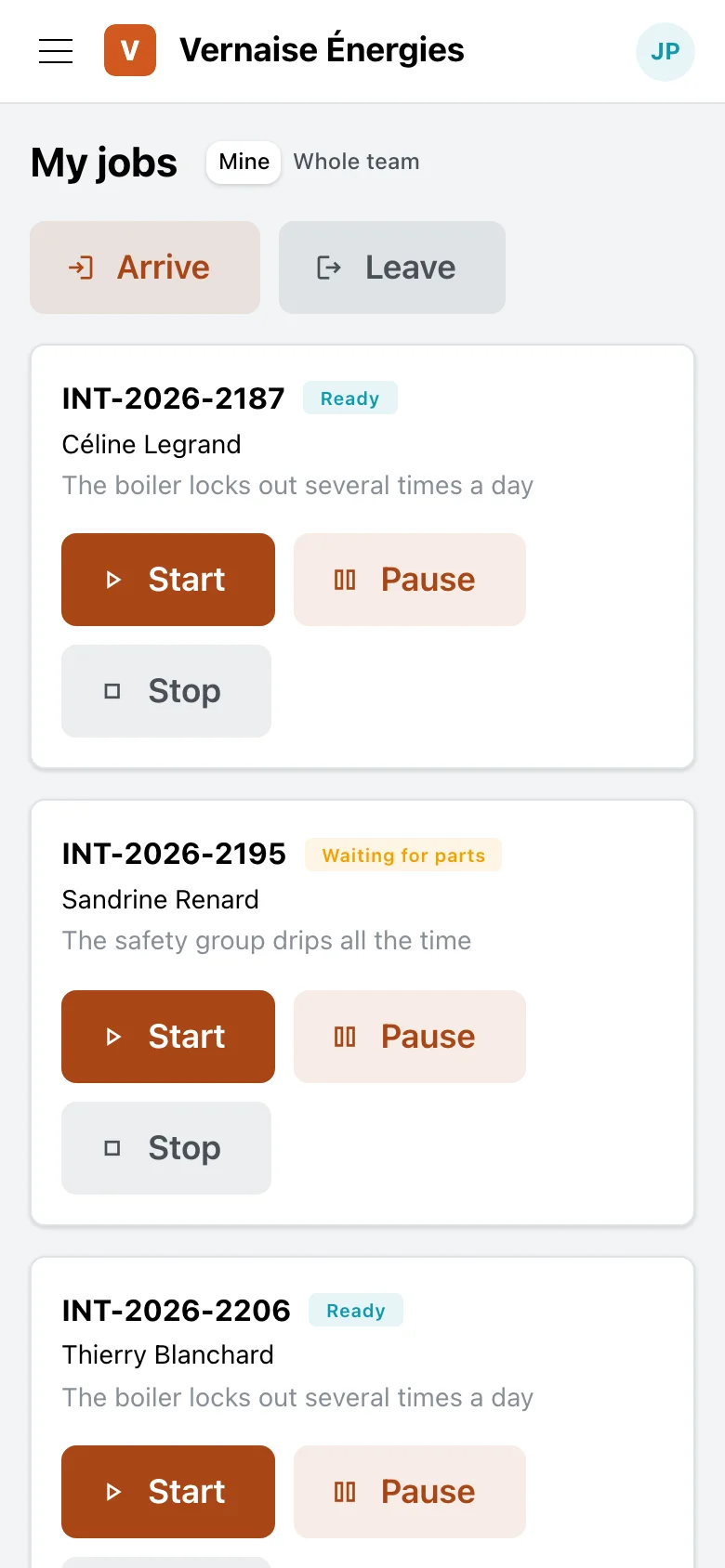
- “My jobs” on their phone: their arrival and departure, then start, pause and stop on each job.
- The time spent, clocked job by job, against the hours sold.
- The job: the fault, the lines of travel, labour and parts, the parts reserved at the agency’s depot.
- The customer’s approval of extra work, through a link on their phone, with no account to create.
Being built
- The stock of their van: the parts they take along, taken out of the van when they fit them.
Front desk, accounting
At quotes and invoices
A survey visit, a boiler replacement quote to send then chase, the invoice to make once the work is done. And at the end of the month, knowing who has not paid.
In the app today
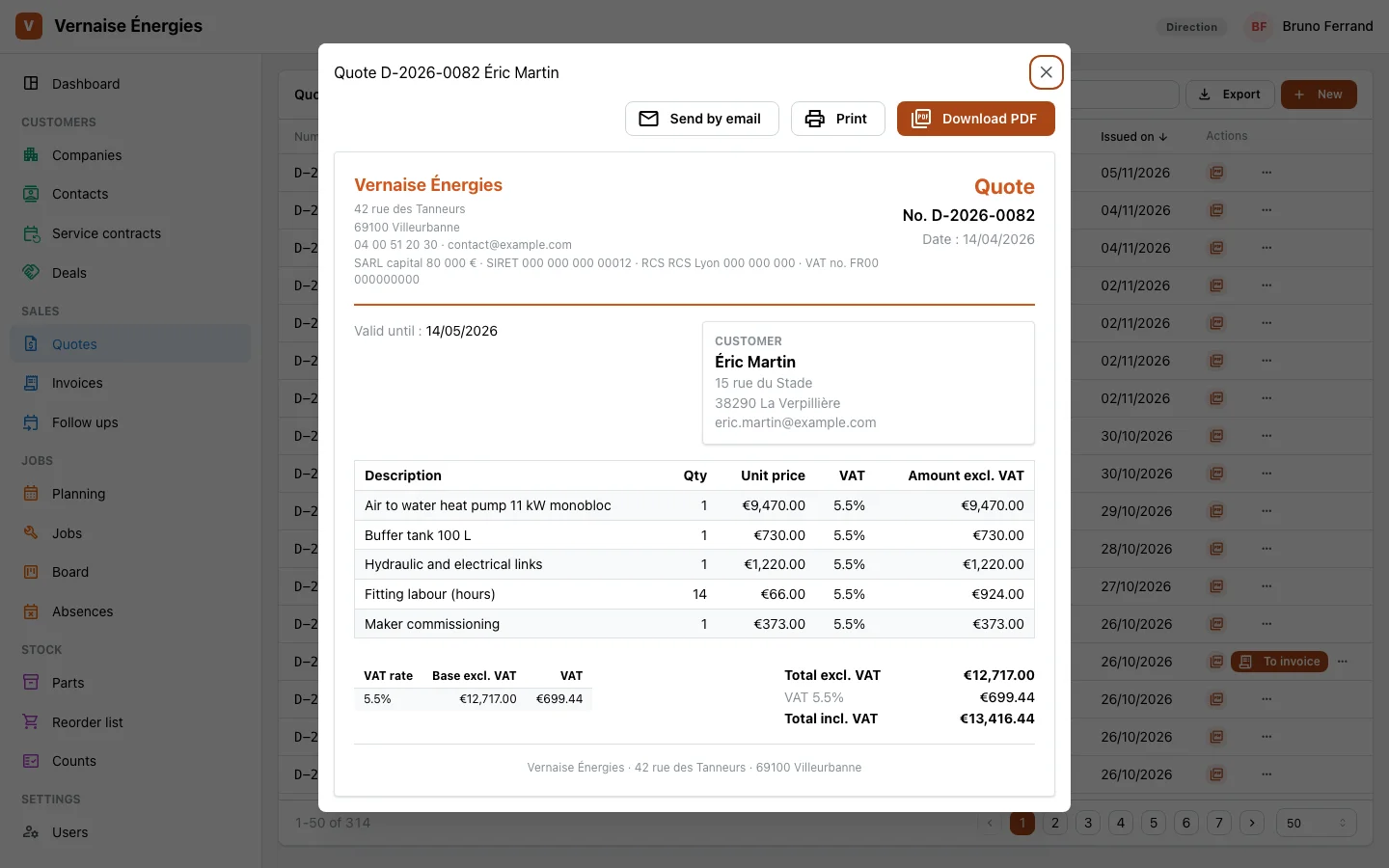
- Quotes and invoices as PDFs, sent by mail, under one numbering.
- An accepted quote becomes an invoice in one click.
- A finished job is invoiced from its lines: travel, labour and the parts fitted.
- Payments and credit notes; an invoice past its due date turns late by itself.
- The day’s follow ups, the late ones in red: a quote sent, a customer to call back.
Agency managers, technicians
At service contracts
Every boiler and heat pump under contract must be visited once a year. Hundreds of contracts, a date each, and the heating season coming.
In the app today
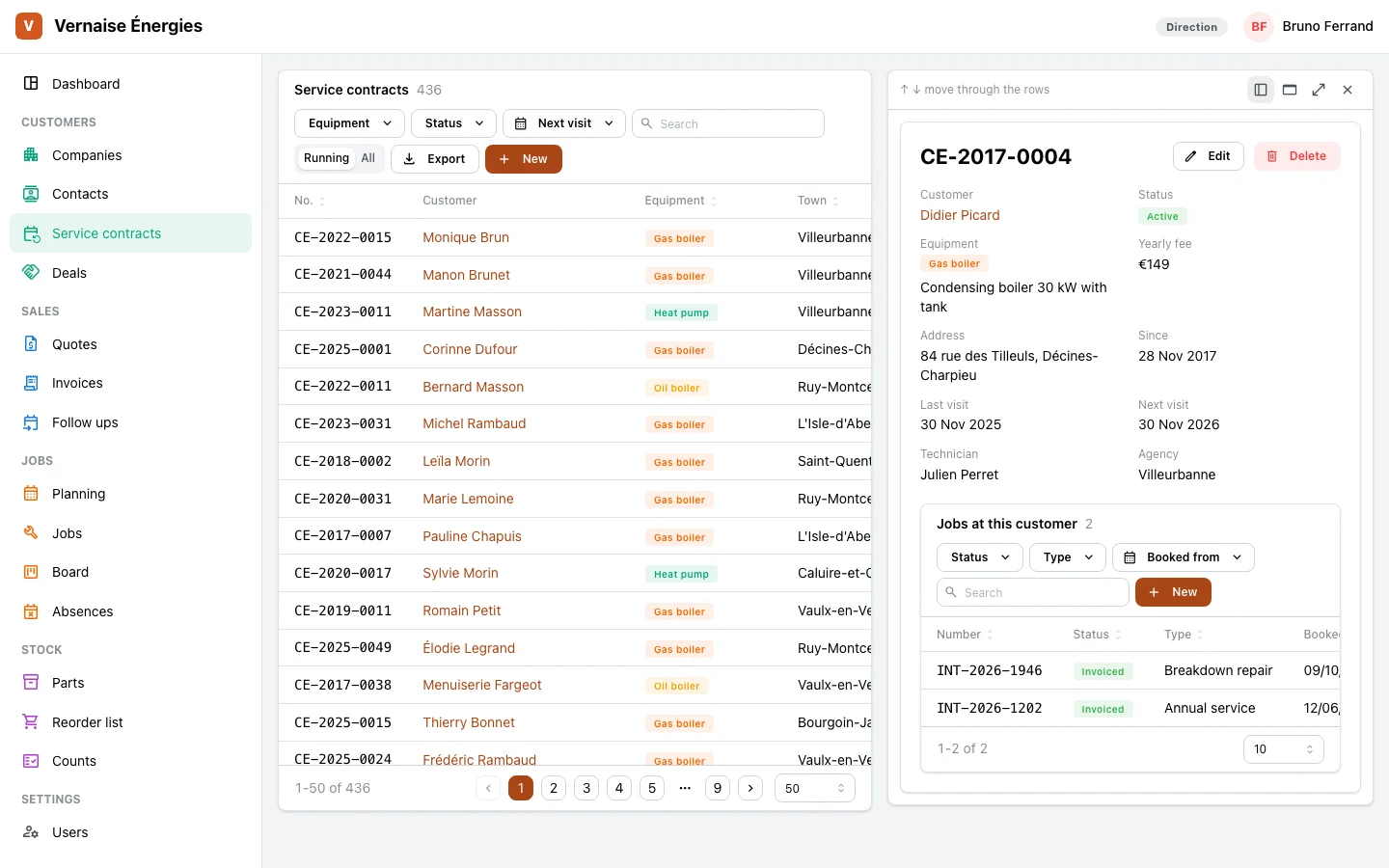
- One contract per unit at a customer’s: gas or oil boiler, heat pump, air conditioning, water heater, wood stove.
- Contracts by next visit, the late ones first and in red.
- The assigned technician, the yearly price, the last and the next visit of each contract.
- The contracts to renew marked, the stopped ones one click away.
- The dashboard counts the visits due and the late ones.
Storekeeper
At the parts depot
A part to prepare for a job, a restock to order from the supplier, a stock count to do, a part to send to the other agency.
In the app today
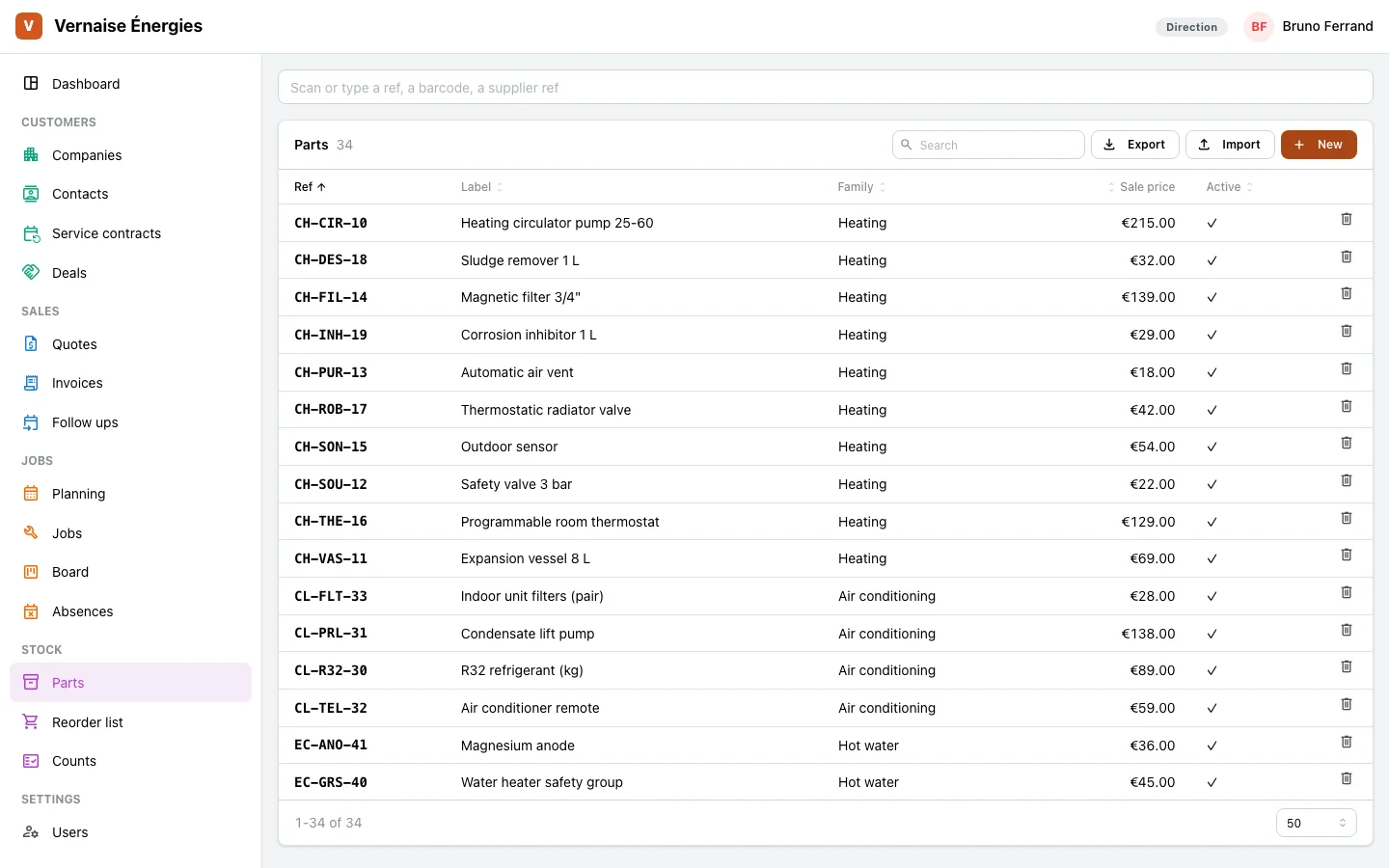
- Parts per agency depot: in stock, reserved, available, on order, and the minimum.
- A search by reference or barcode, and labels to print.
- Restocking grouped by supplier, and stock counts.
- Transfers from one agency to the other.
- A part reserved for a job, then taken out of stock when it is fitted.
Being built
- The stock of each van, as one more depot: the technician knows what they carry, the storekeeper what to hand them.
Owner
In management
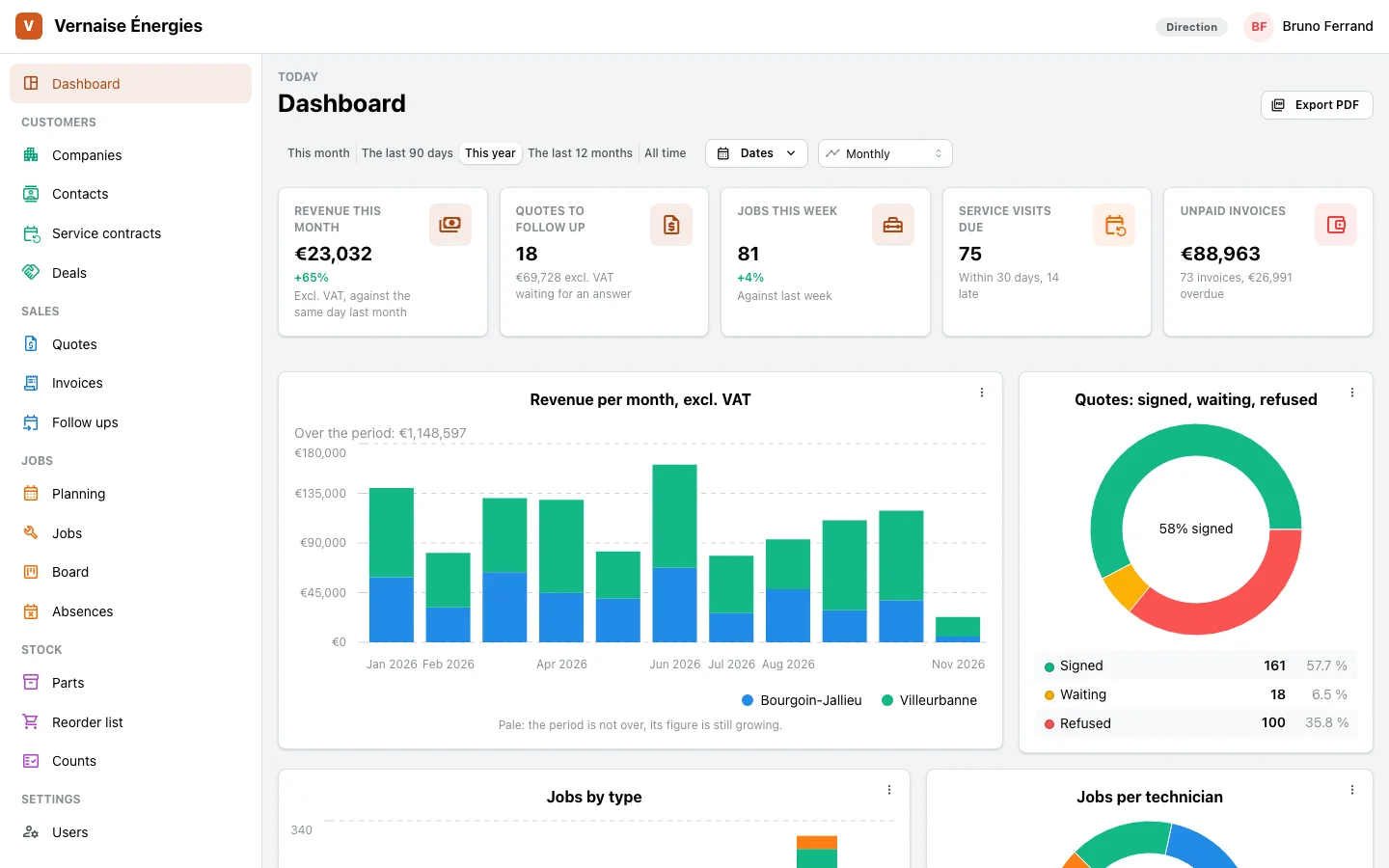
Know what the firm invoiced this month, what is still to collect, how many quotes are waiting, whether service visits keep up, and how the two agencies compare.
In the app today
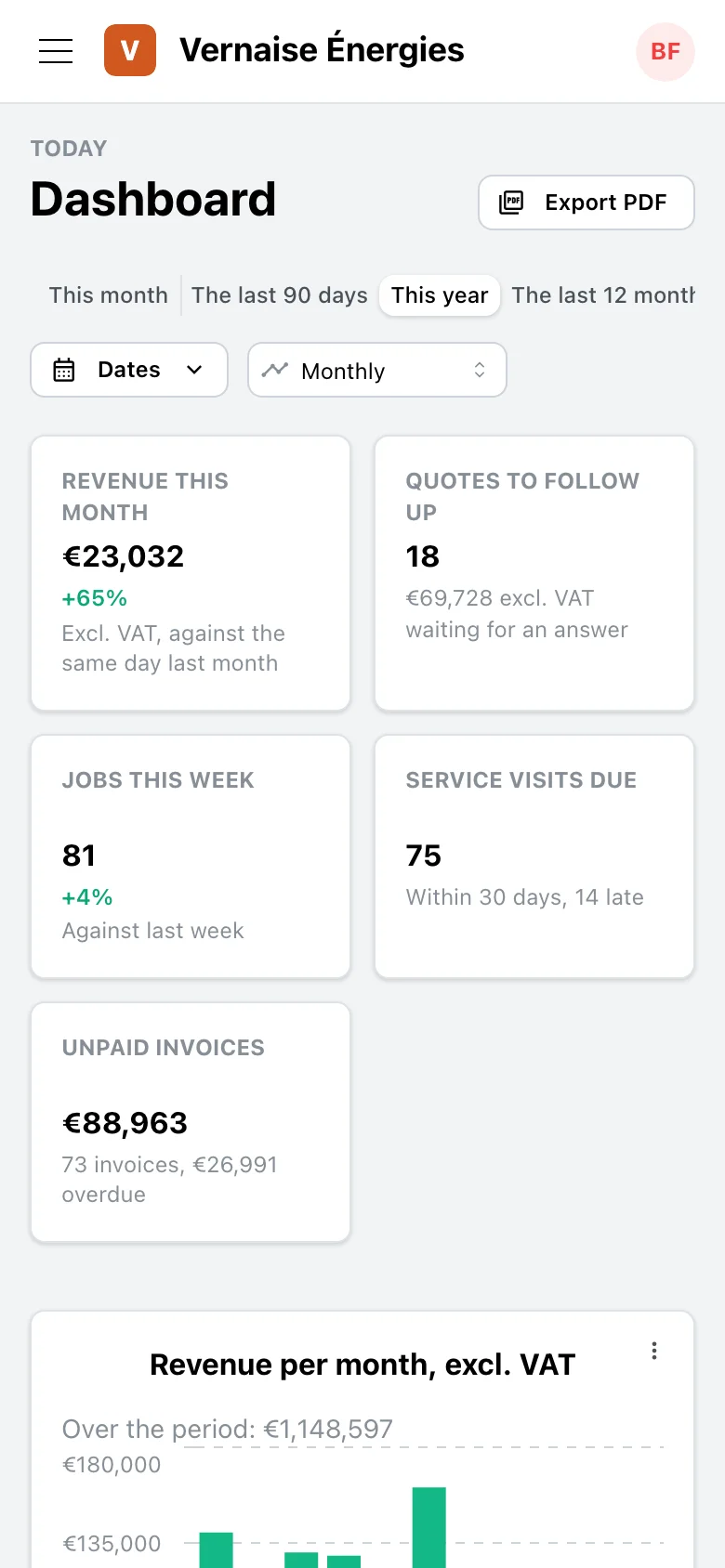
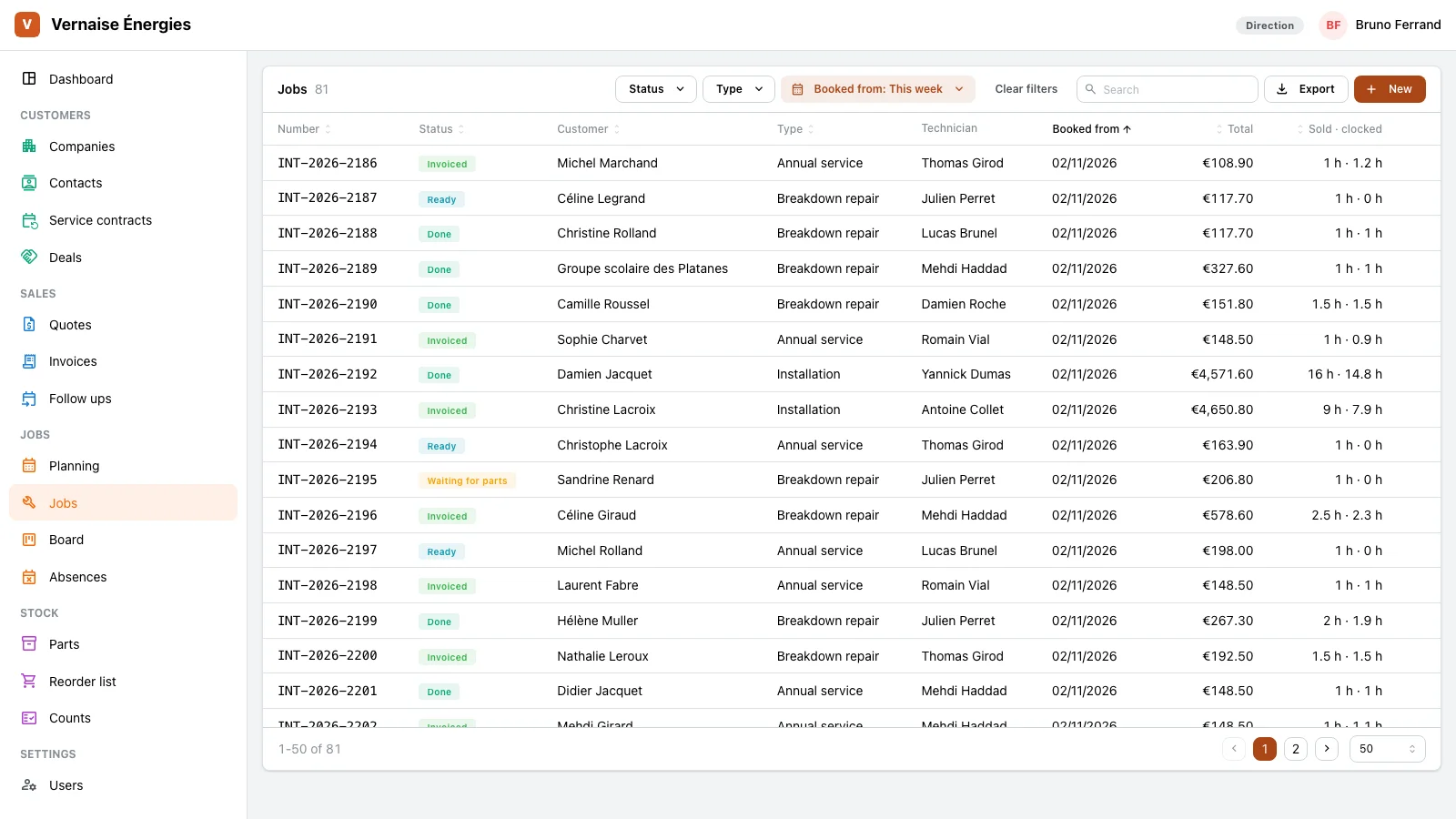
- A dashboard as the home: revenue this month, quotes to follow up, jobs this week, service visits due, unpaid invoices, figures computed by the server.
- Revenue per month and per agency, quotes signed, waiting and refused, jobs per month and per technician, as a PDF.
- Each job’s hours sold against hours clocked.
- Rights profiles: each person sees their agencies and what their desk needs, management sees everything.
- Every list, filtered as on screen, exports to a spreadsheet.
Your app changes when you ask
A request like the ones our clients make, on the app of Vernaise Énergies. Our agents carry it out, you approve it on a preview.
When a service contract nears its visit, create the job and offer a slot to the contract’s technician.
You ask
In your own words, in writing, drawing on a picture of the screen if it helps.
Our agents change your app
An AI agent changes your app’s code, runs the checks, and shows the screen before and after.
You approve
On a preview, next to your app. What you approve goes live, and your team sees what is new.
An app of your own, from the common base
Not a blank page, and not a frozen product.
A base shaped for your trade
Customers, quotes and invoices, planning, jobs, parts, several agencies, rights per profile. Vernaise Énergies started from this base, then our agents shaped it for heating: service contracts, its dashboard, the trade’s words.
Your spreadsheets become screens
What you track today in a spreadsheet or on paper can become a screen of your app: you ask, our agents build it, you approve.
The office and the field, in one app
The customer, their contracts, quotes, jobs and invoices sit in one place for all your agencies, and the technician has them on their phone.
Your code and data stay yours
Your app runs alone, hosted in the European Union, and you leave with its code whenever you want.
Security and ownership →
Show us your firm
GoLocomotive is in private testing. Access is by invitation. Once you are invited, you describe your firm, and within a few days you see a working first version, then a fixed price. How a quote works