 GoLocomotive
Stock that sits too long, in color
A request written in plain words, and the stock screen changes. Vehicles in stock for more than 60 days stand out in orange, those over 90 days in red.
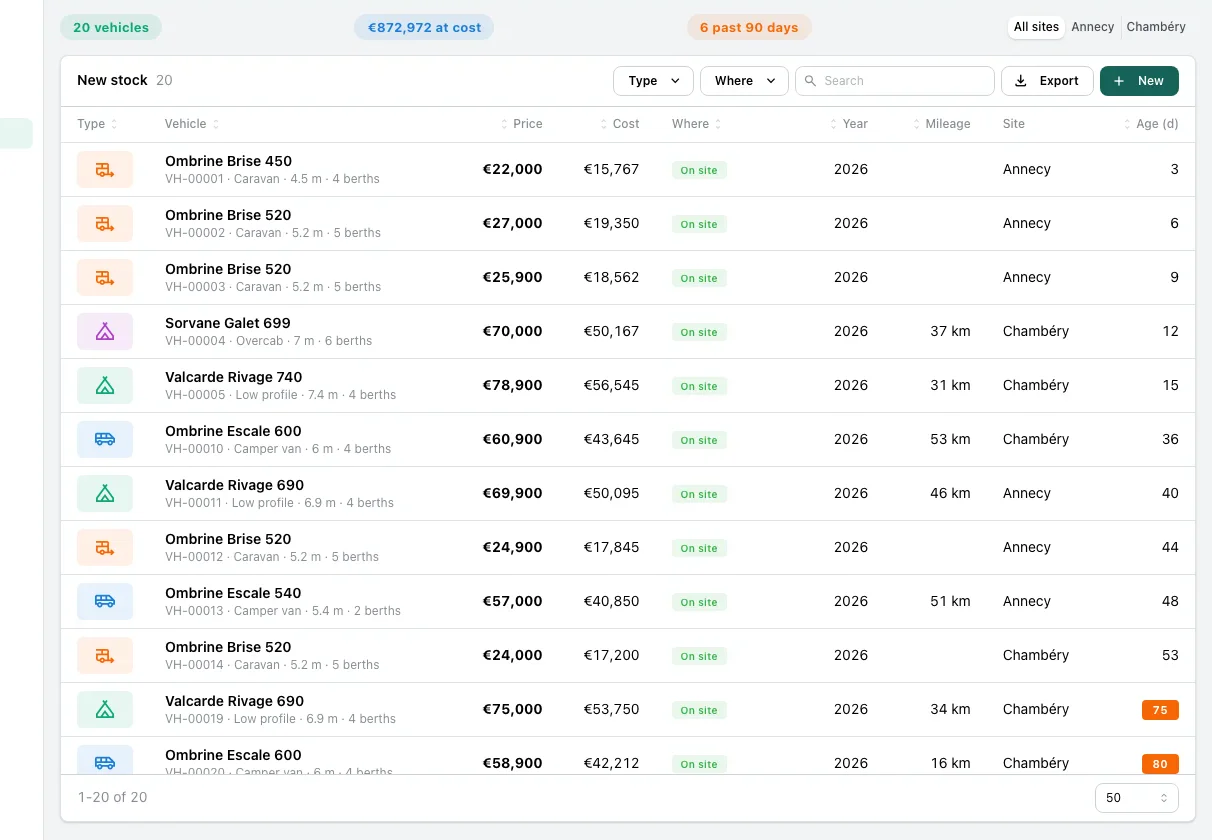
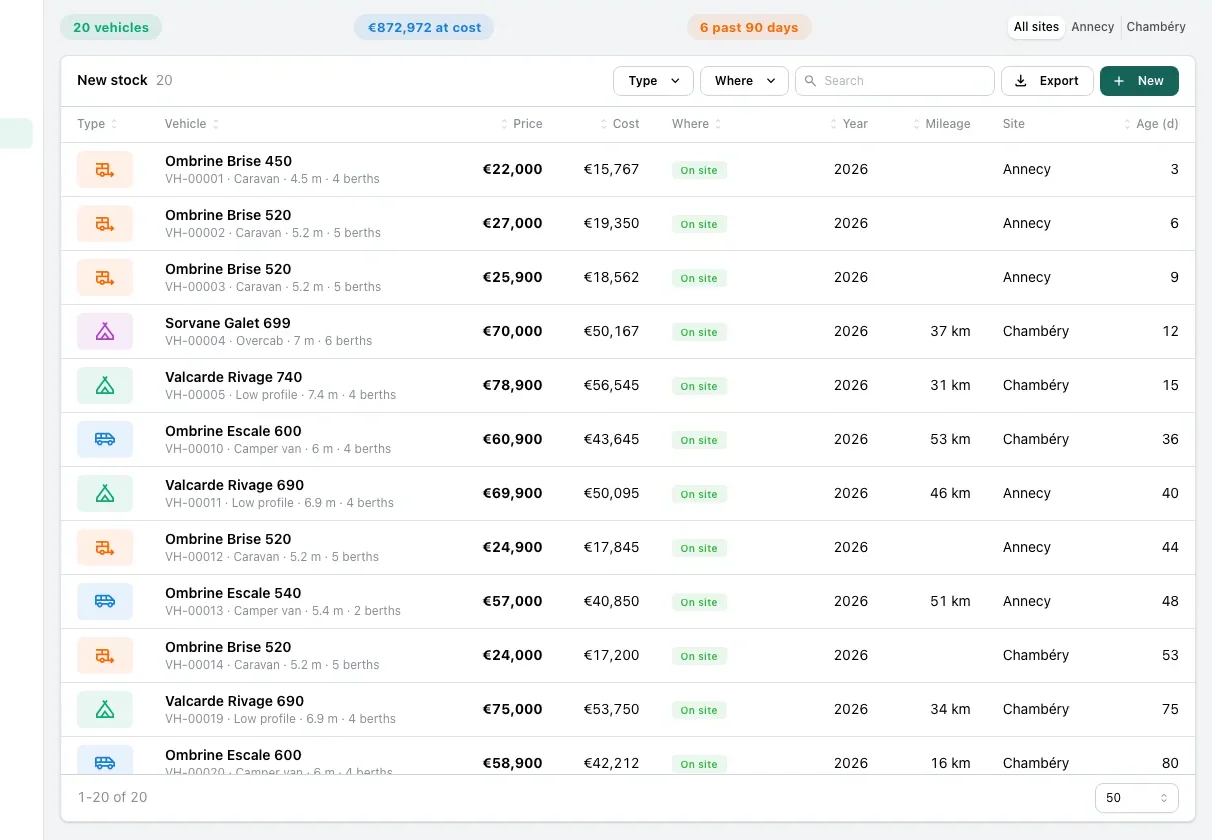
At a motorhome dealer, a vehicle that stays on the lot too long costs money. The manager wanted to see those at a glance. He wrote his request the way he would say it to a colleague:
In the stock, make the vehicles that sit too long stand out: over 60 days in orange, over 90 days in red.
What happened next:
- an AI agent changed his app's code and ran the checks;
- the change came back as a card, with the screen before and after;
- the manager approved it on a running preview, then it went live.
Open the Before tab on the picture to compare. The whole path is on the How it works page.