 GoLocomotive
Every module, screen by screen
The « Modules » menu leads to the catalogue of your app's modules, and each module has its page, role by role, with its screens.
Your app is made of modules: each brings its screens, its rules and its automation for one part of the trade. The catalogue groups them by area:
- Sales and customers: customers, quotes and invoices, campaigns;
- Operations: work orders, planning, stock, supplier orders;
- Rentals and service: rentals, warranty, tracked goods.
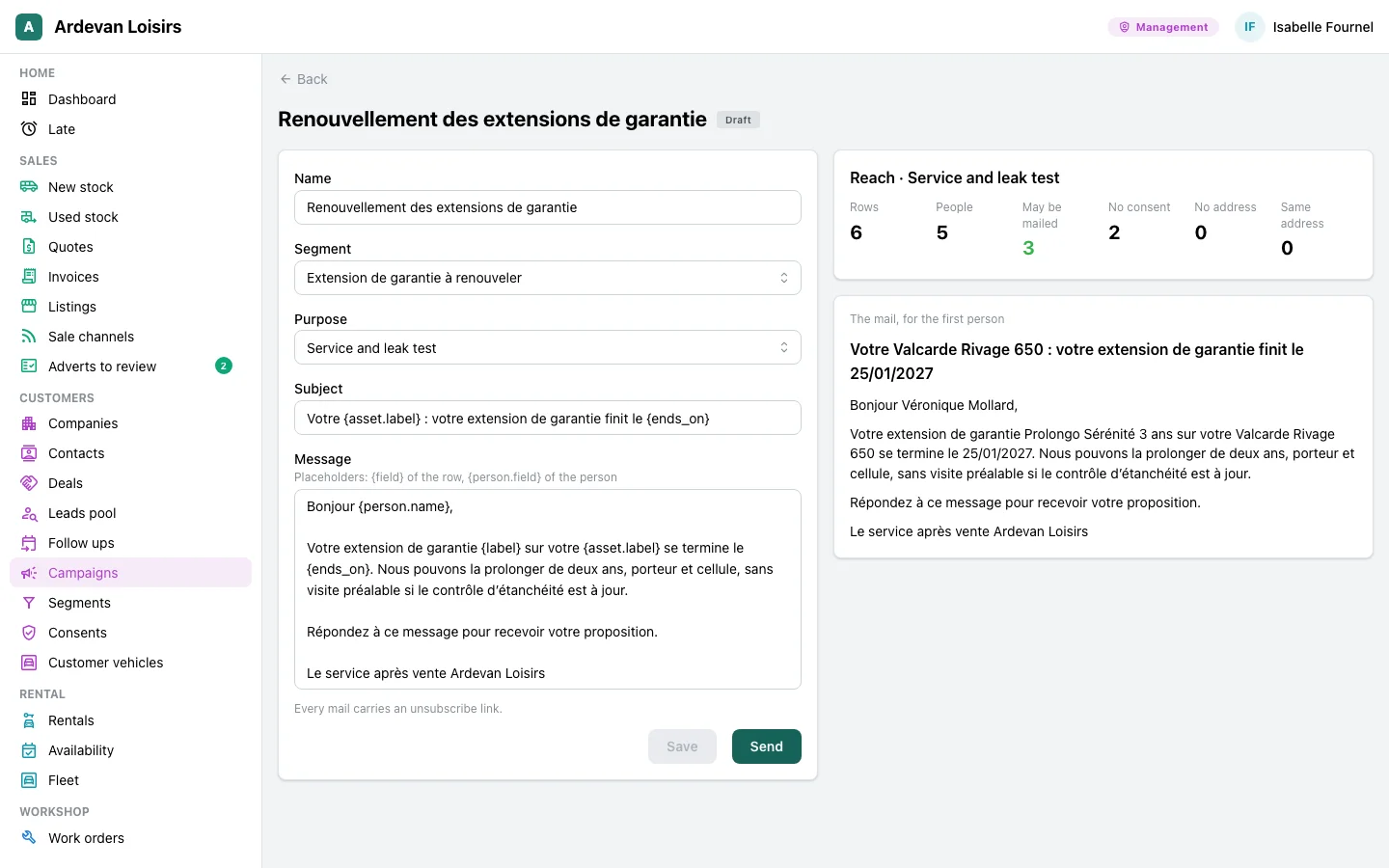
Each module page shows what it does for each role of the team, with the screens of a running app. For example, the Campaigns page shows a reminder in draft: how many customers it reaches, and the email the first one gets.