 GoLocomotive
Clearer forms, safer apps
Pick from your lists, never type them. Country, currency and VAT rate from a list. A planning resource picks its site and its colour. A work order picks its customer and vehicle…
Forms
NewPick from your lists, never type them
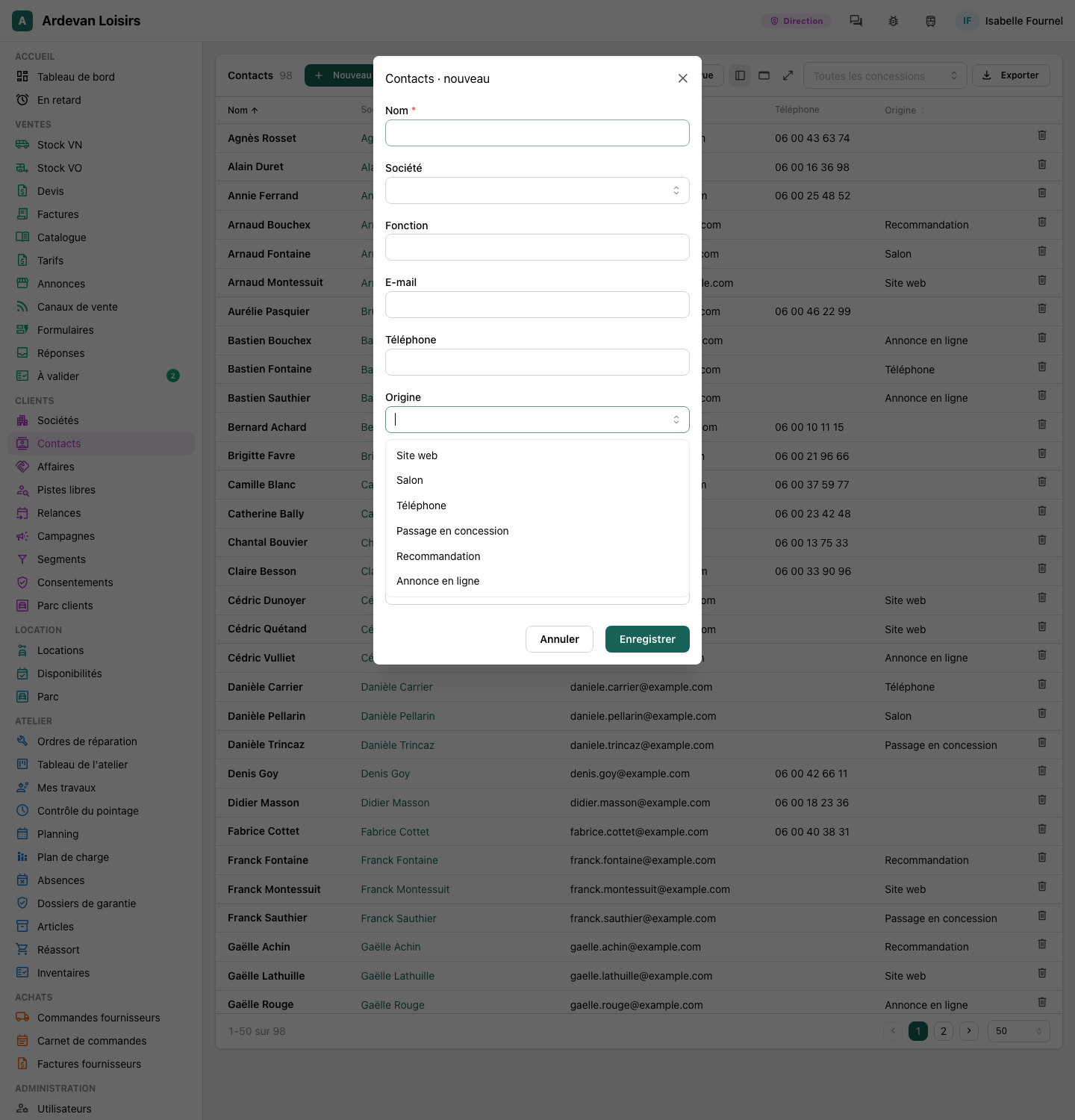
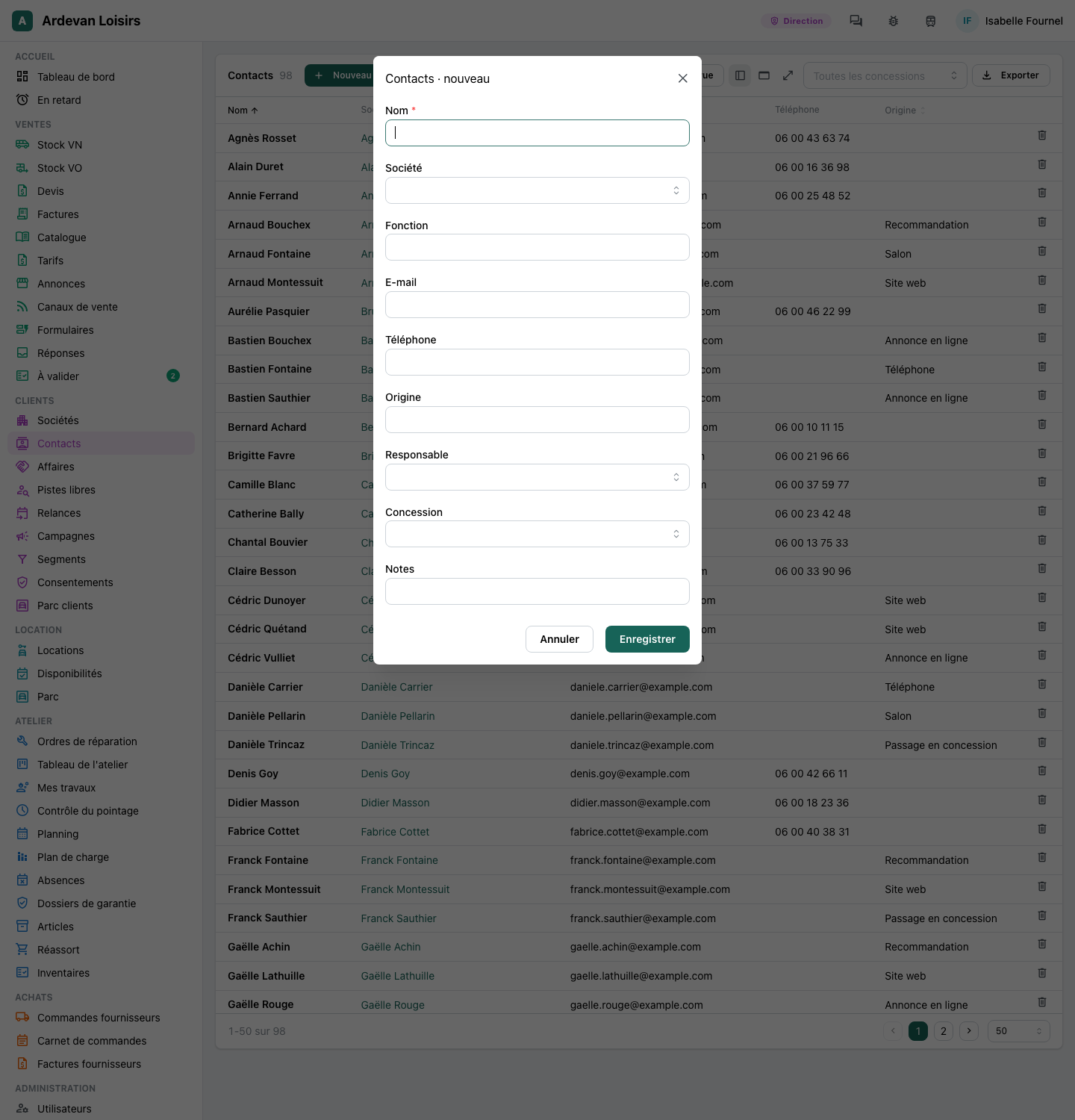
Where your app keeps a list, every form now offers it: a contact's source, a lost deal's reason, a claim's origin, a file's kind, a product's family. Everyone picks the same words, so a filter on the list finds every record.
- A value saved before that the list does not hold still shows as it was saved
ImprovedCountry, currency and VAT rate from a list
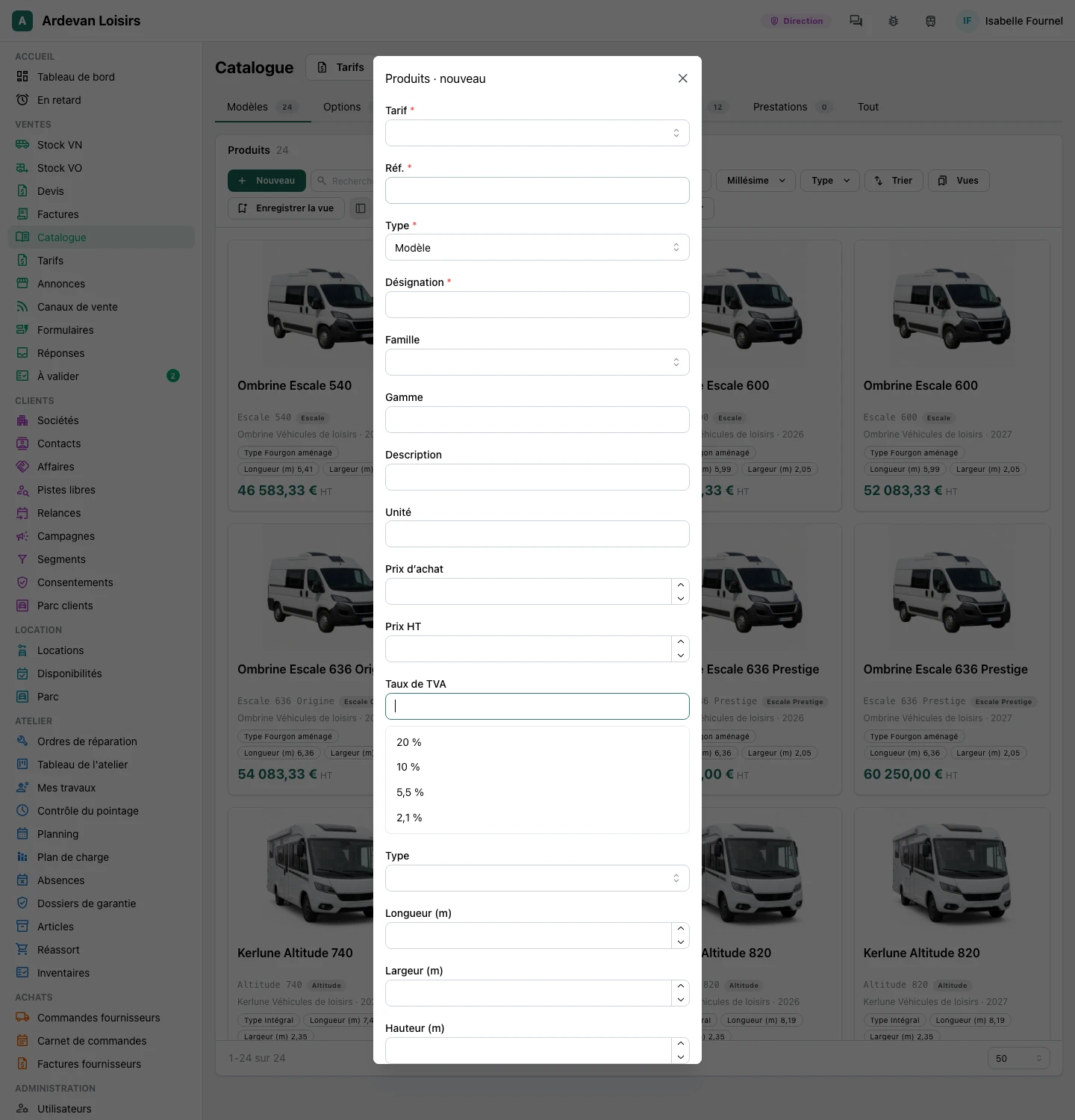
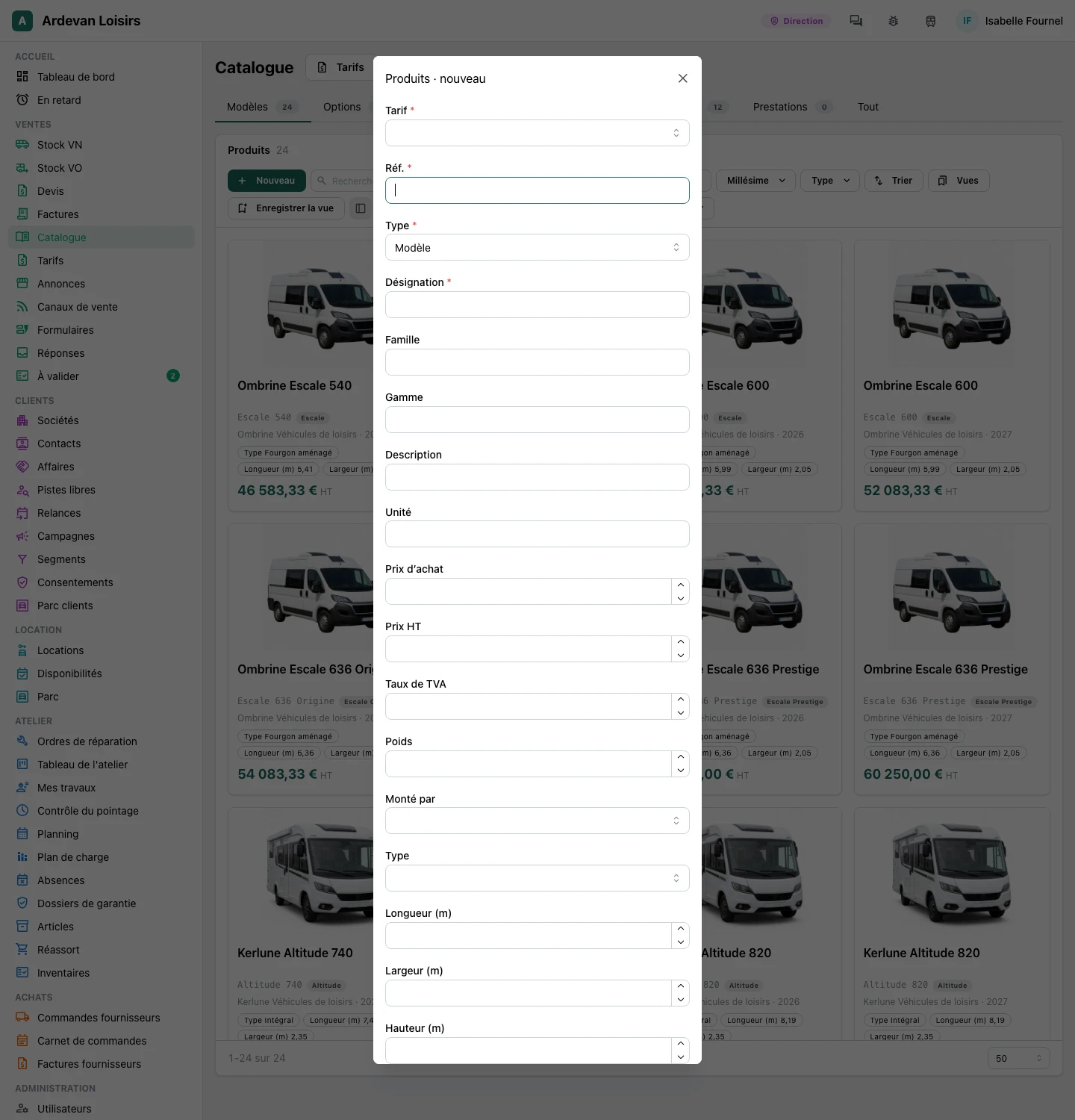
A company's country, a price list's currency, a sales channel's language and a product's VAT rate are picked from a list, each named in your language. France, Belgium, Switzerland and Luxembourg come first among the countries.
- Another VAT rate can still be typed
ImprovedA planning resource picks its site and its colour
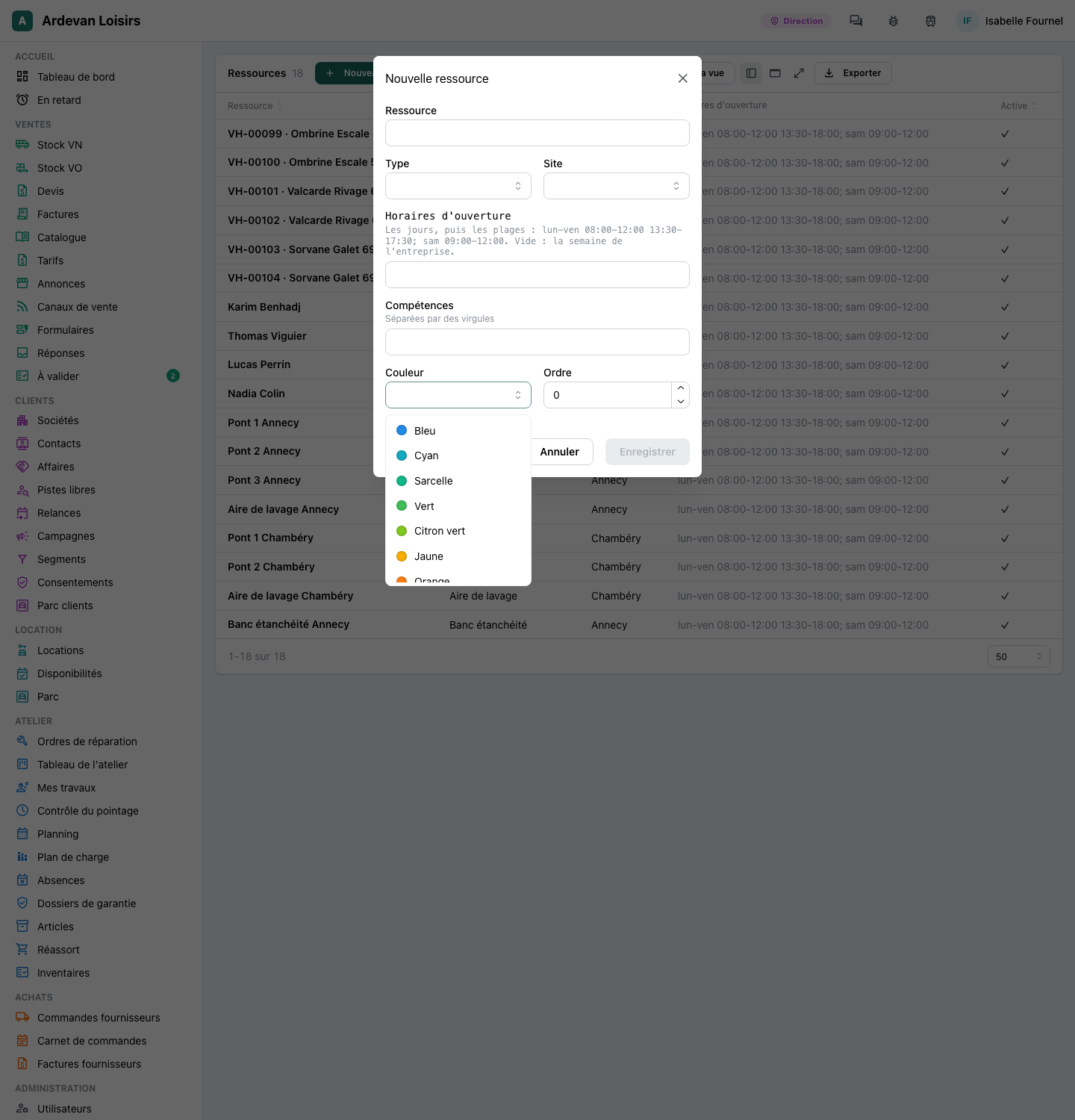
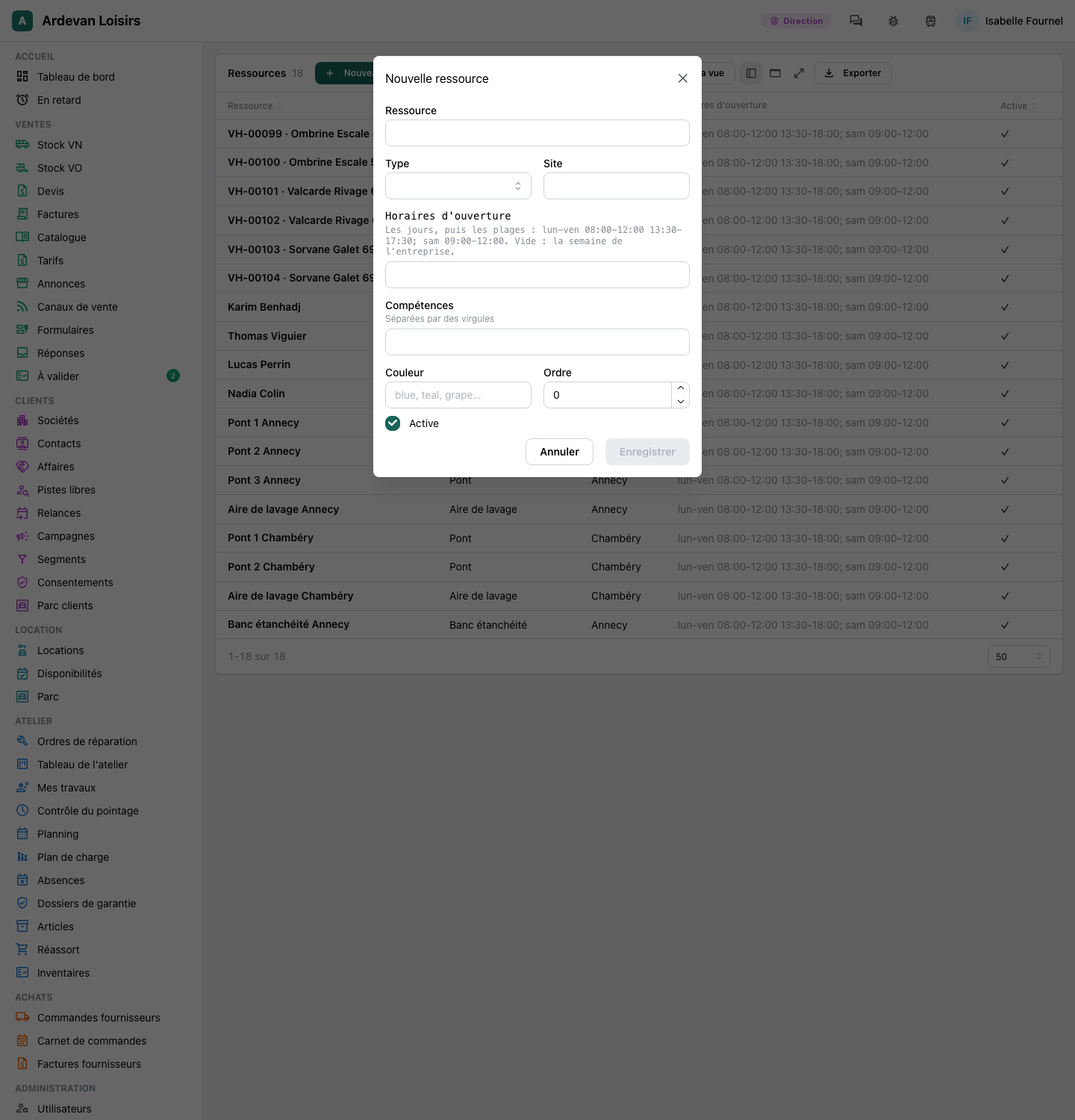
When you add a person, a bay or a vehicle to the planning, its site is picked from your sites, and its colour from a list where each colour shows its swatch. Nothing is typed from a hint any more.
ImprovedA work order picks its customer and vehicle
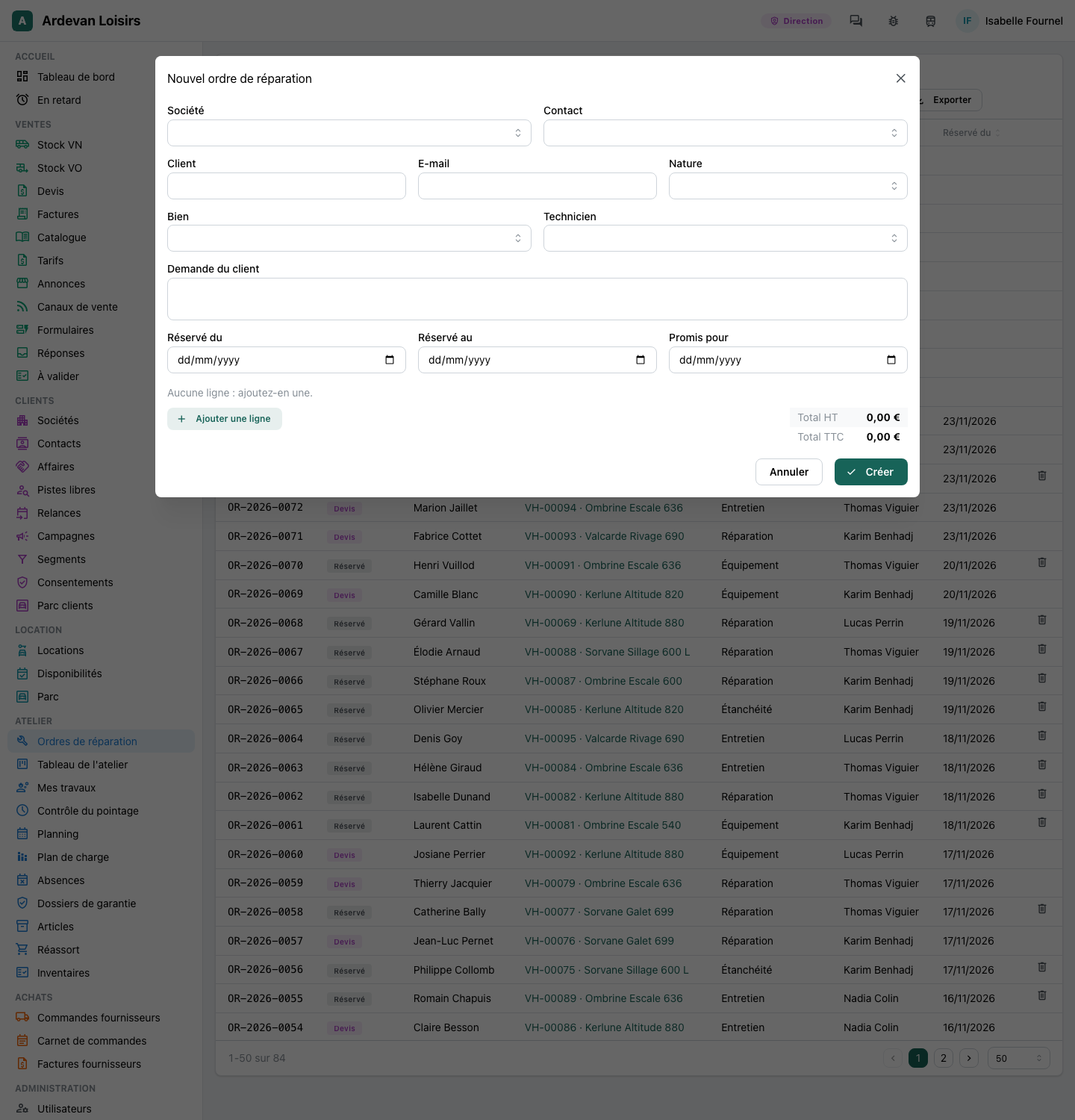
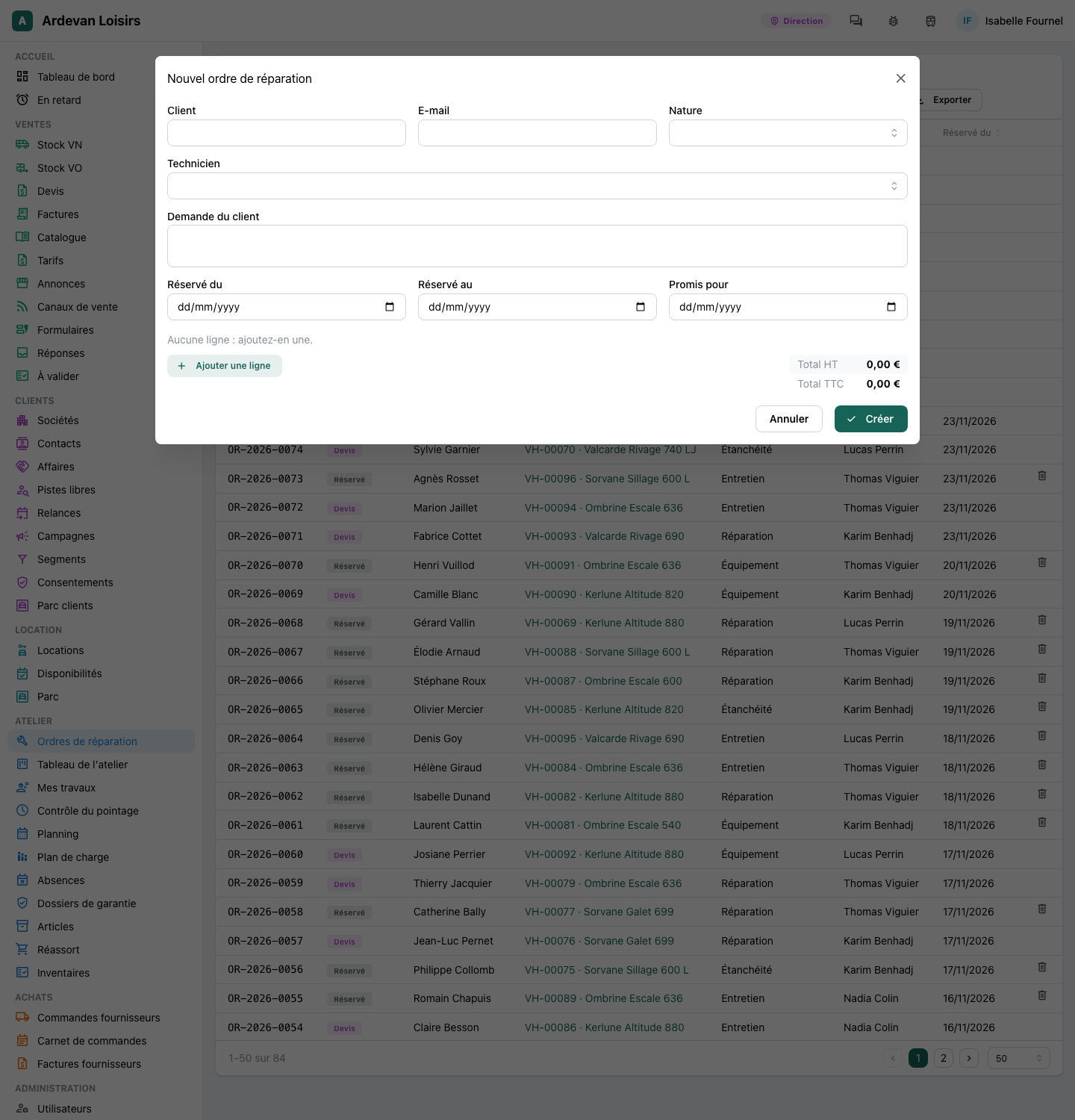
As on a quote, a new work order picks the company, then one of its contacts, and the vehicle beside the technician. The customer's name and e-mail fill in from the company.
ImprovedConditions offer the field's own values
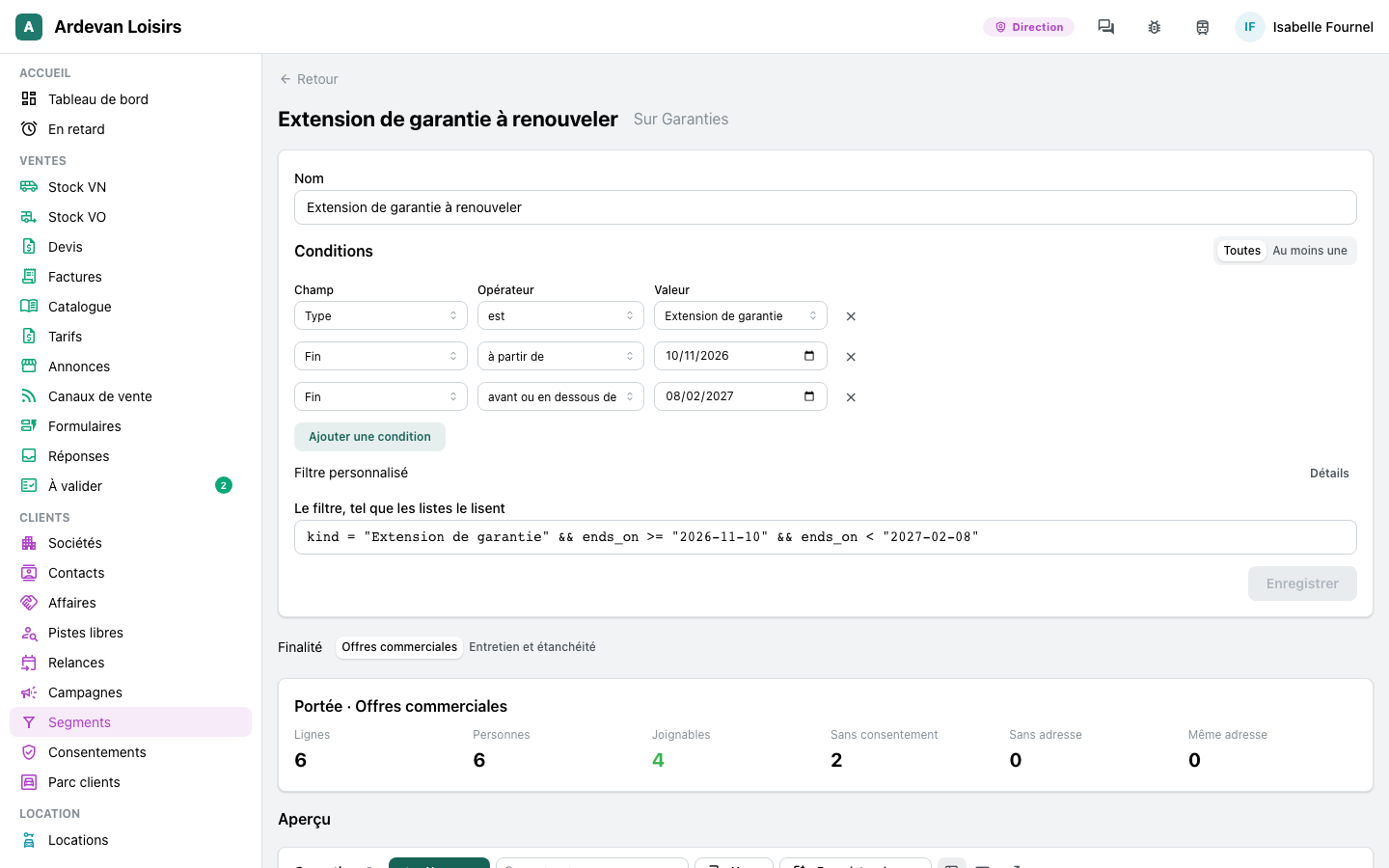
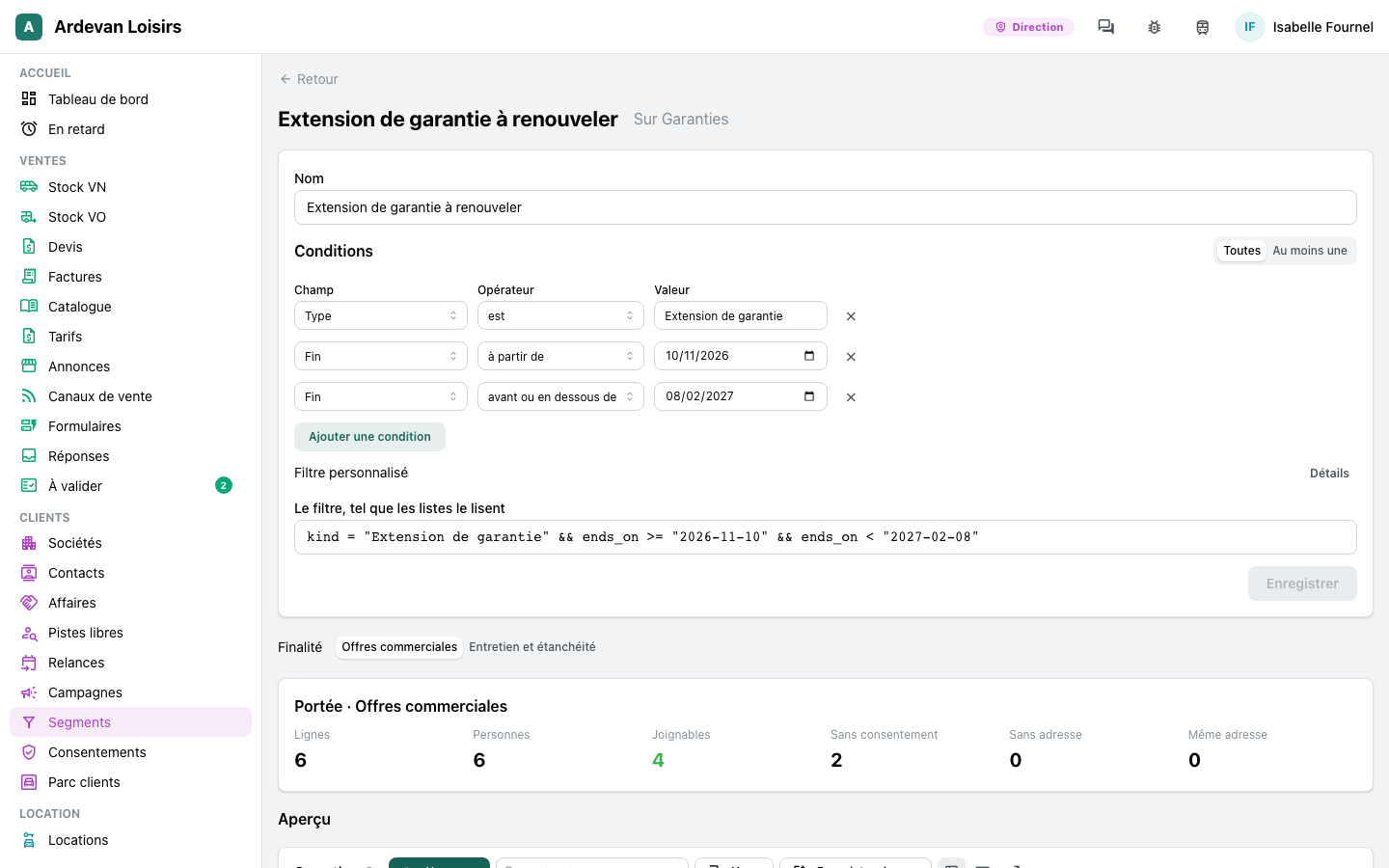
In a segment, a condition on a field with a list now offers that list: « Type is Warranty extension » is picked, never typed. A condition on a link to another record searches those records.
- The same in a workflow's conditions and in the values of its steps
ImprovedYour own fields keep their names on every form
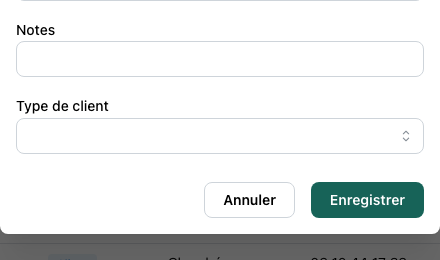
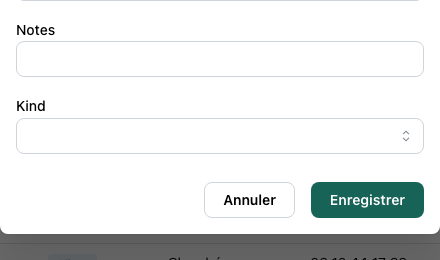
A field added to your app shows the name you gave it on every form, also on the forms that come with a module. A dealer's « Type de client » now shows under that name on the new company form, where its stored name « Kind » showed before.
Your company
NewYour company's details, in one place
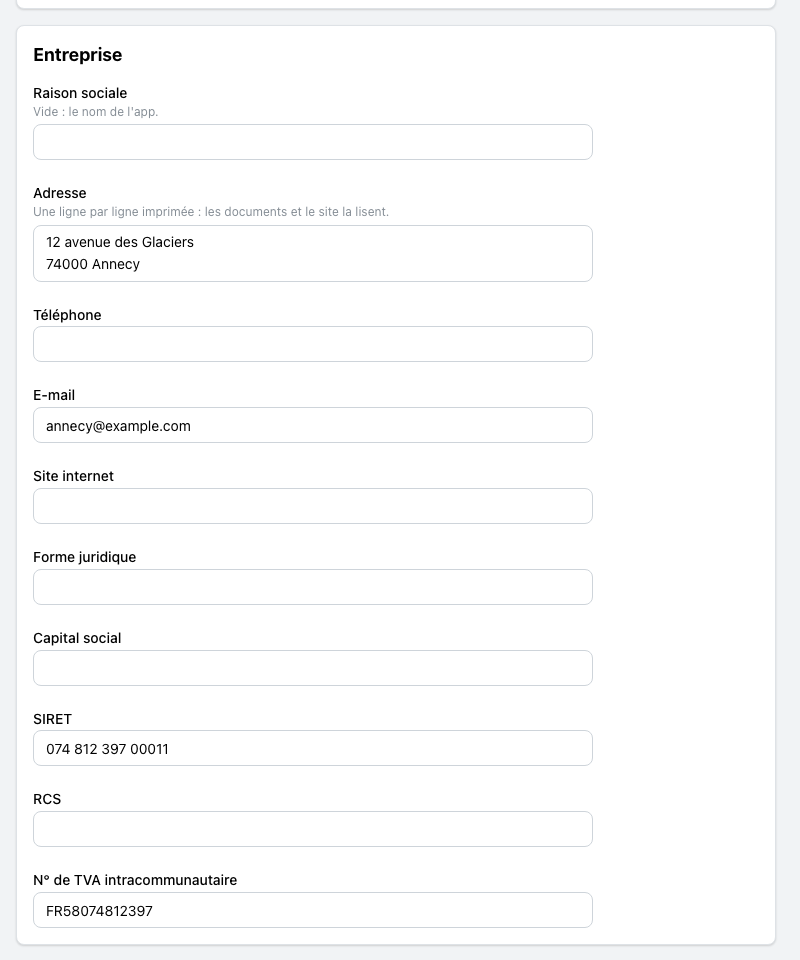
Settings has a « Company » section: your legal name, address, phone, e-mail, website, legal form, capital, SIRET, RCS and VAT number. Your quotes and invoices print it, and your website reads it when its own contact block is empty.
- Every app has it, edited by its administrators, each change kept in the journal
Releases
NewSee what a deploy changes before you confirm it
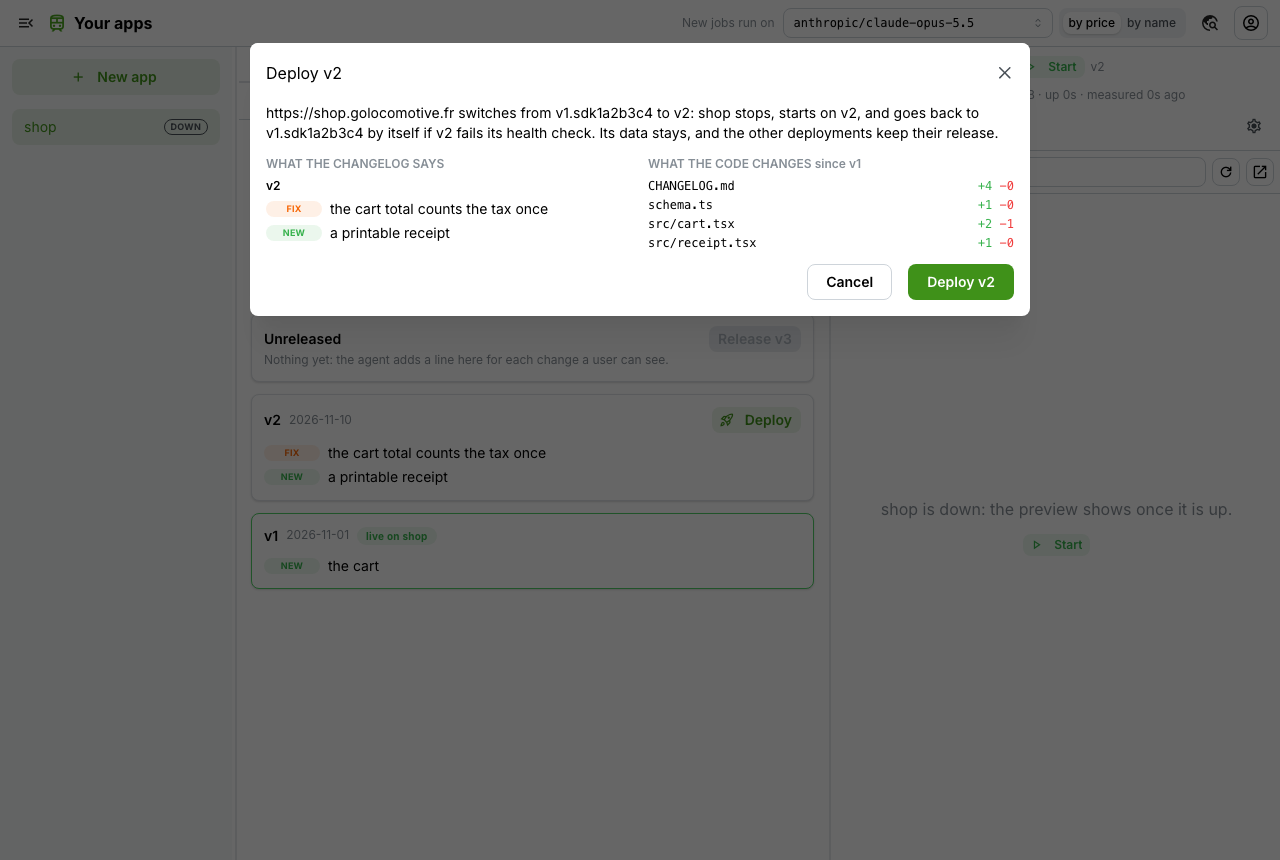
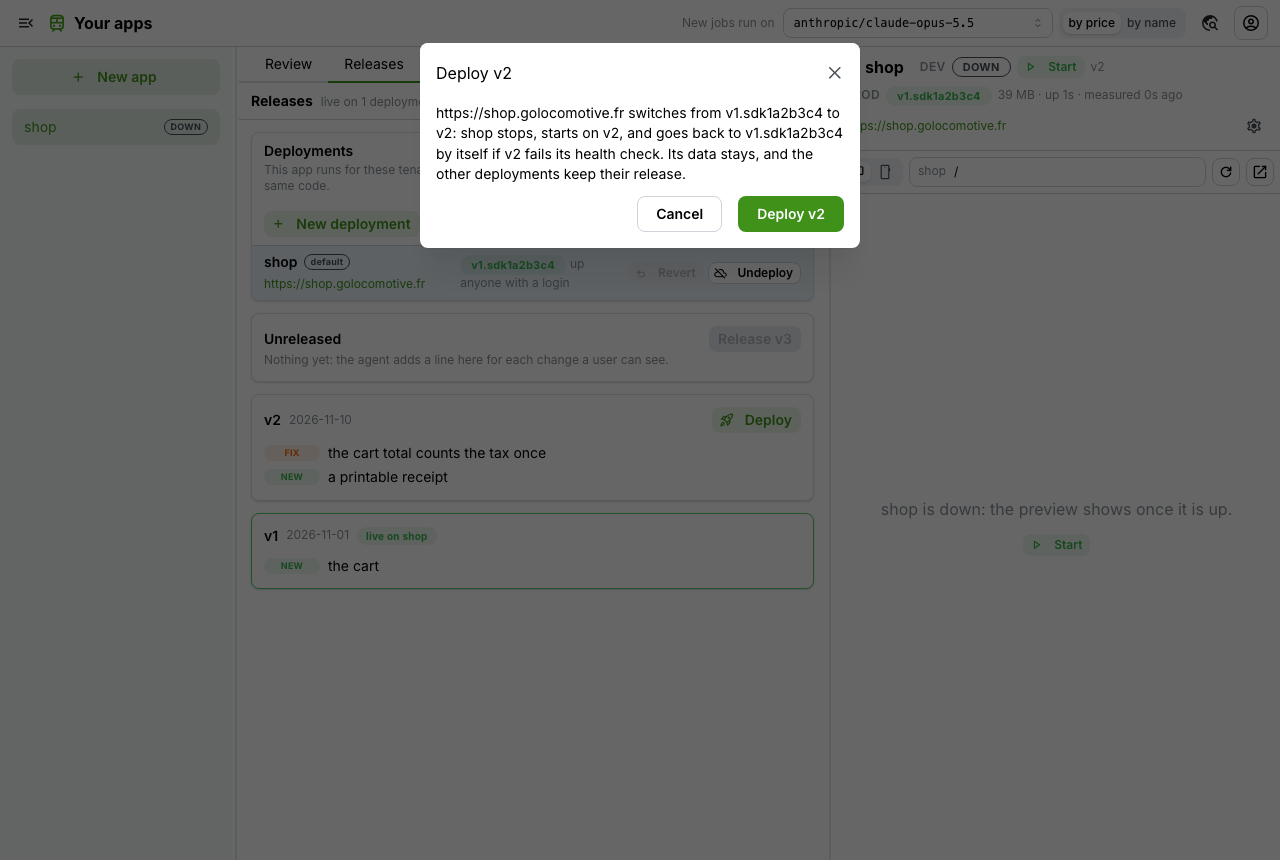
Before a new version of your app goes live, the confirm shows what its release notes say beside what its code changes: each file, with its lines added and removed.
- A first deploy says that it has nothing to compare with
Look and speed
ImprovedIcons drawn for each part of your app
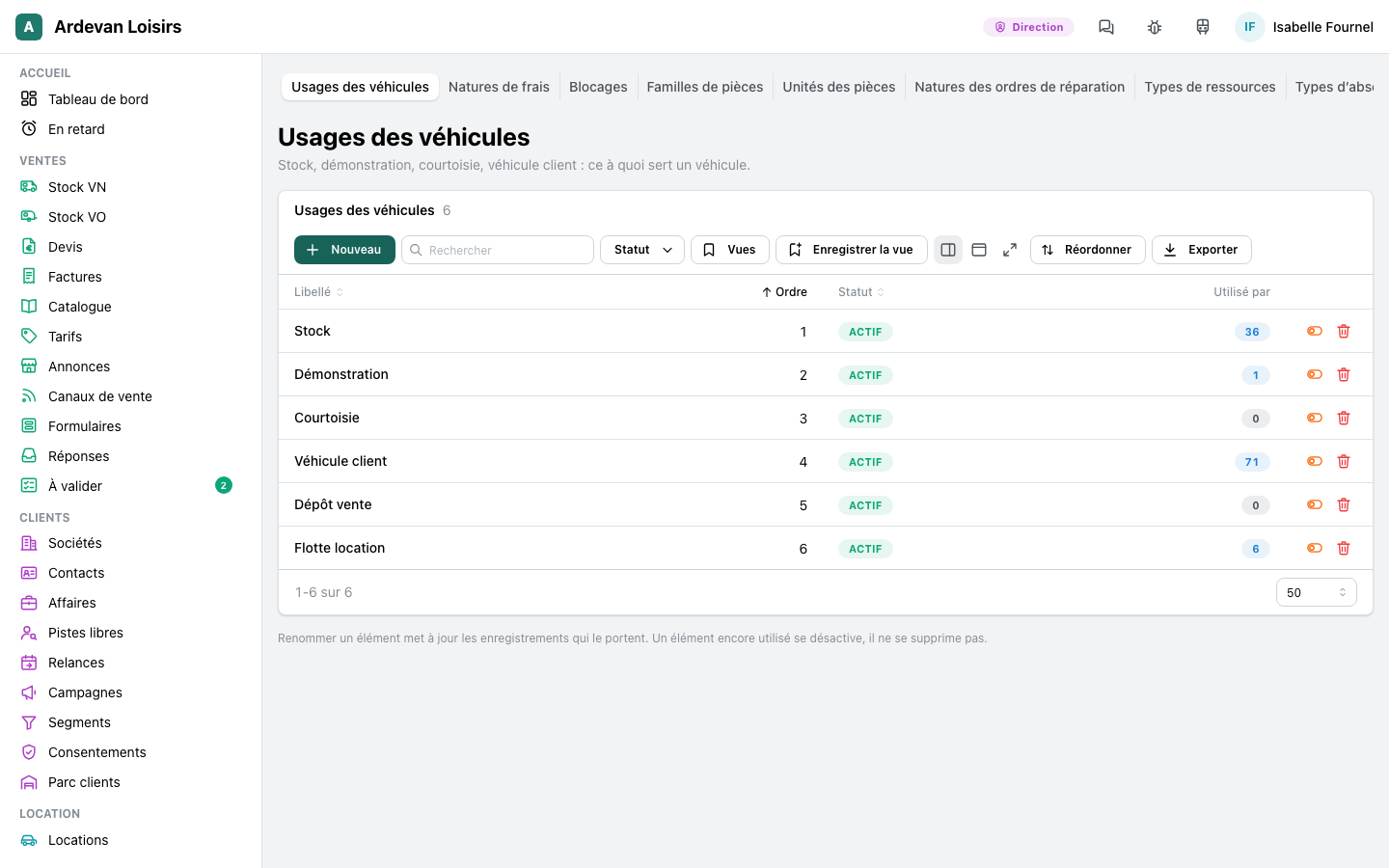
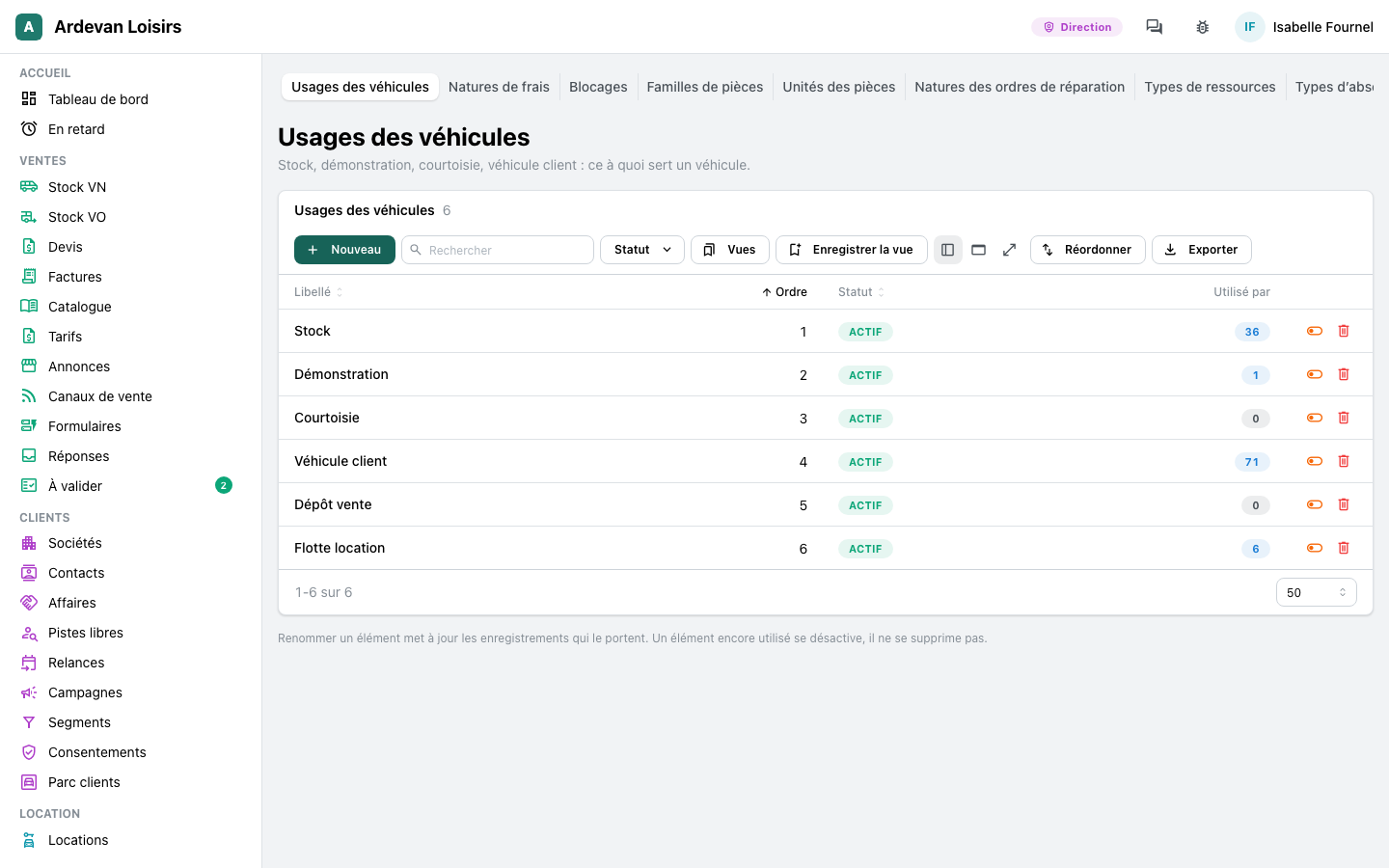
Every icon of your app is now our own, drawn as one family: a price tag for price lists, a book for the catalogue, a shop front for listings, a briefcase for deals.
ImprovedNo more 4 MB icon font to download
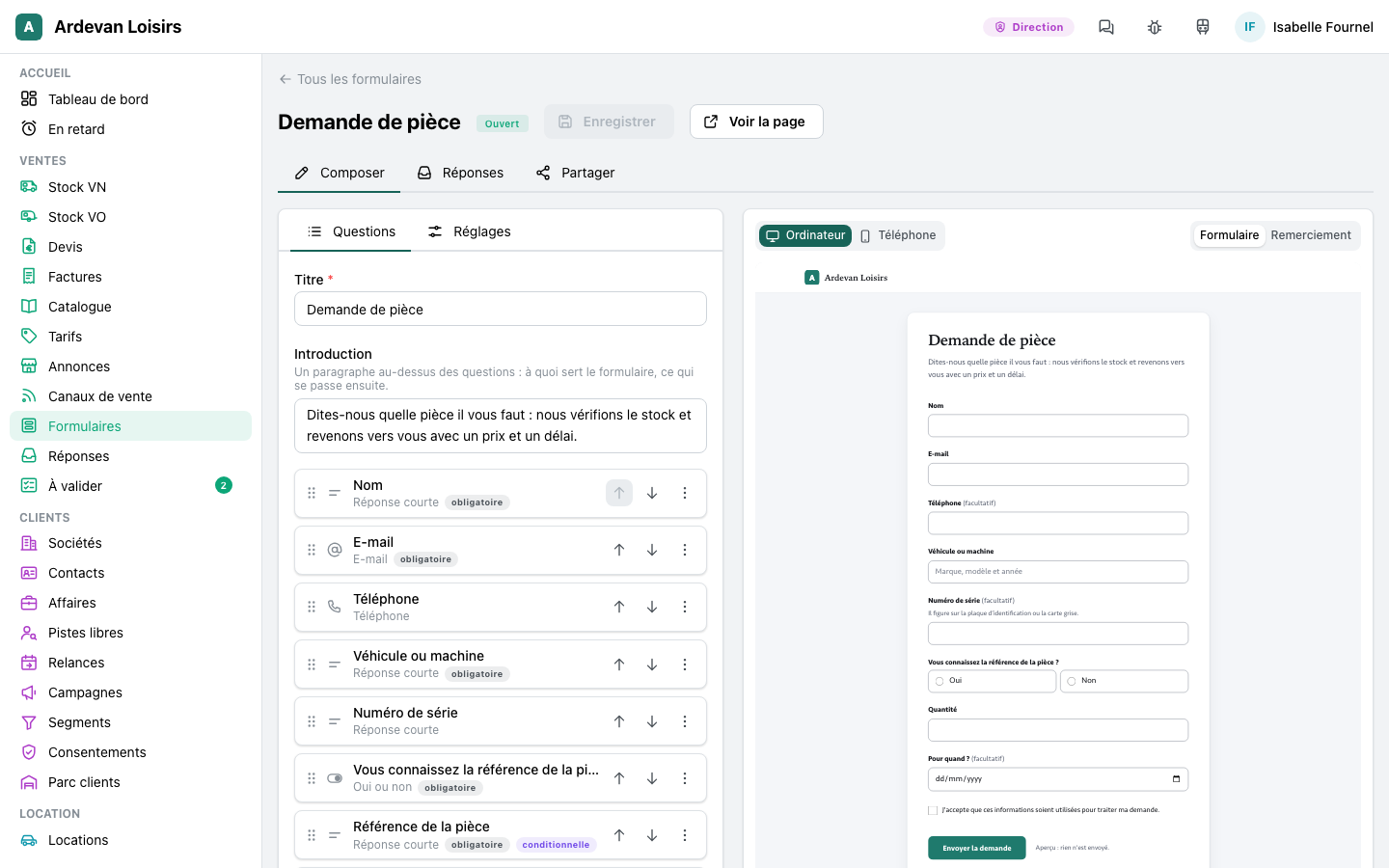
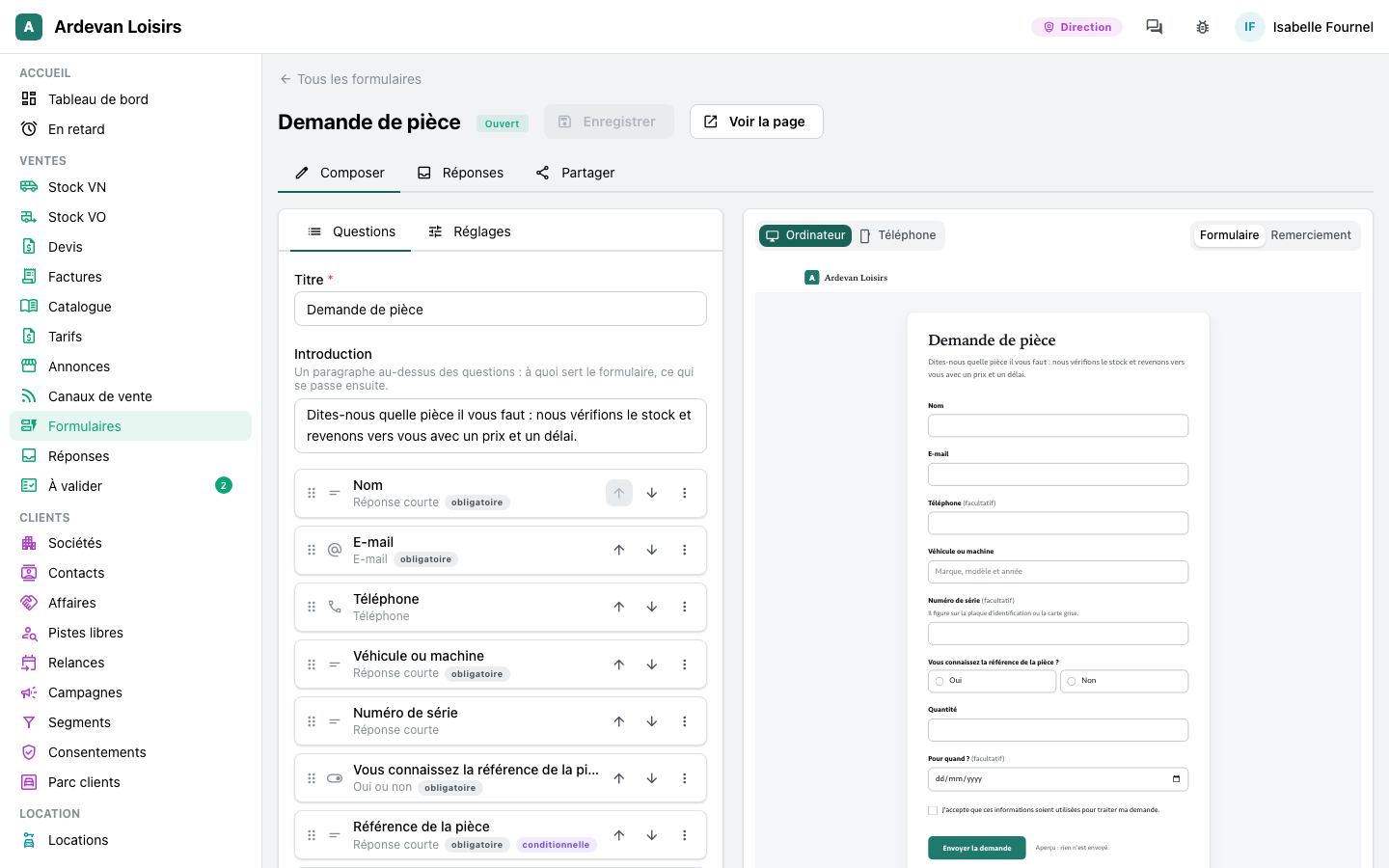
Your app's pages no longer load Google's icon font, 4 MB on a first visit, and they make no request to Google at all. The icons are part of the app: about 20 KB for all of a dealer app's drawings.
- The browsers of your team and of your customers no longer contact Google when they open your app
Security
ImprovedEach site's records stay with that site
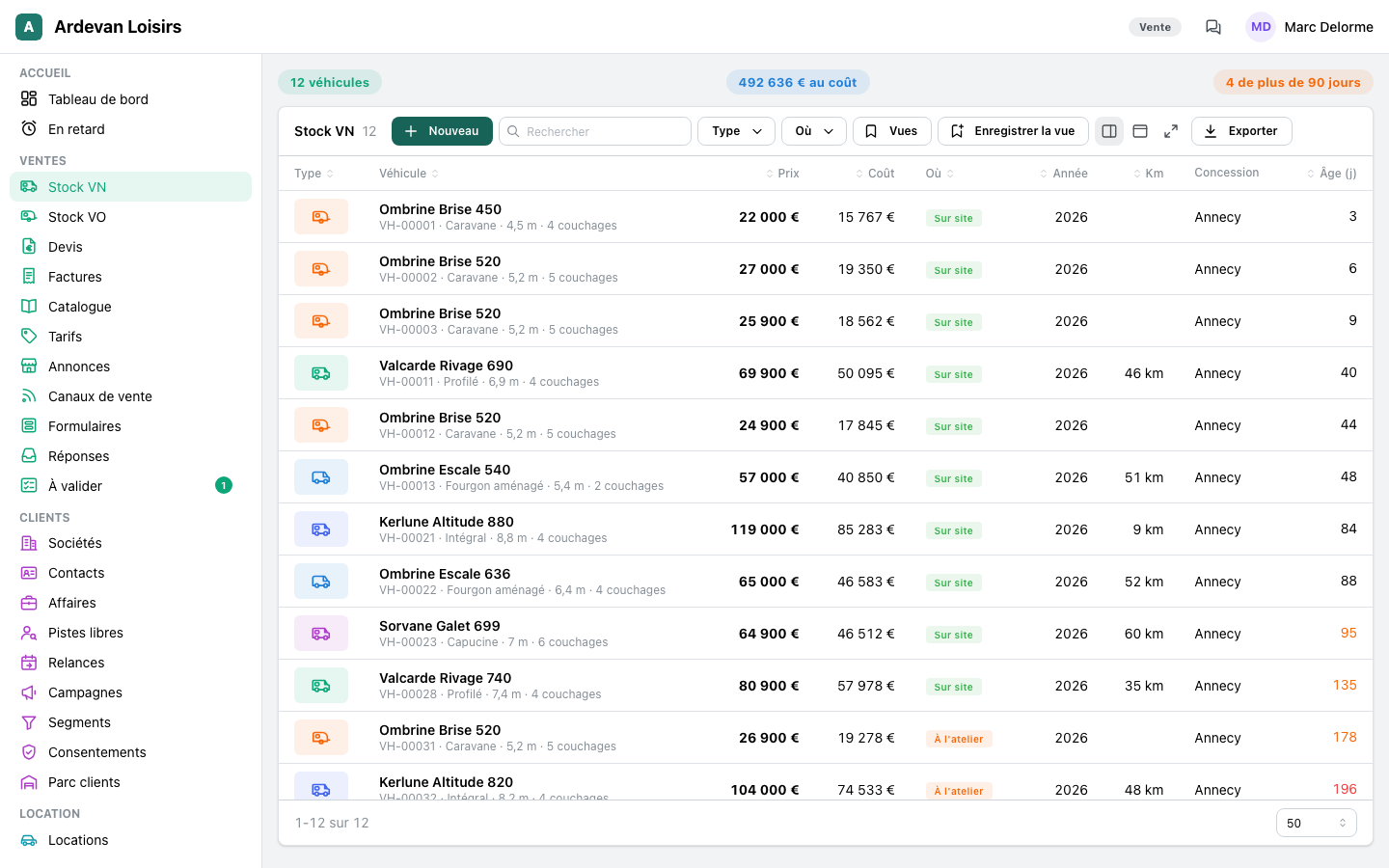
A person who works for one site sees and changes that site's records, and no request reaches around it: an order line stays under its own site's order, an invoice reads only its own site's orders, stock reserved at one site is released only there.
- Rights are checked on exactly what is saved: no request gives an account more than its rules allow
- A field the app fills itself, such as a document's number or an amount paid, keeps the value the app gave it
- The photos and documents of a report open only for people who may see the report
ImprovedEvery action runs with the rights of the person behind it
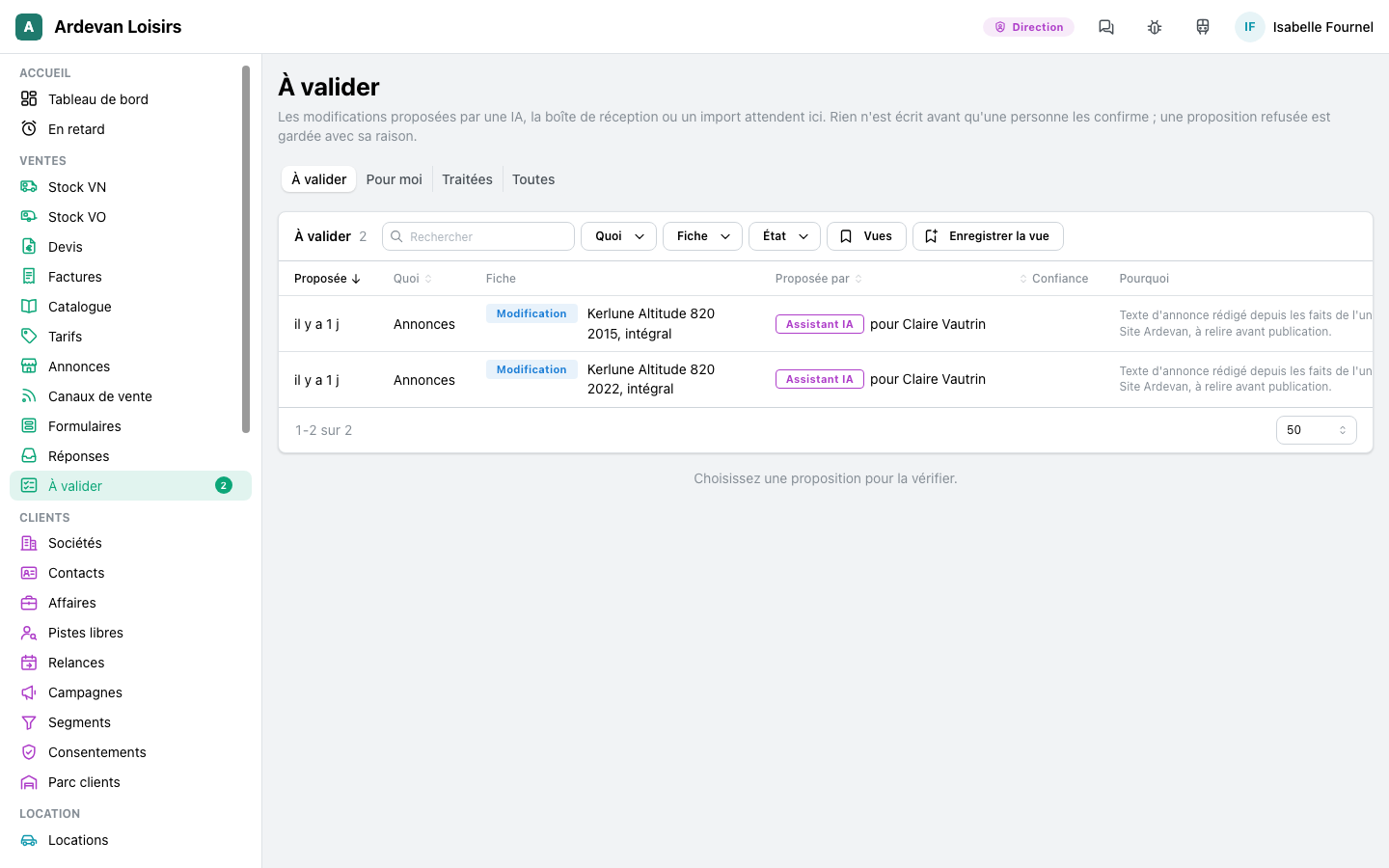
When the assistant holds a change for a person to confirm, the change runs with the rights of the person who asked, checked when it is held and again at the confirm. A manager who confirms never widens what the asker may do.
- A workflow runs with the rights of the person who last saved it
- Only your customer answers the approval link you send them
ImprovedSign in: no hint, fewer guesses
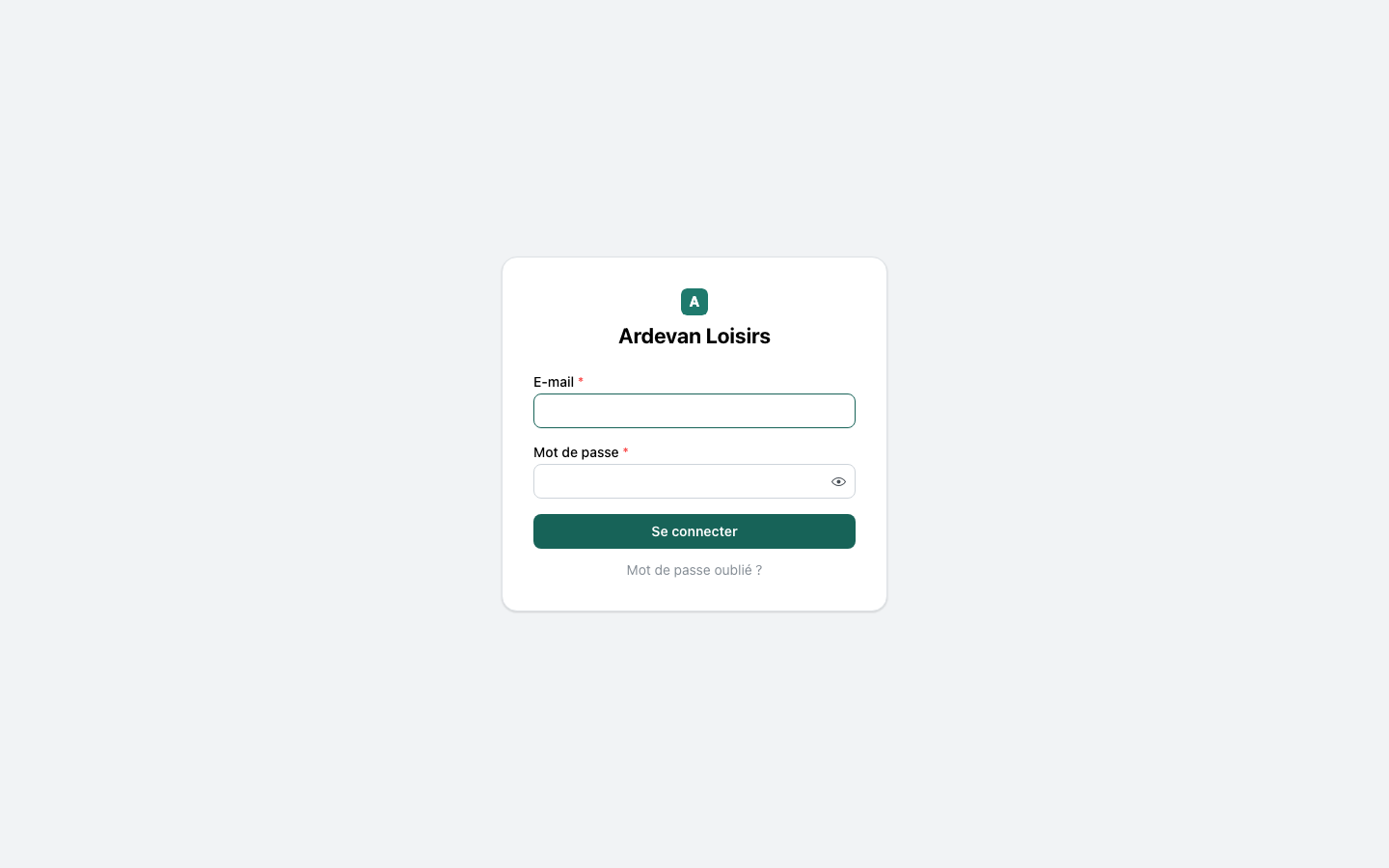
The sign in page answers in the same time and with the same words whether an account exists or not. A sign in code sent by mail can be tried only a few times, and requests for a code are limited, so a code is not guessed and a mailbox is not flooded.