 GoLocomotive
Done while you were sleeping
Messages: a conversation beside the list. Inspection: the result, not a form. Workshop board: the day's work. Calls: the call beside the list, the agent's week…
Garages
MajorCustomer file: everything about a customer on one page
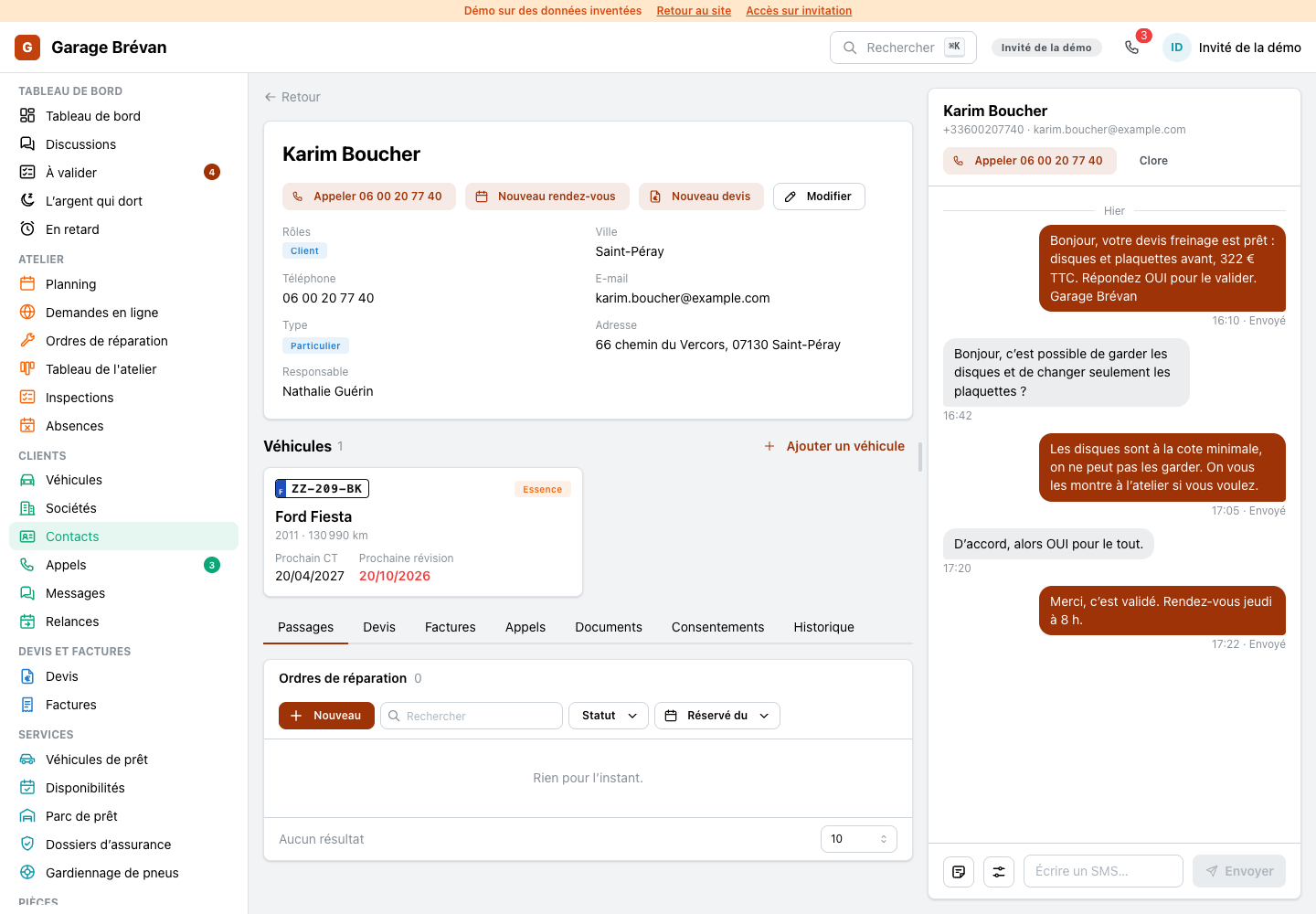
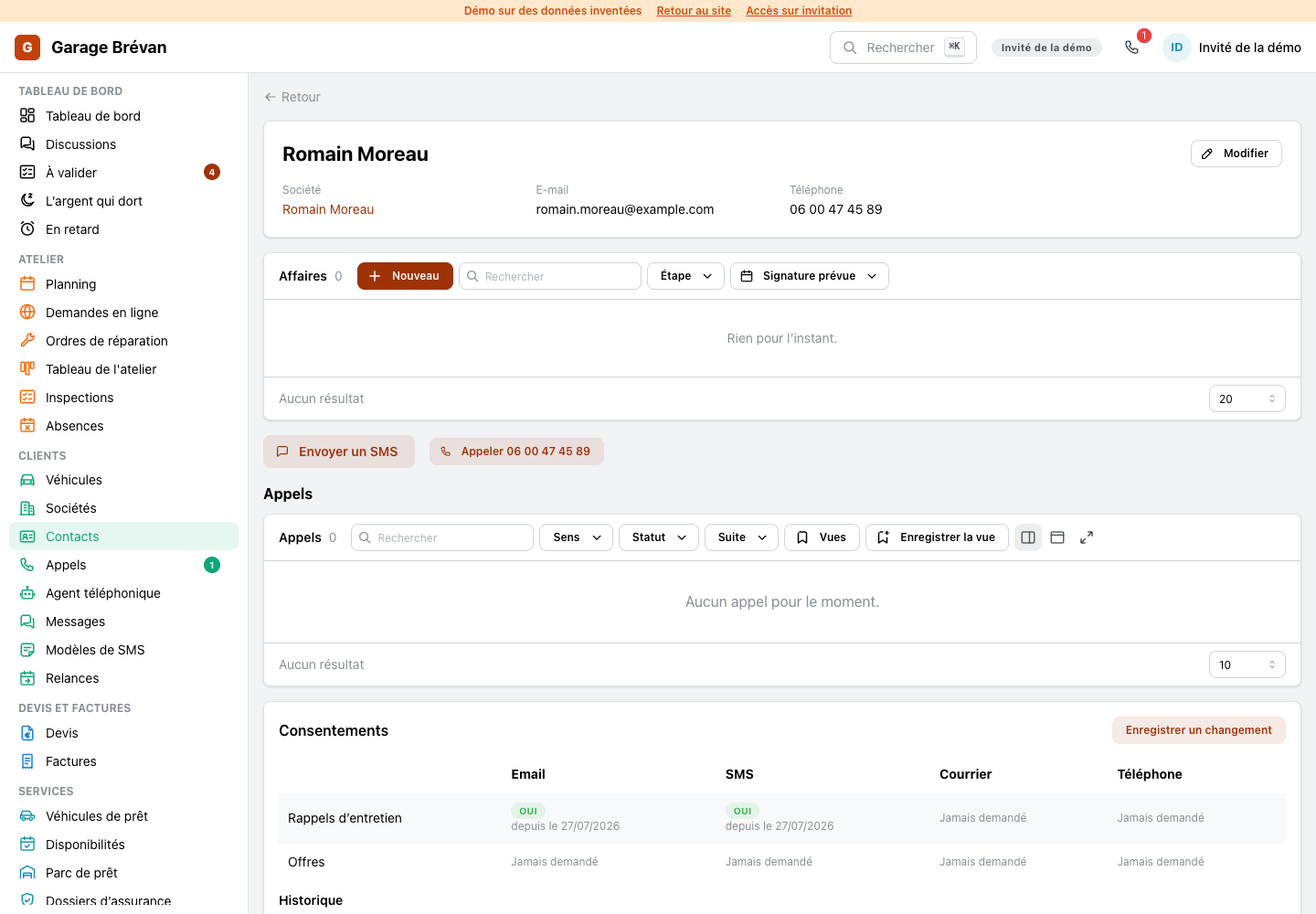
Opening a customer now shows one file: who they are and how to reach them, what they still owe, their vehicles as cards with the plate, their visits, quotes, invoices, calls and documents in tabs, and the text conversation beside it.
- Call, new appointment and new quote from the head
- On a phone, the conversation is one tab away
NewMessages: a conversation beside the list
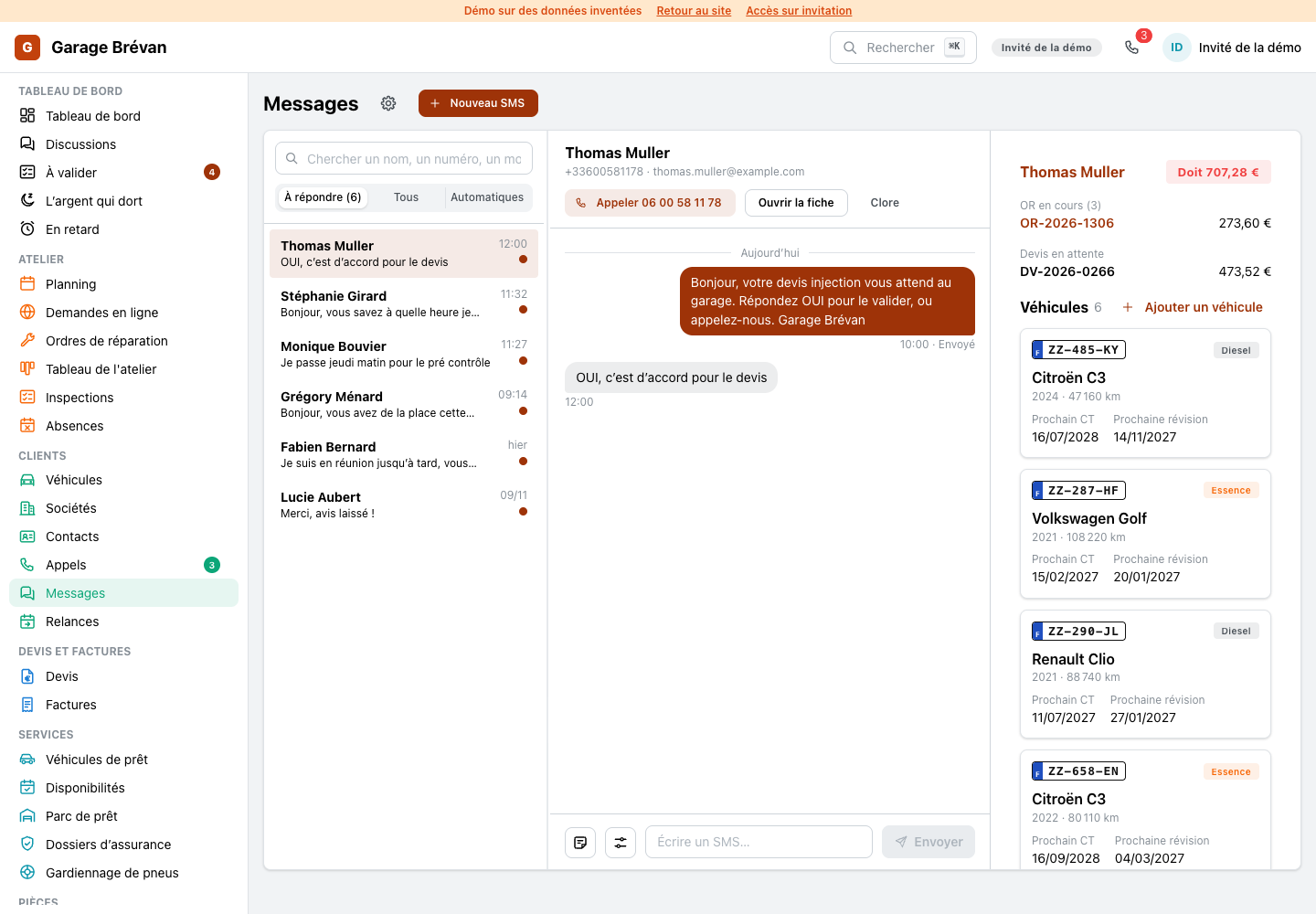
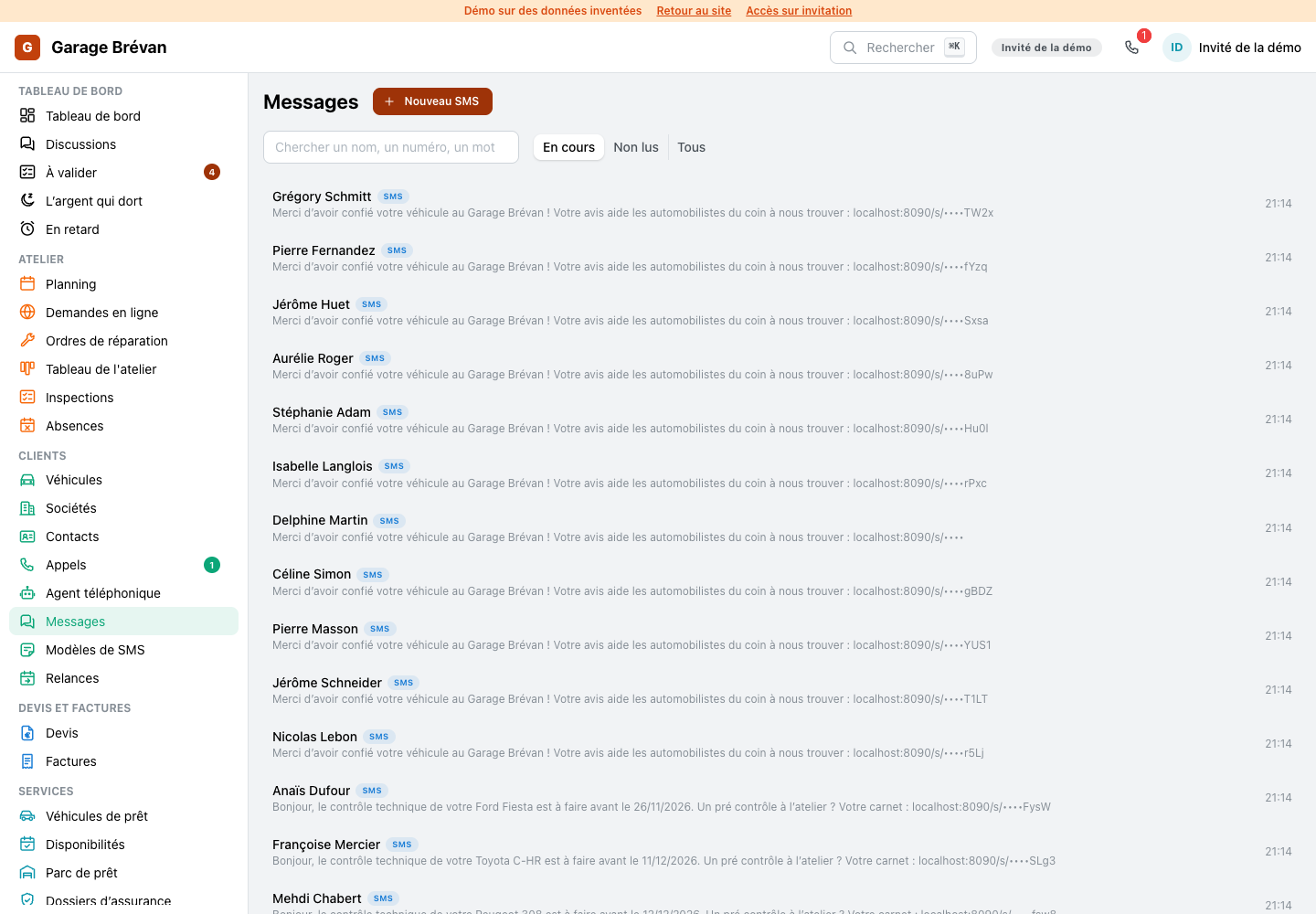
Texts with customers now read like a messaging app: a list of conversations, the open one beside it with its bubbles day by day, and one box to answer. The customers who wait for an answer come first.
- Three tabs: to answer, all, automatic sends
- Templates and options behind two buttons, Enter sends
- The customer's file and the call button in the conversation's header
NewInspection: the result, not a form
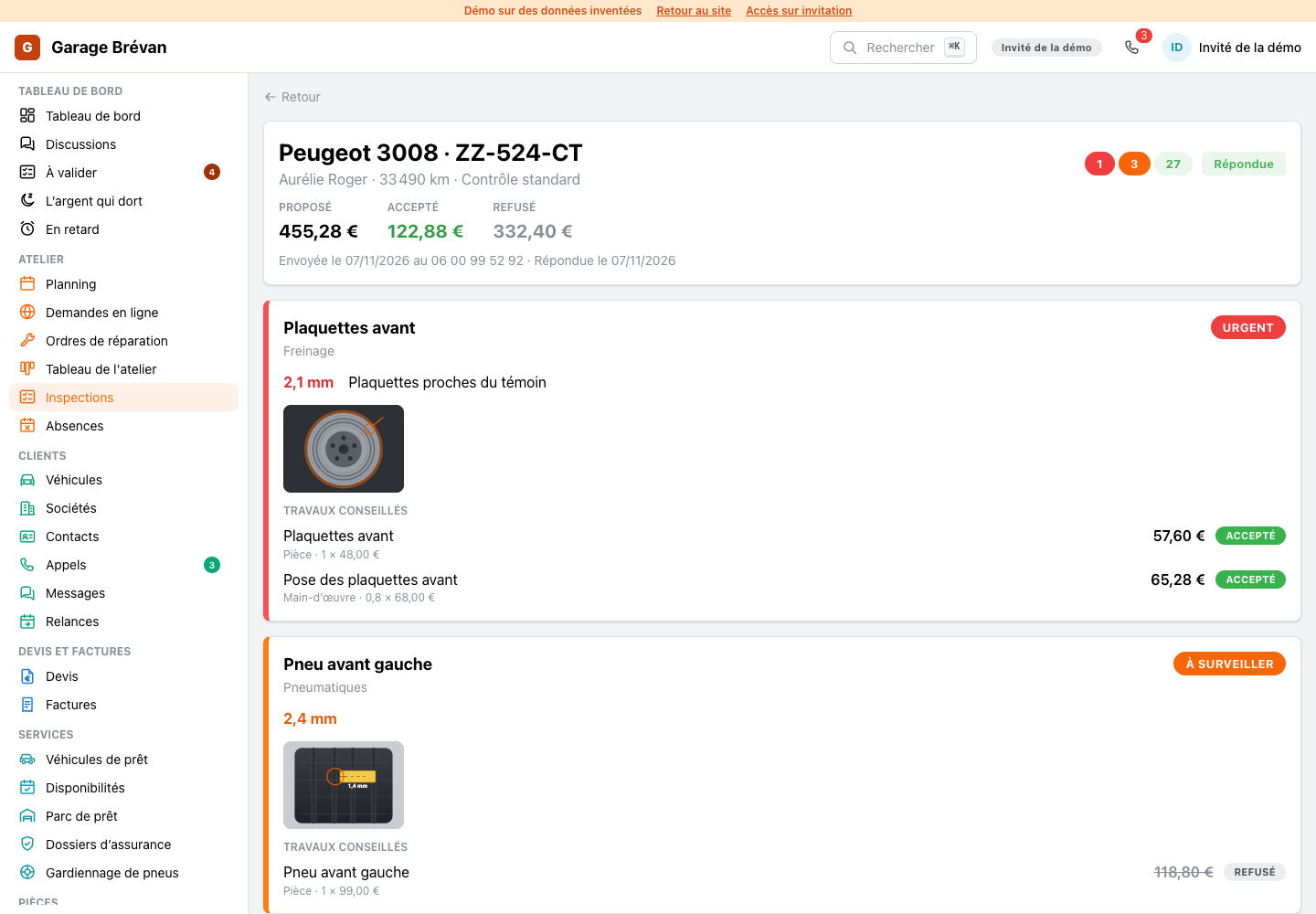
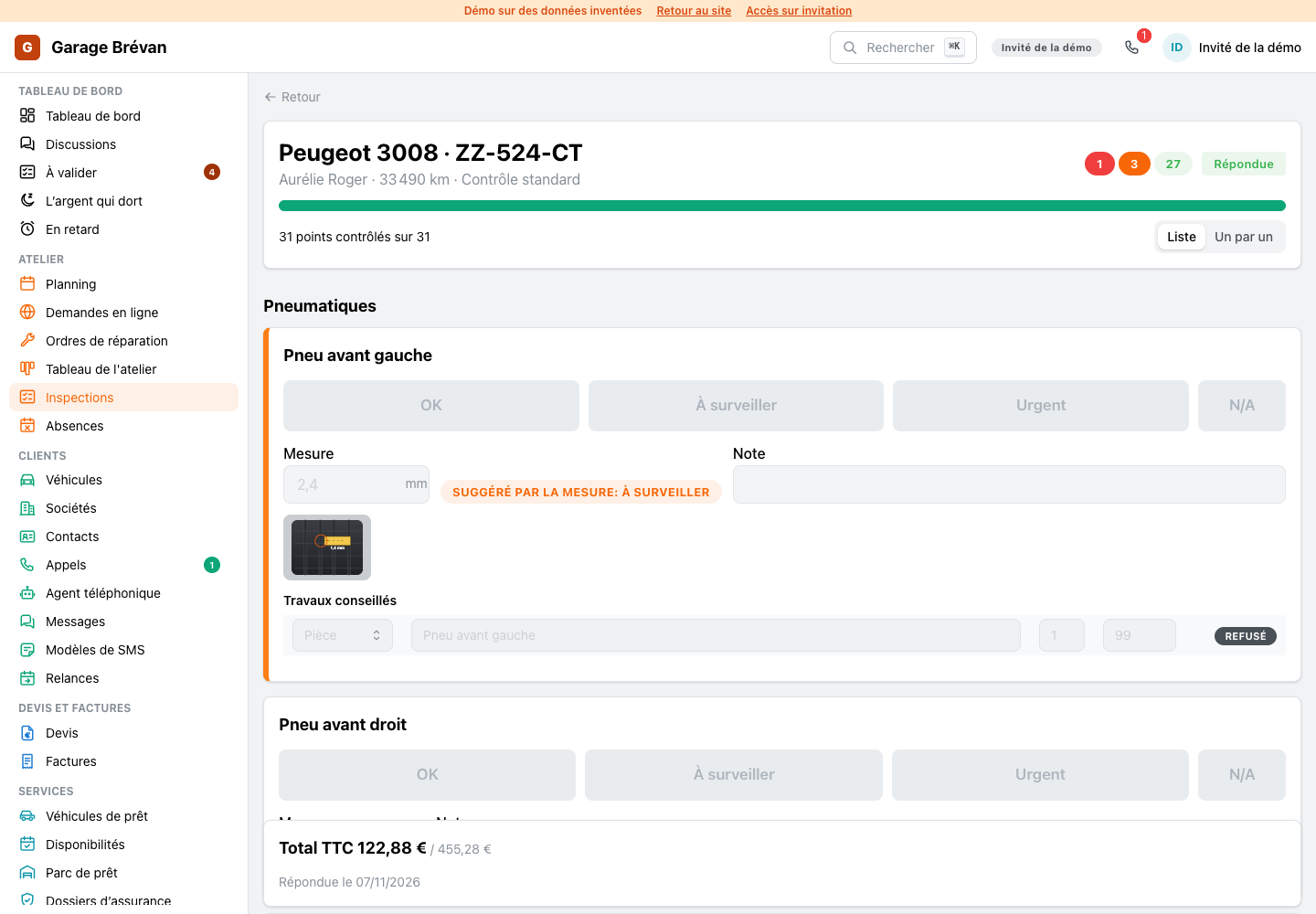
An inspection that was sent or answered now shows its result: the money offered, accepted and declined, then what was found, the most urgent first, each with its measure, its photo, the work advised and the customer's answer.
- The points in order fold under their count
- Readable on the mechanic's phone or tablet
NewWorkshop board: the day's work
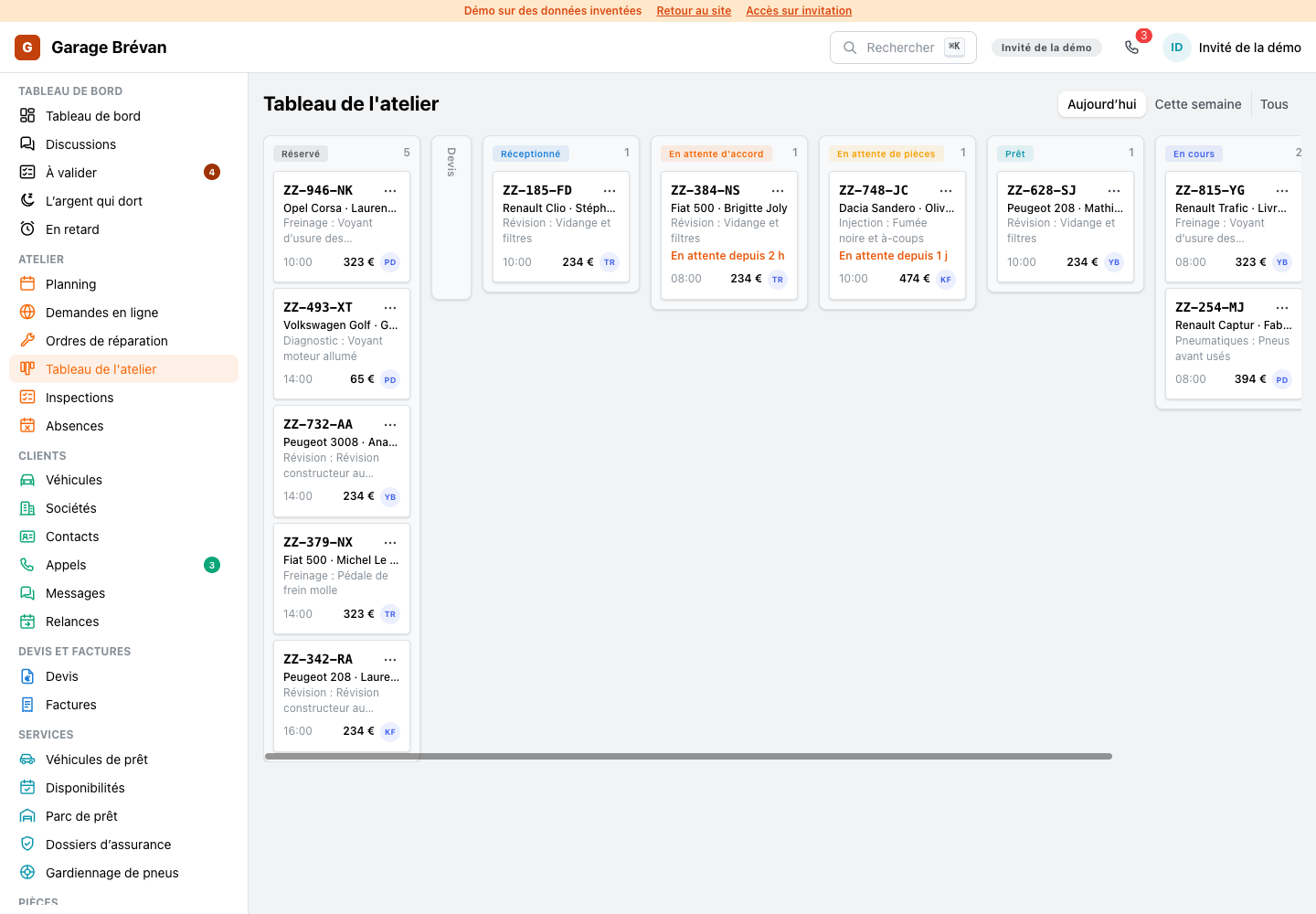
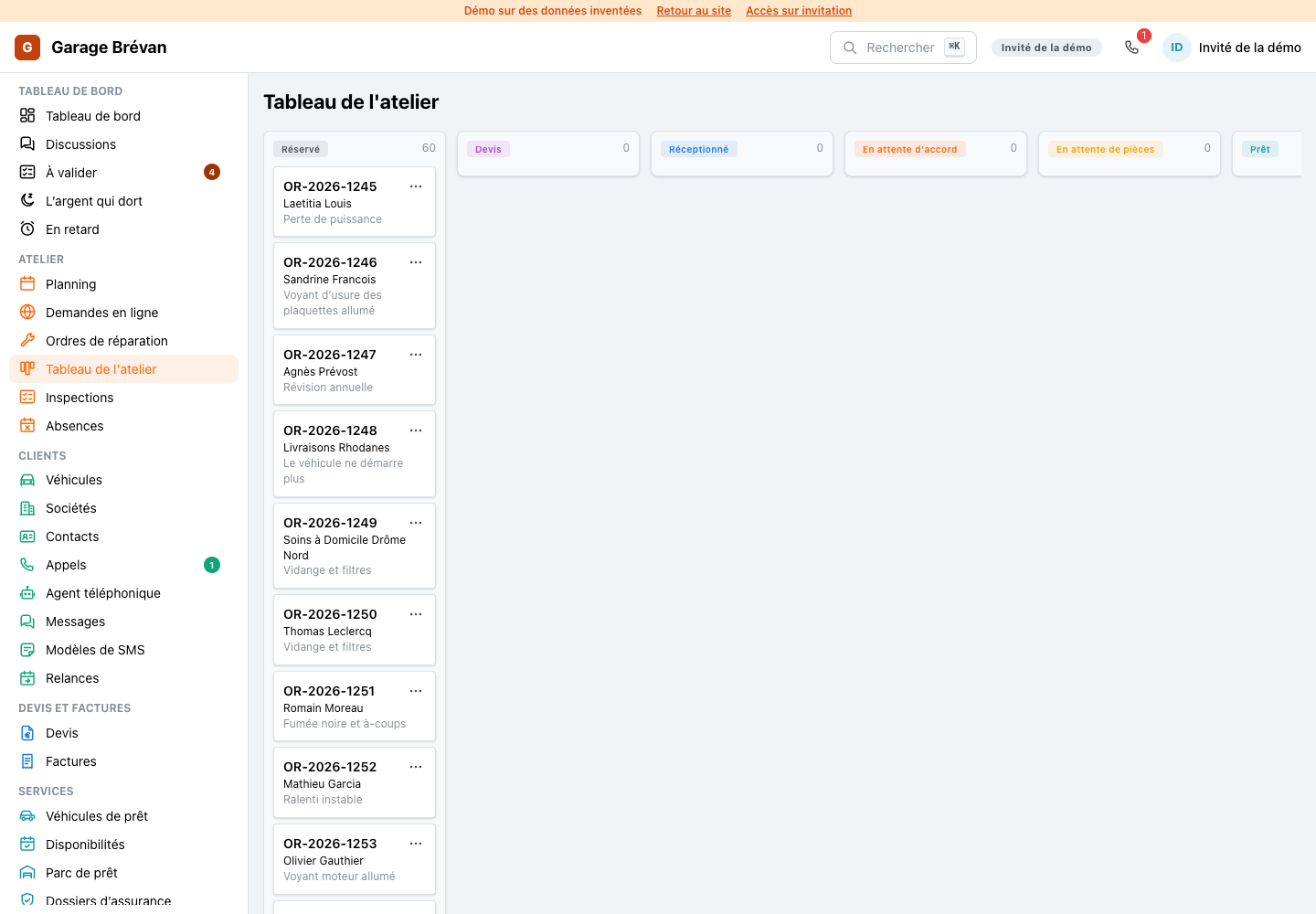
The workshop board opens on today: each column holds the vehicles that are really there, and a card leads with the plate, then the model, the customer, the job, the hour, the total and the mechanic.
- Today, this week or everything, one click apart
- A waiting order says since when it waits
- Empty columns fold away
NewCalls: the call beside the list, the agent's week
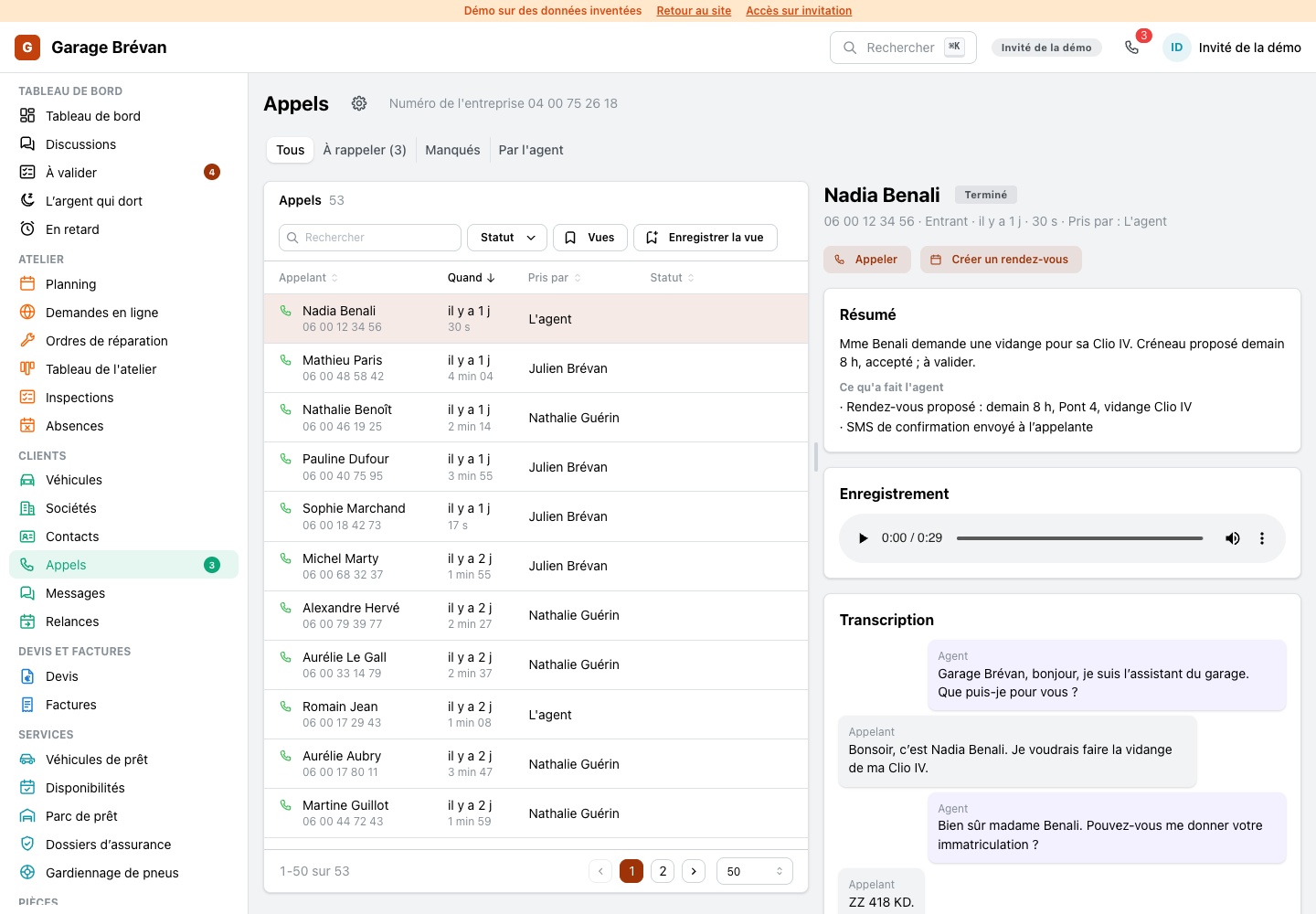
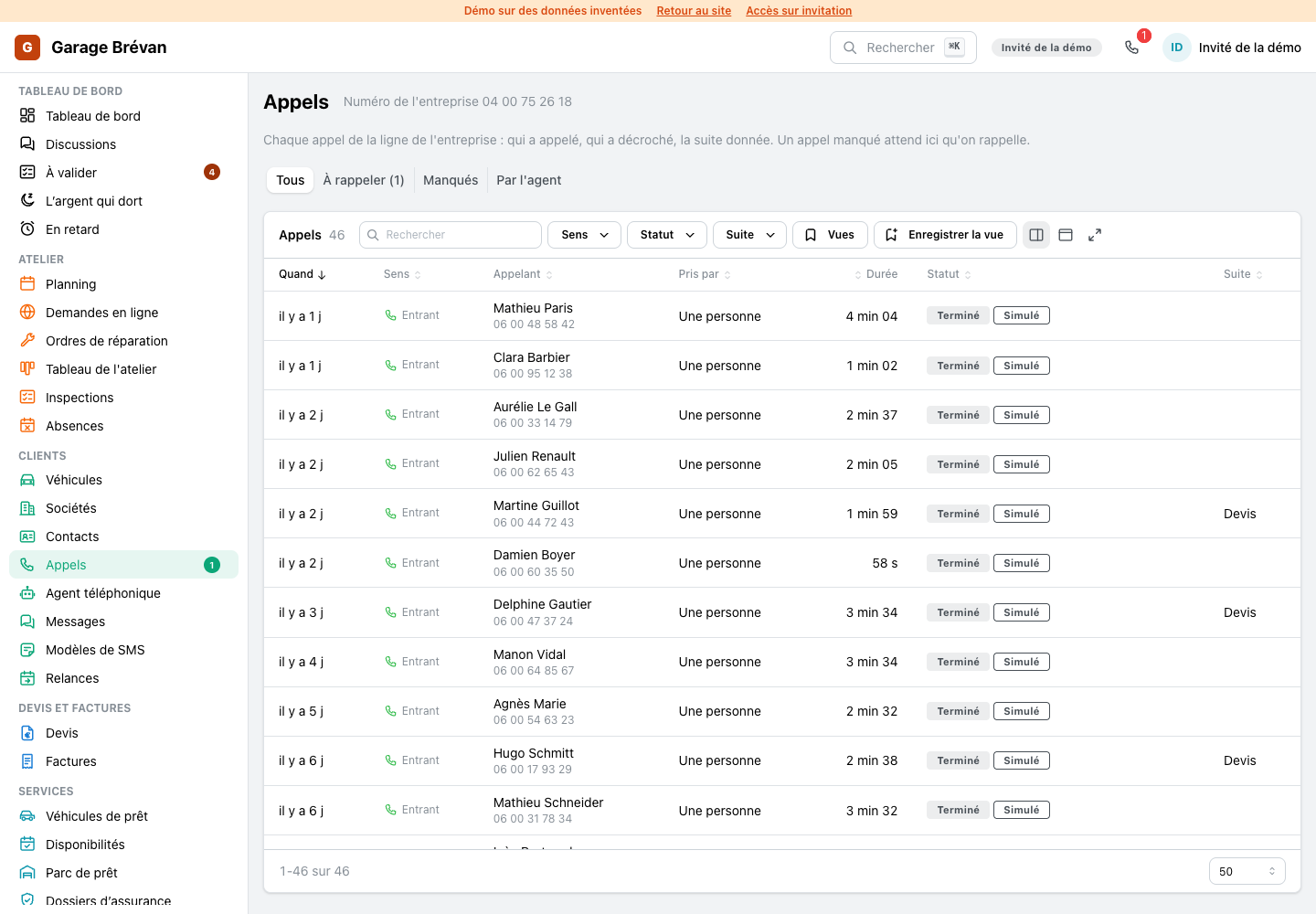
The call log opens a call beside the list: who called, the summary, what the phone agent did, the recording and the conversation word for word. The agent's page opens on its week: the calls it took and the appointments it offered.
- Who took the call, by name
- To call back and missed calls one click away
NewRepair order: one page that says where the car stands
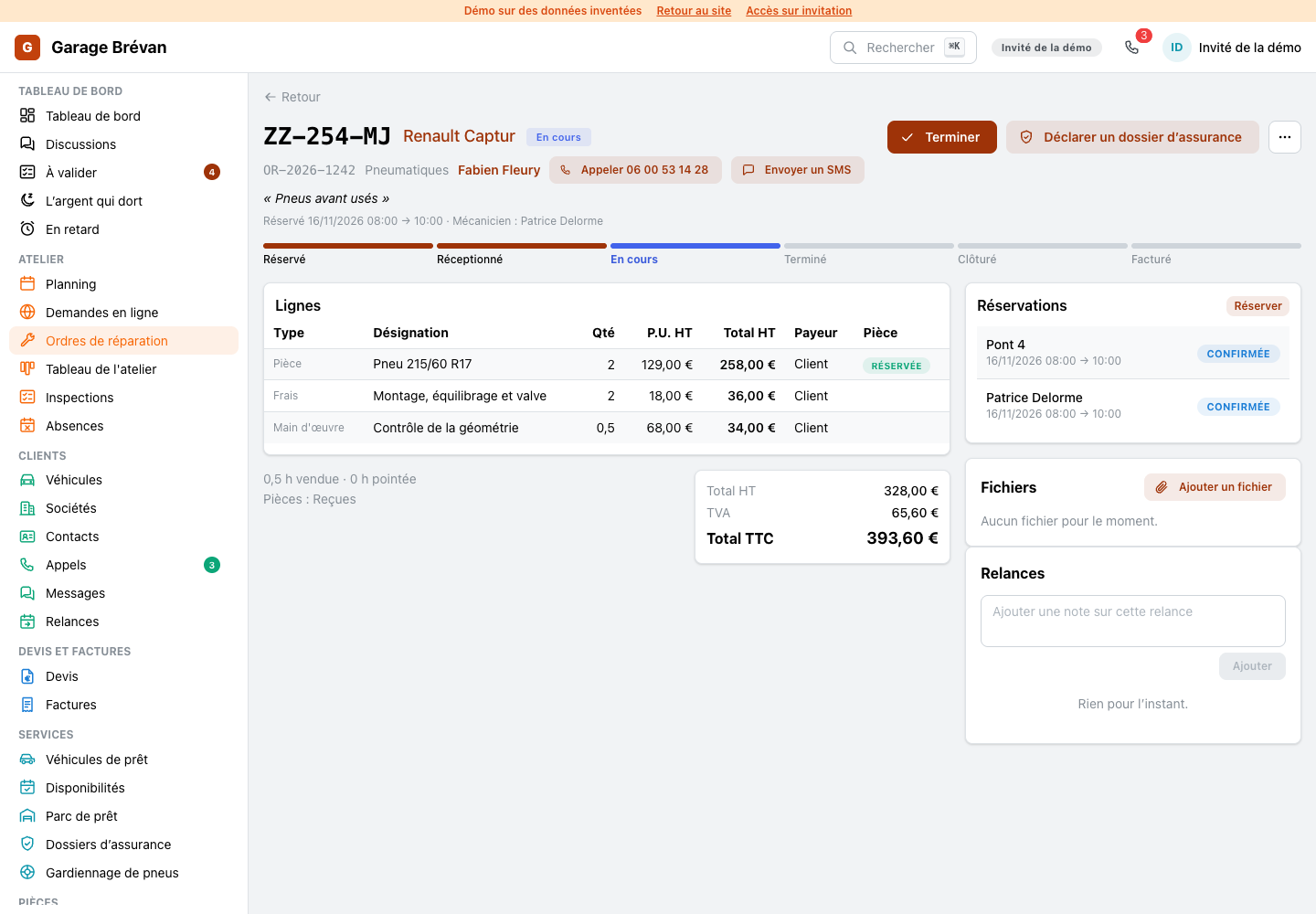
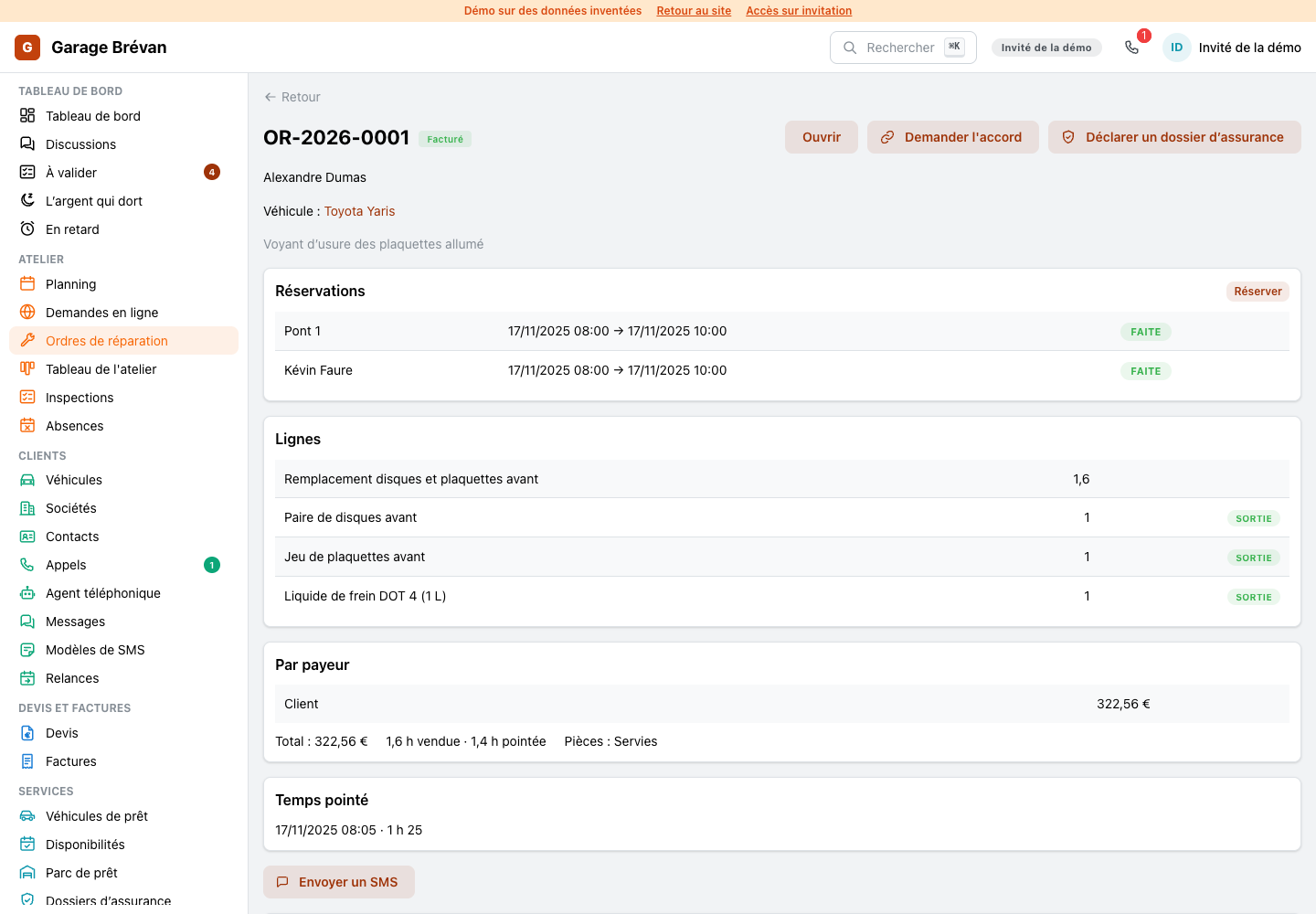
A repair order's page now leads with the plate and a step bar from booked to invoiced, with the one next step as its main button. The lines are a real table with prices and totals, and the bookings, the customer's approval and the files sit beside it.
- One main button: receive, start, finish, close, bill
- The list opens on the orders in progress, with today, to bill and all one click away
NewVehicle file: the plate, what is due, one history
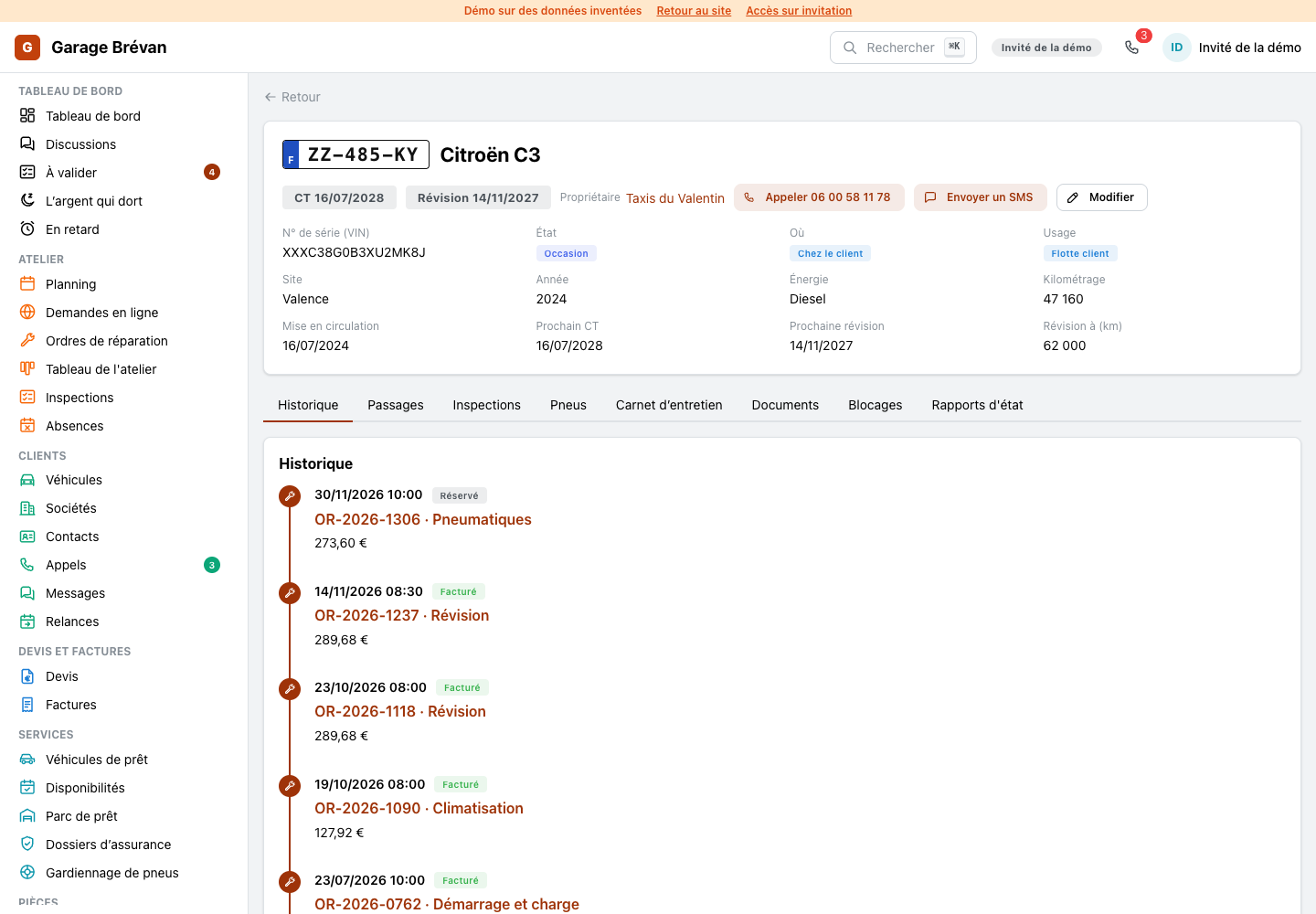
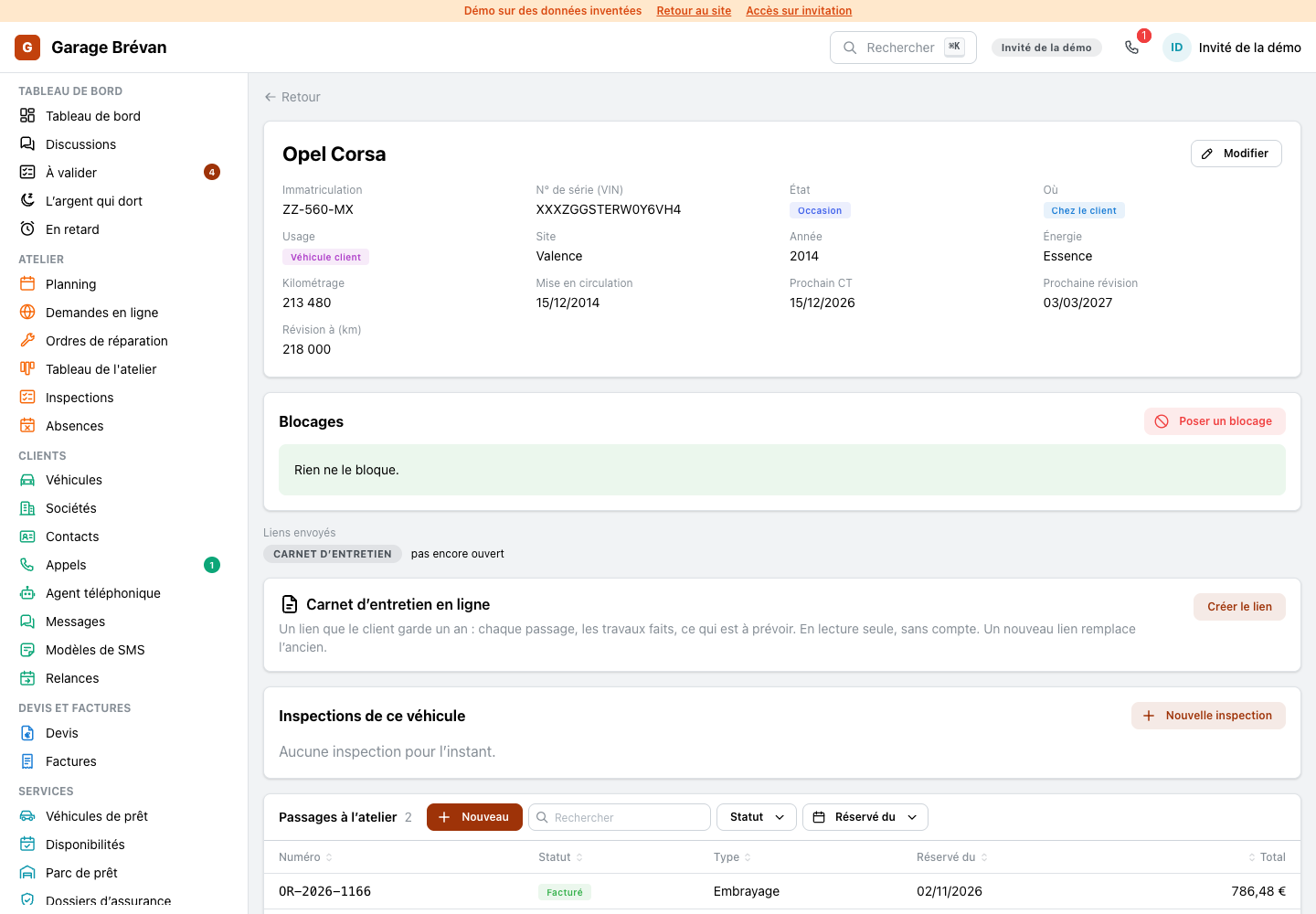
A vehicle's page leads with its plate, its owner and what is due (the roadworthiness test, the next service), then one timeline of its visits and inspections, with tyres, the service book and documents in tabs.
NewHome: today first
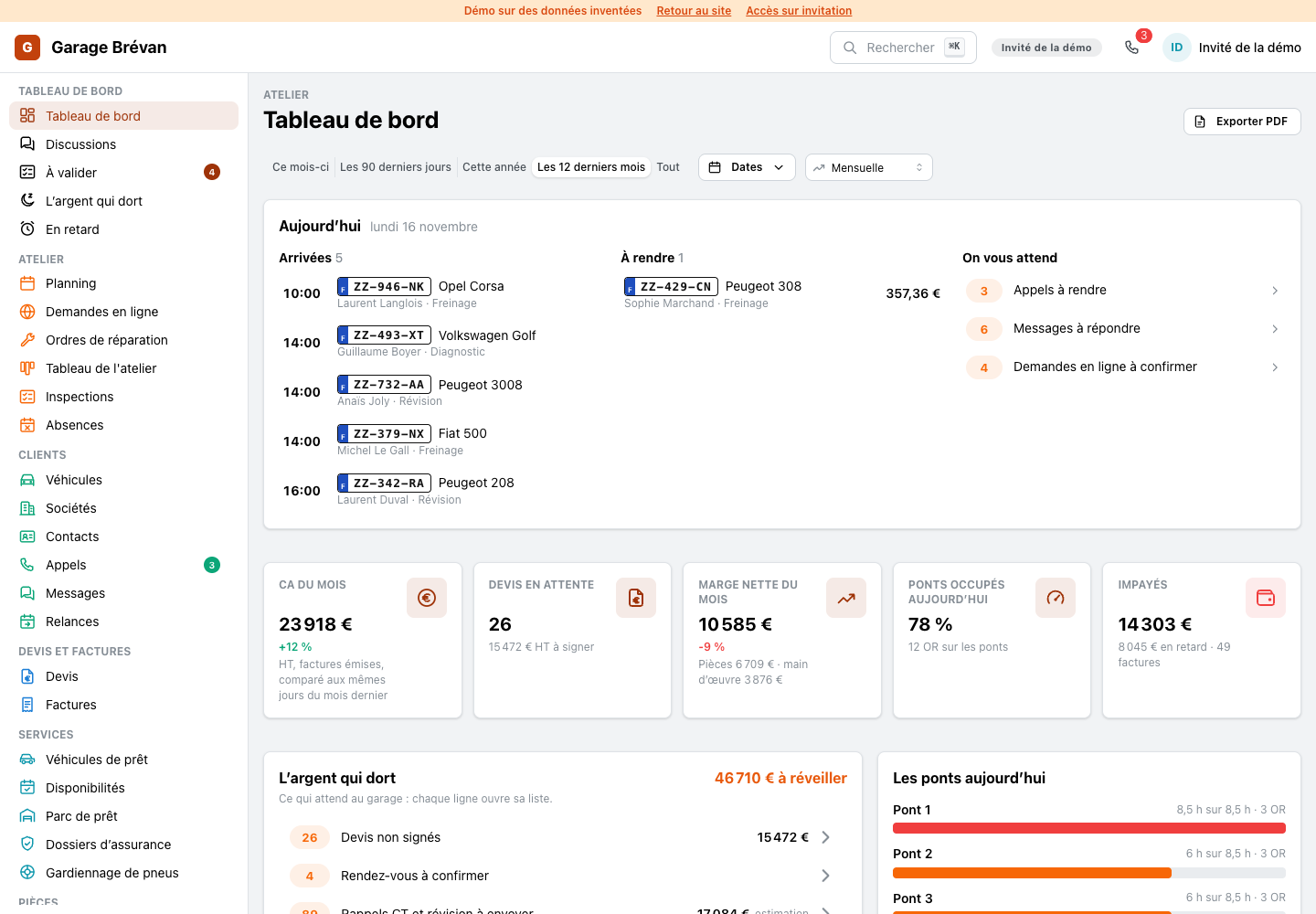
The home page opens on today: the cars arriving with their hour and plate, the cars to give back, and the calls, texts and online requests that wait for an answer.
NewSMS templates: see what the customer will read
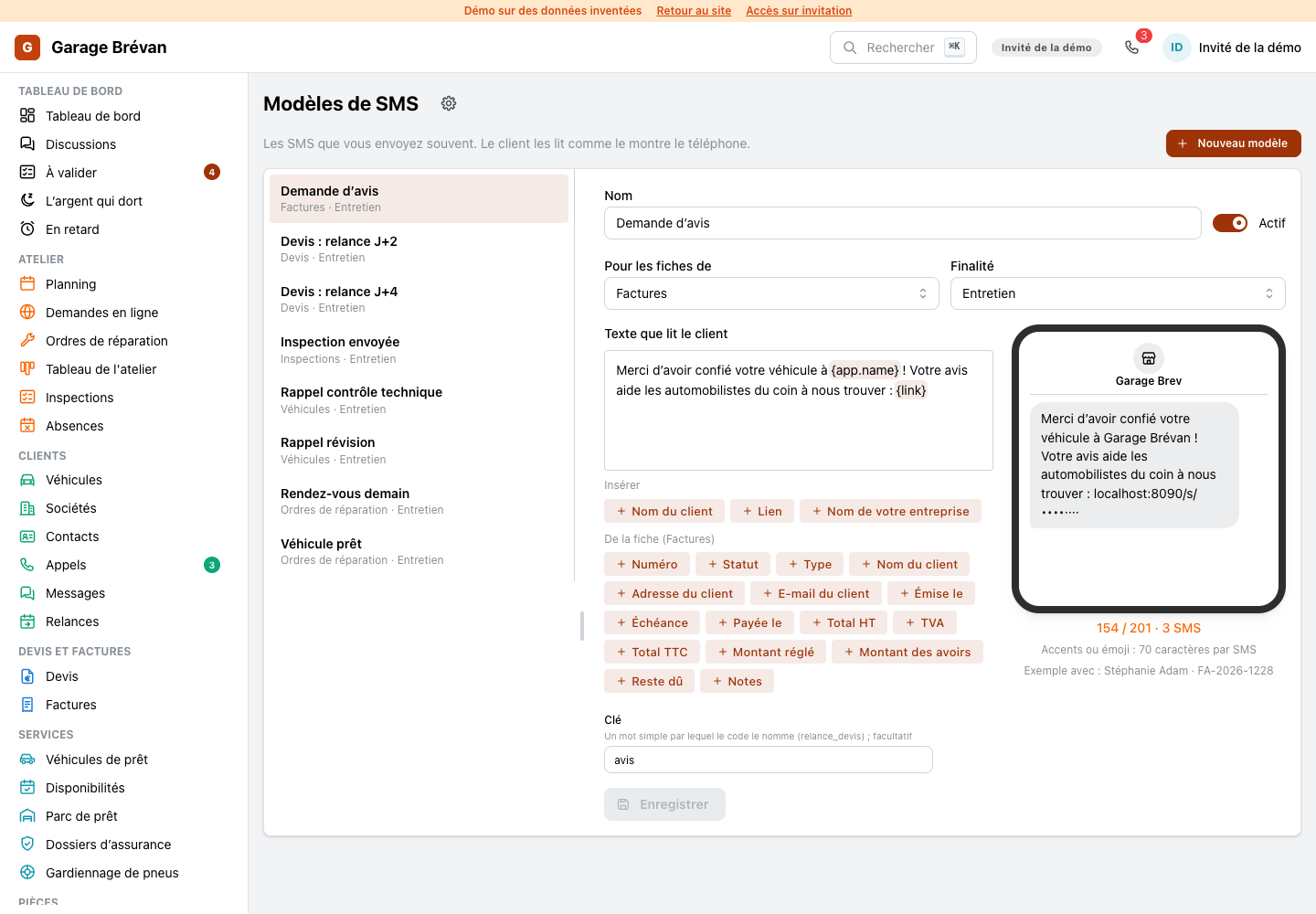
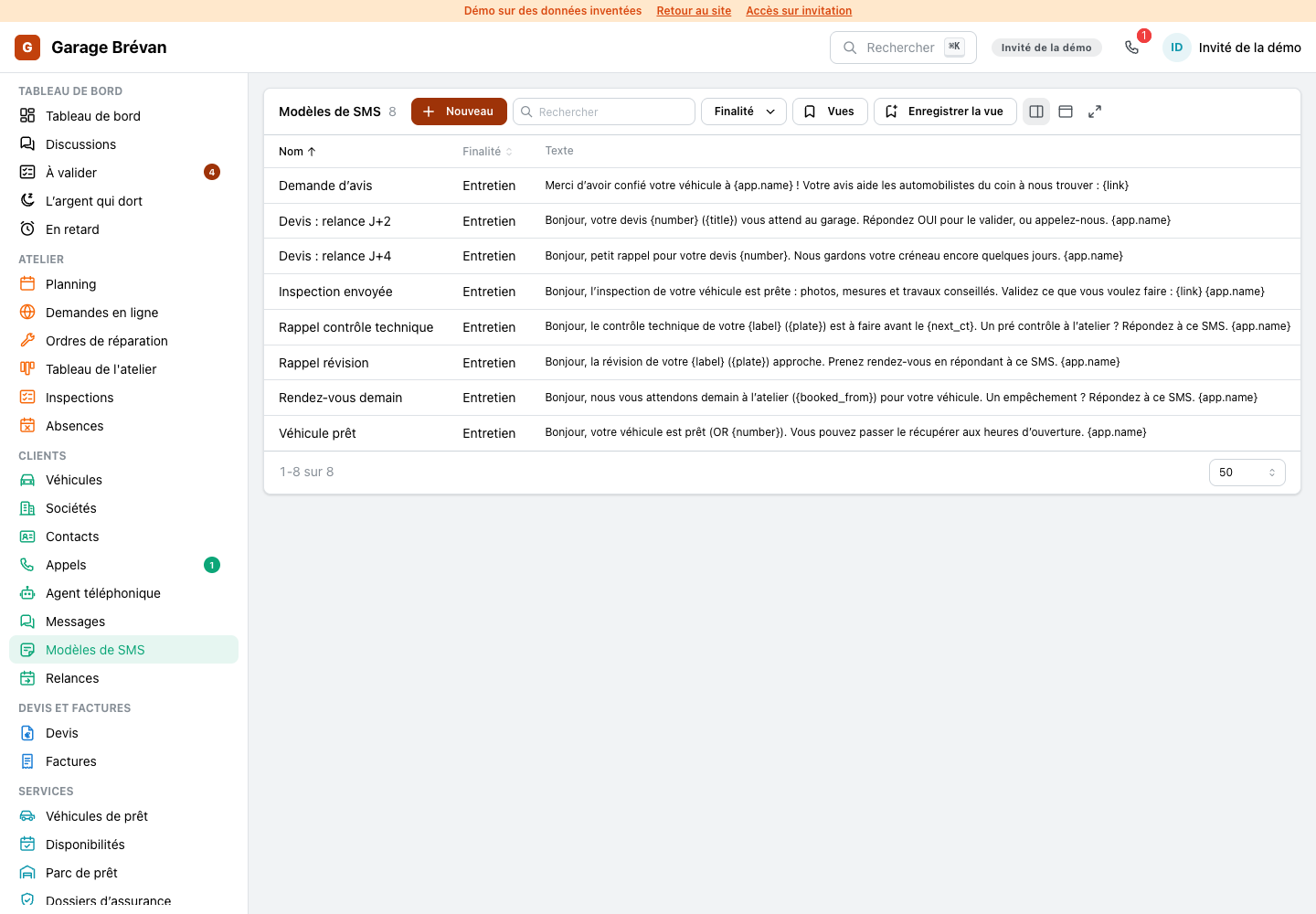
A text template now opens beside the list with its editor: each field is a chip, a field chip drops in at the cursor, and a phone shows the text exactly as a customer reads it, filled from a real record, with its length in SMS.
- A field nothing fills shows in red
- Found under Settings, Messages
NewTyre storage: the racks, slot by slot
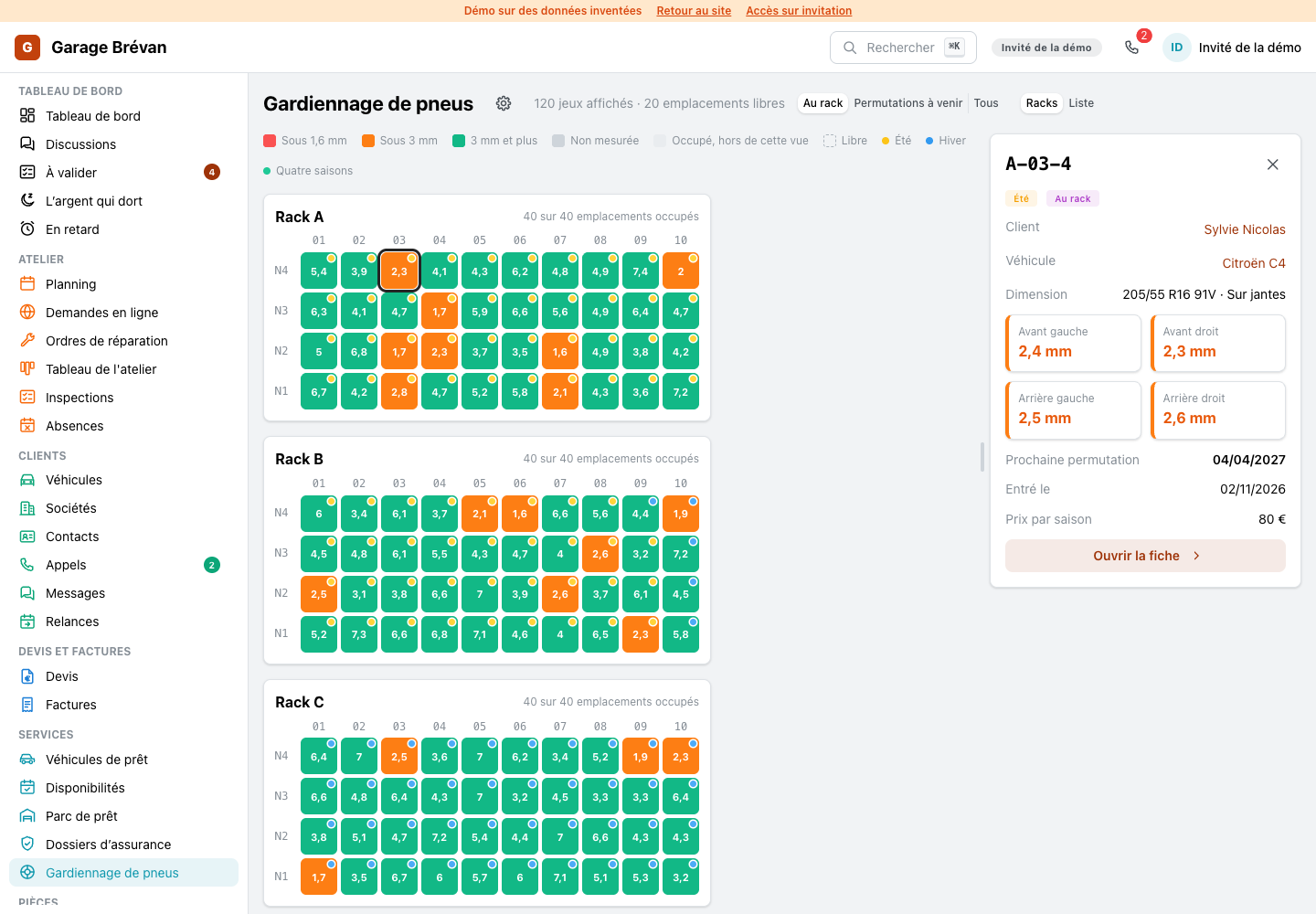
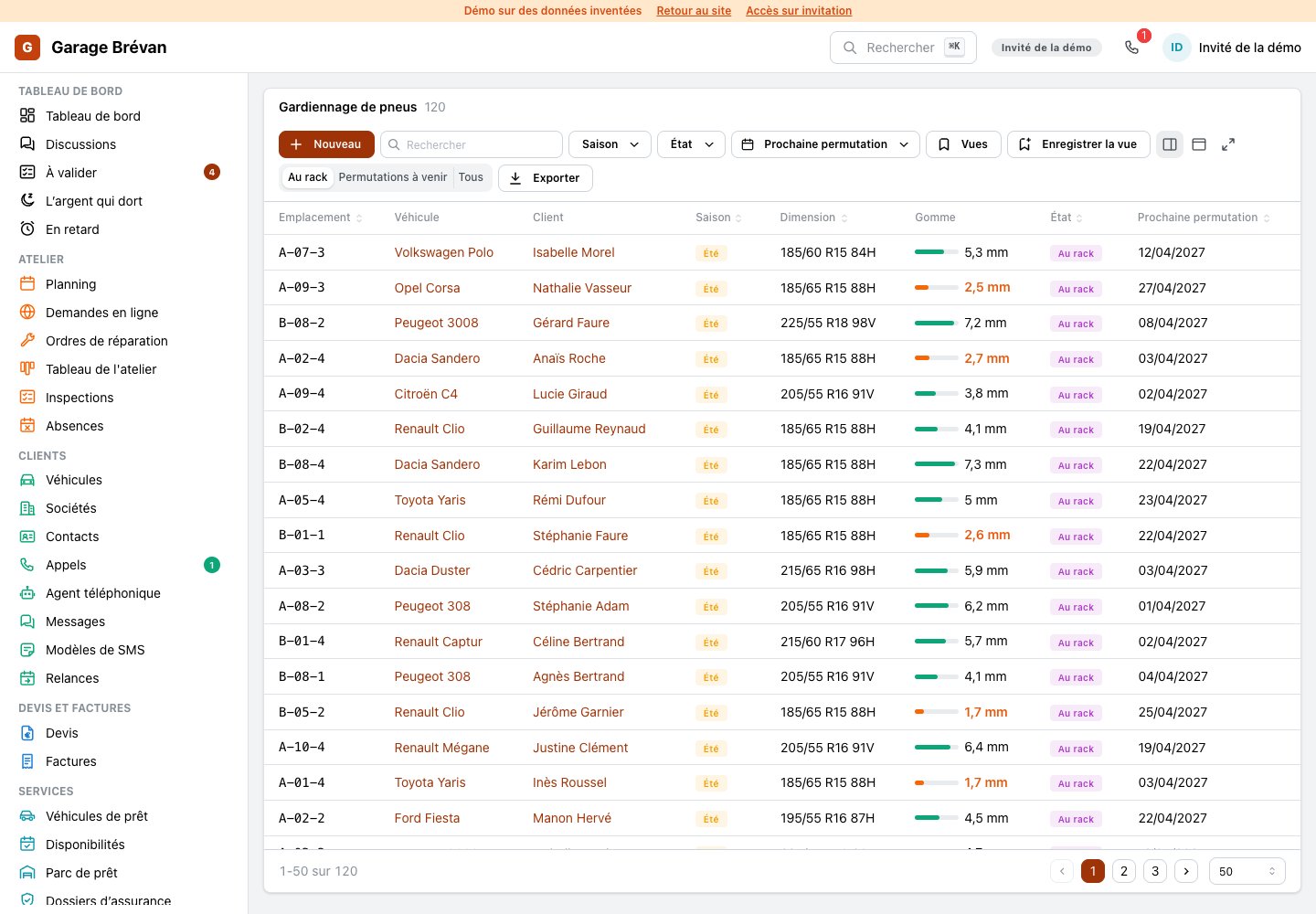
Tyre storage now opens on a map of the racks: each slot is coloured by the tread left on its set, free slots show as free, and a click opens the set with its customer, its vehicle, its four depths and its next swap.
- The list stays one click away
- At the rack, swaps to come or everything
ImprovedSleeping money and late quotes: one list, one action
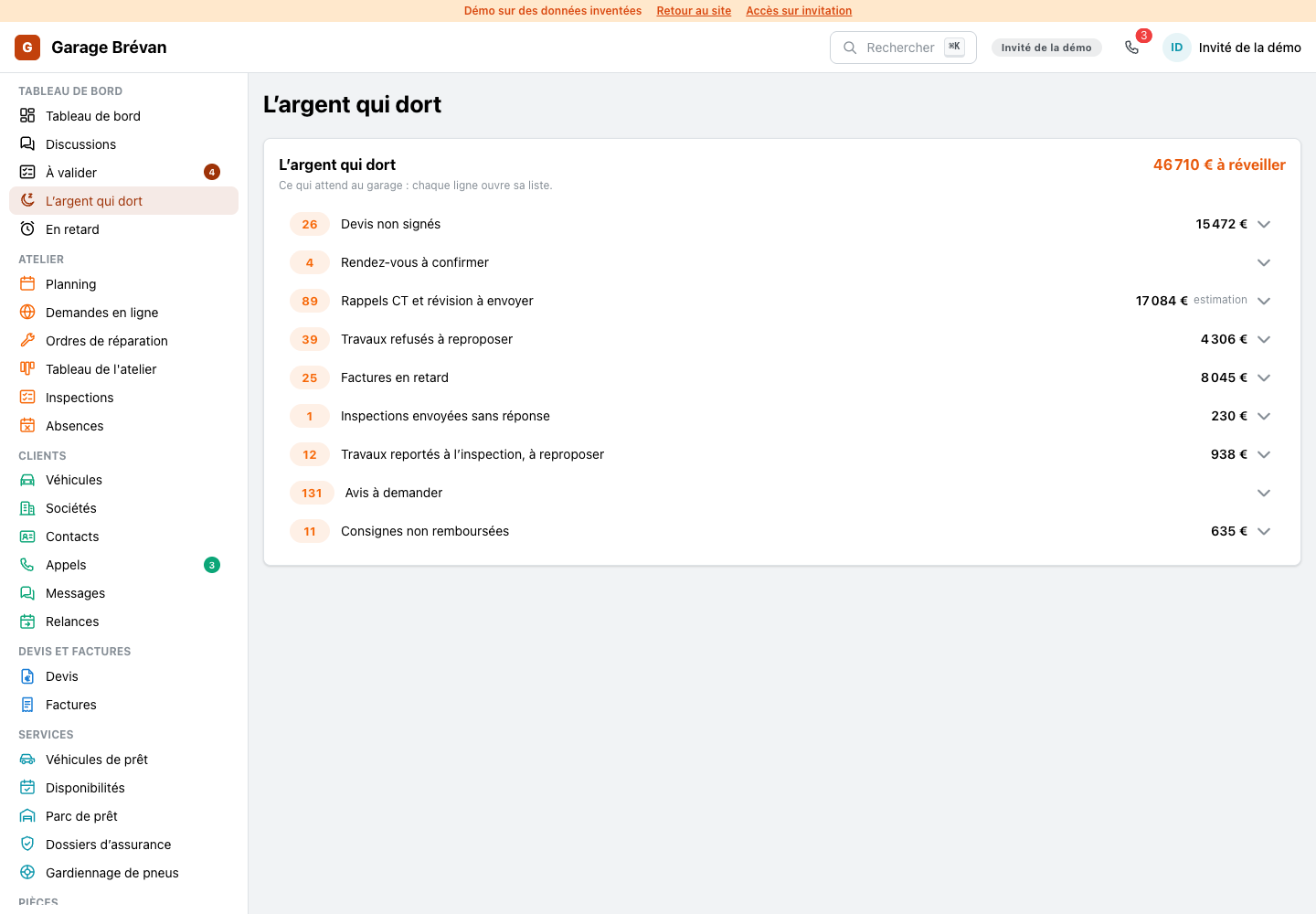
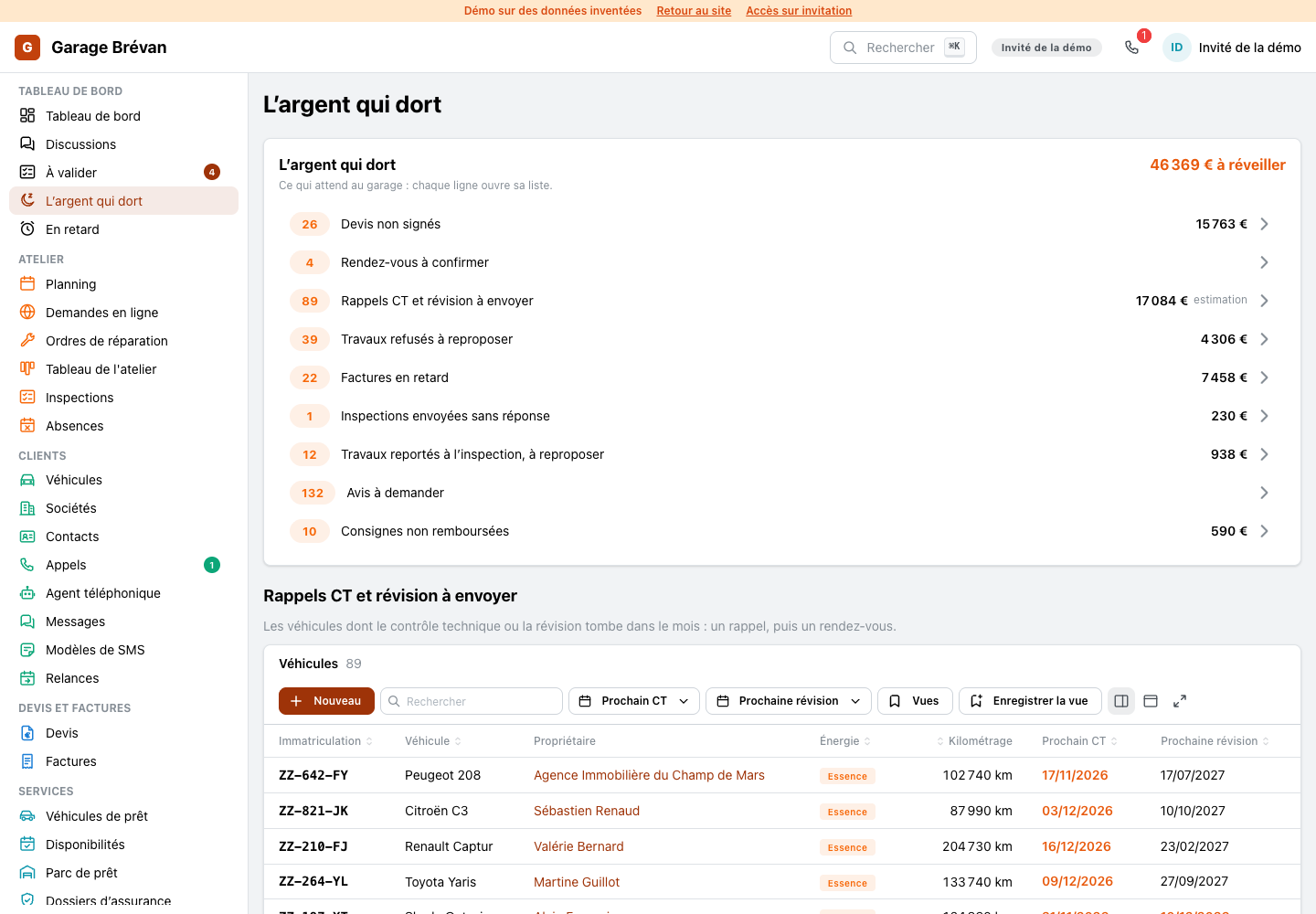
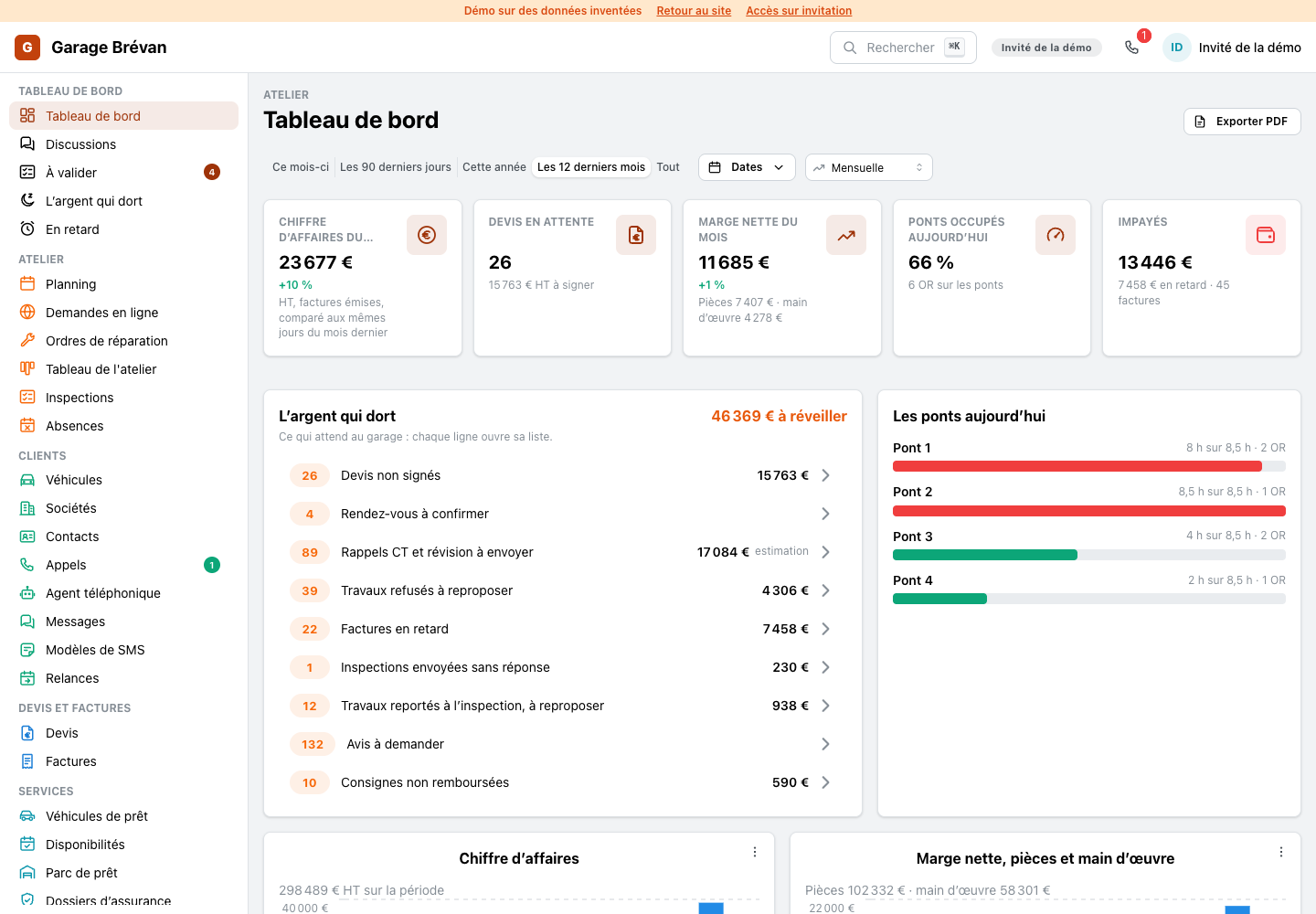
Each line of the sleeping money now opens its own list under it, with its action. A late quote shows its customer, its amount and how often it was chased, with a button to chase it by text.
ImprovedThe customer's inspection page: accept or decline, line by line

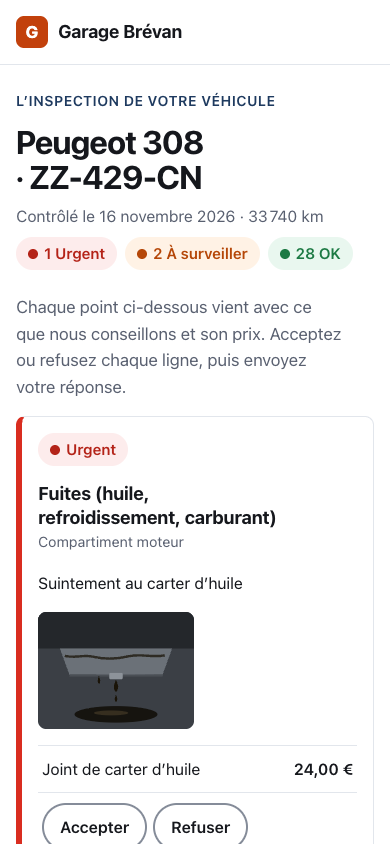
The page a customer opens from the text message now reads like the workshop's result: what is urgent first, the photos, the price of each advised job with two large buttons, accept or decline, and a bar that keeps the running total of what was accepted.
ImprovedLate quotes: who, how much, one click to chase
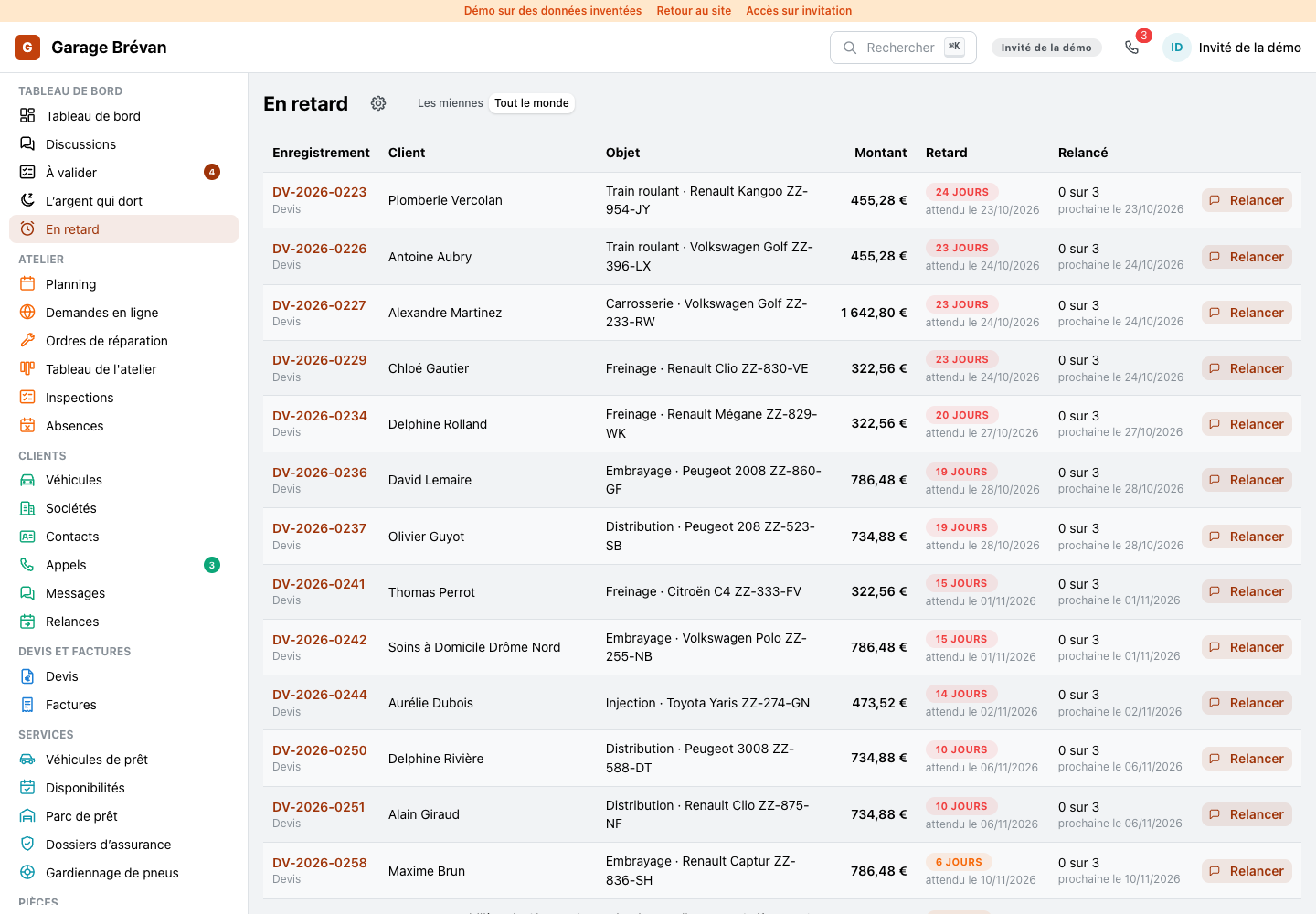
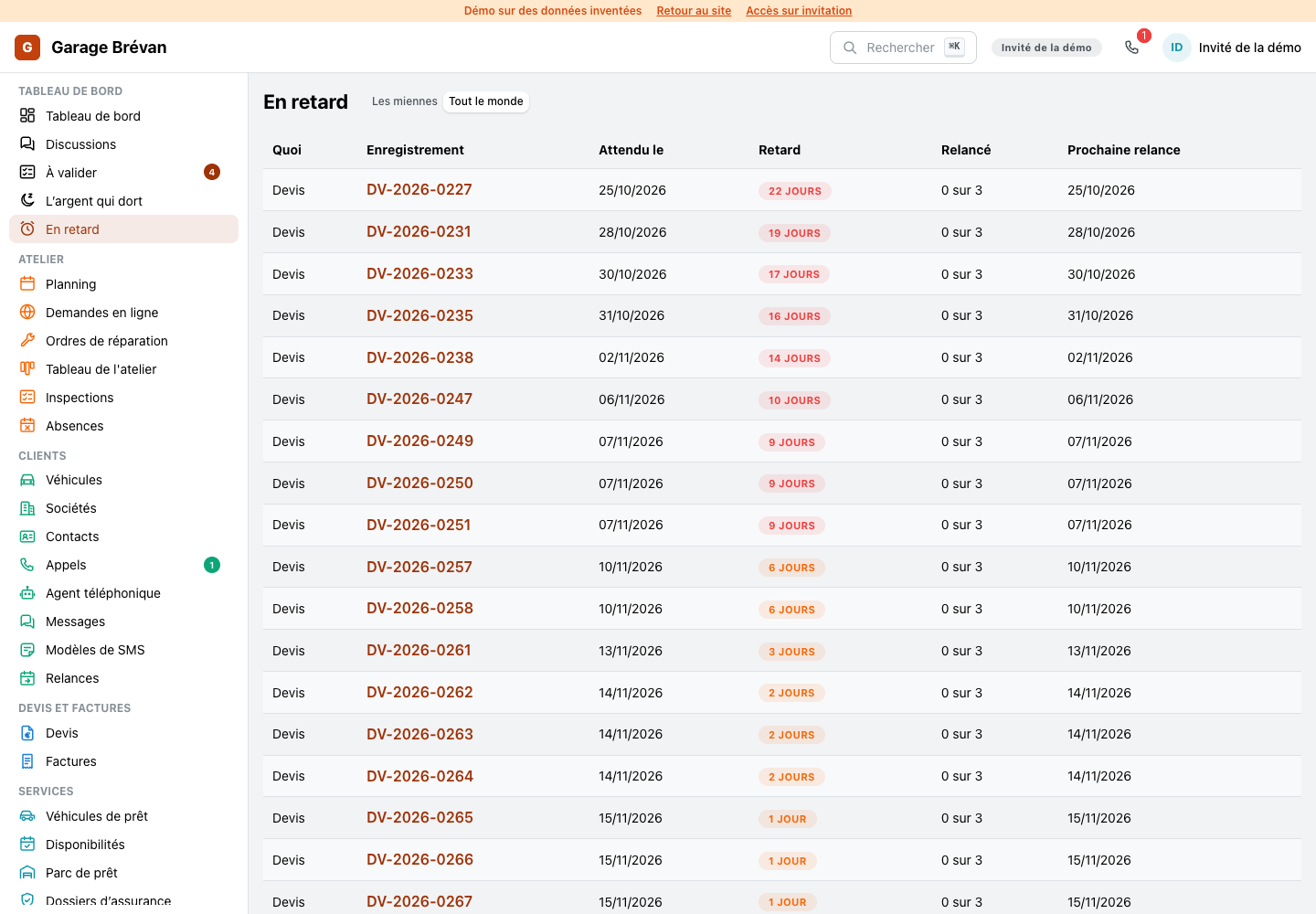
A late quote now shows its customer, its vehicle, its amount, how late it is and how often it was chased, with a button that opens the text to send.
ImprovedTo validate: the first proposal open beside the list
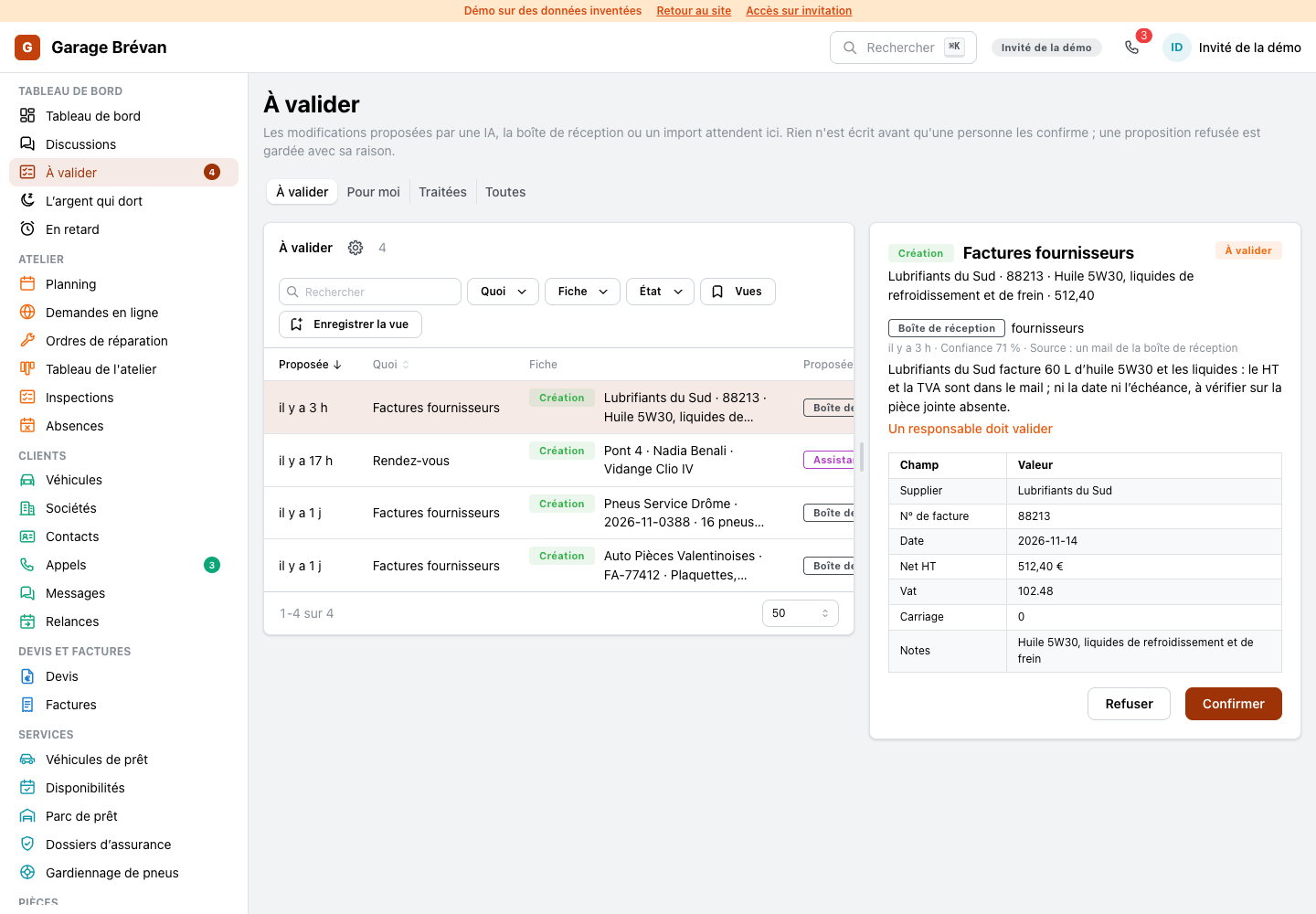
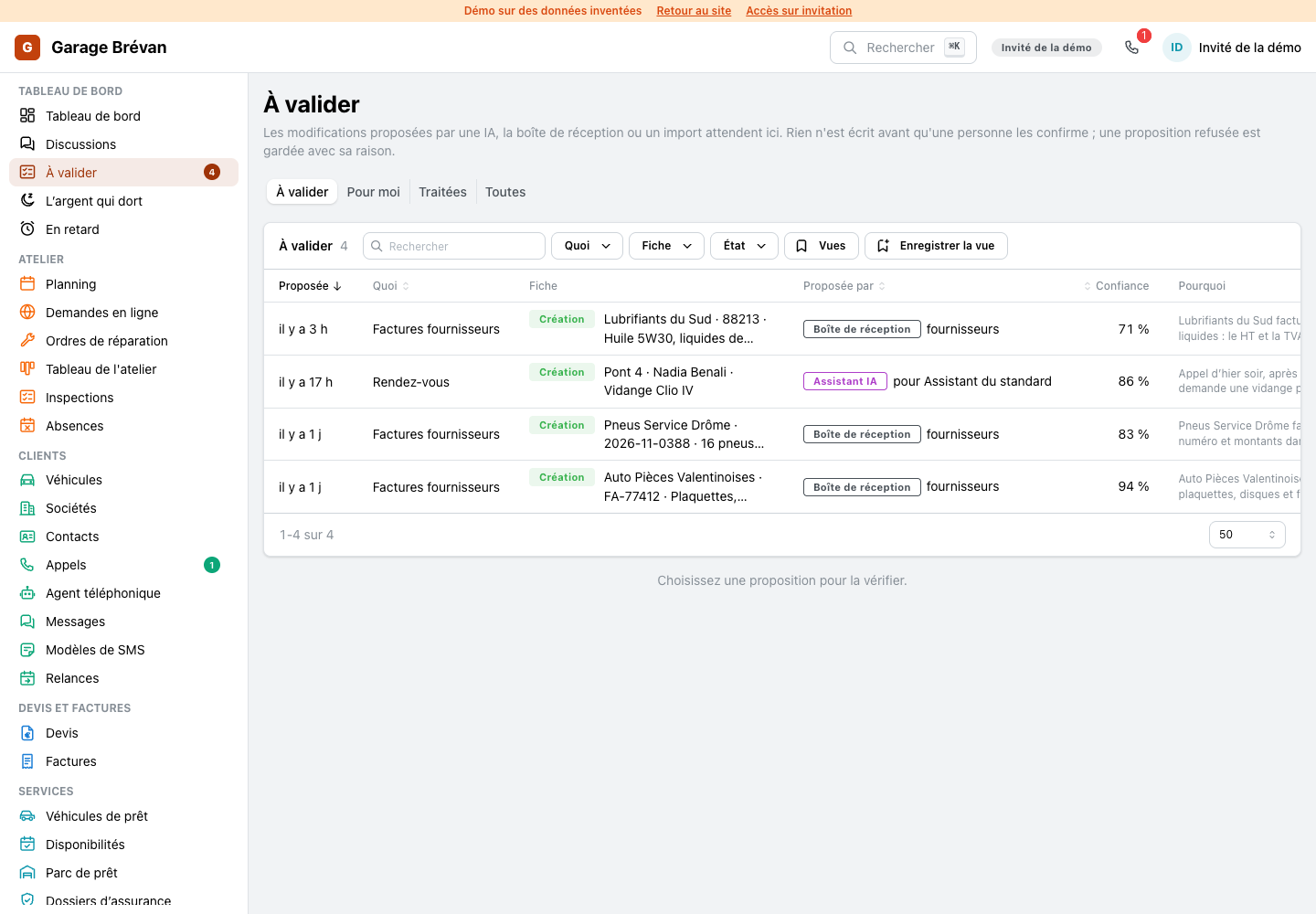
What the assistant, the phone agent or the inbox propose opens beside the list, the newest first, and the open row is marked: read it, confirm it, move to the next.
ImprovedSupplier inbox: the mail open beside the list
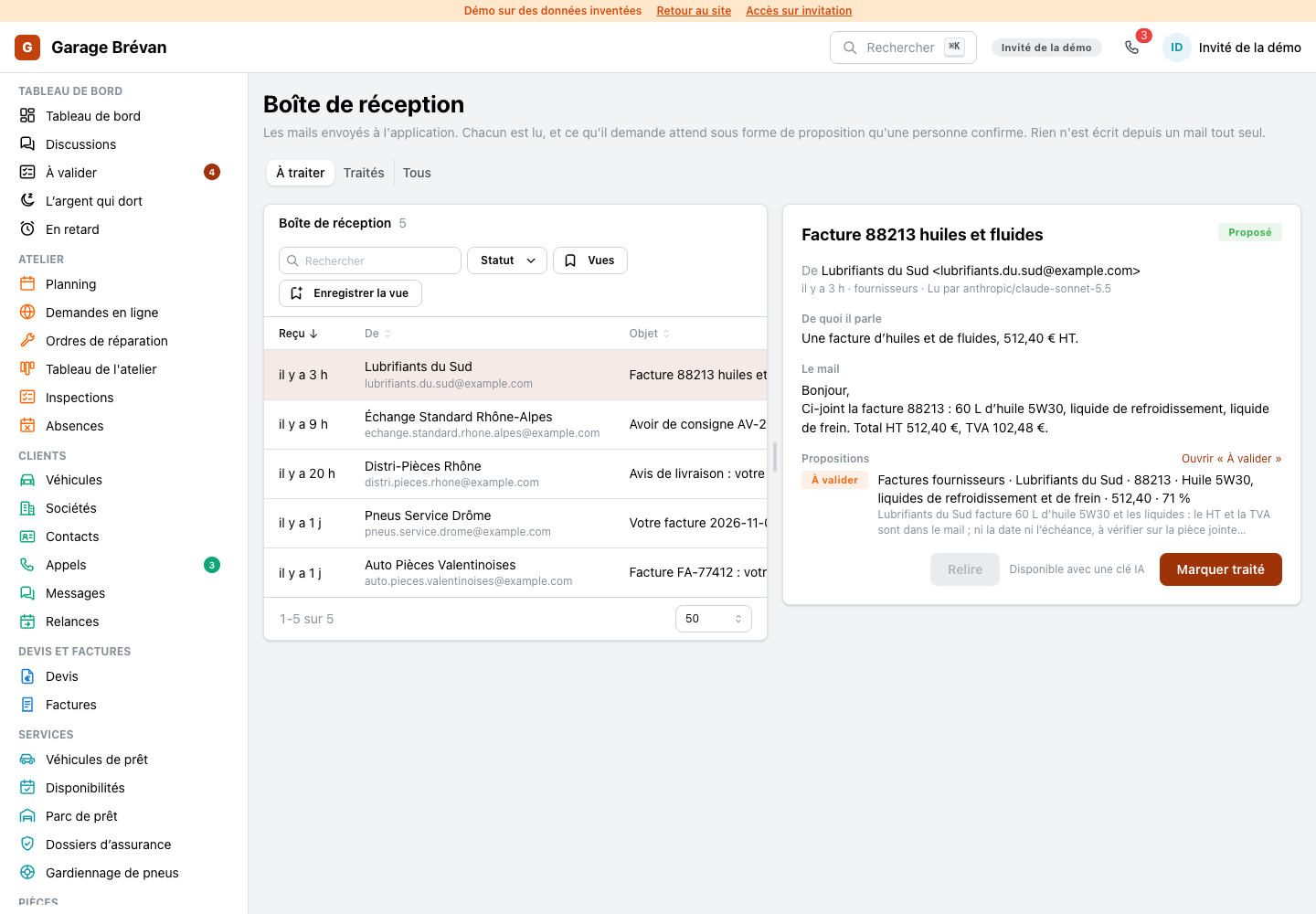
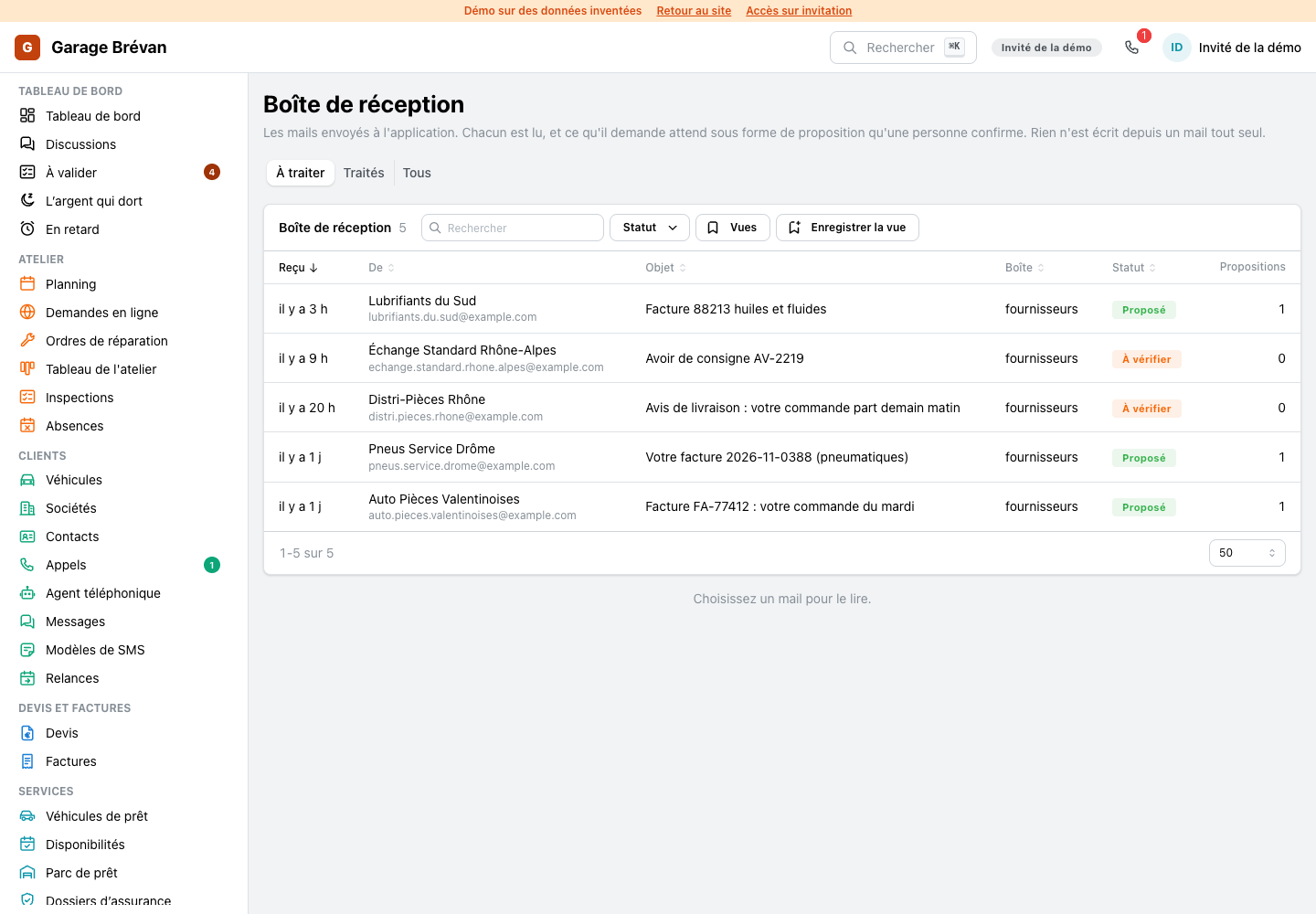
A supplier's mail opens beside the list with what was read from it, and the open mail is in the address: a link opens the same one.
ImprovedRepair orders: the list opens on the work in progress
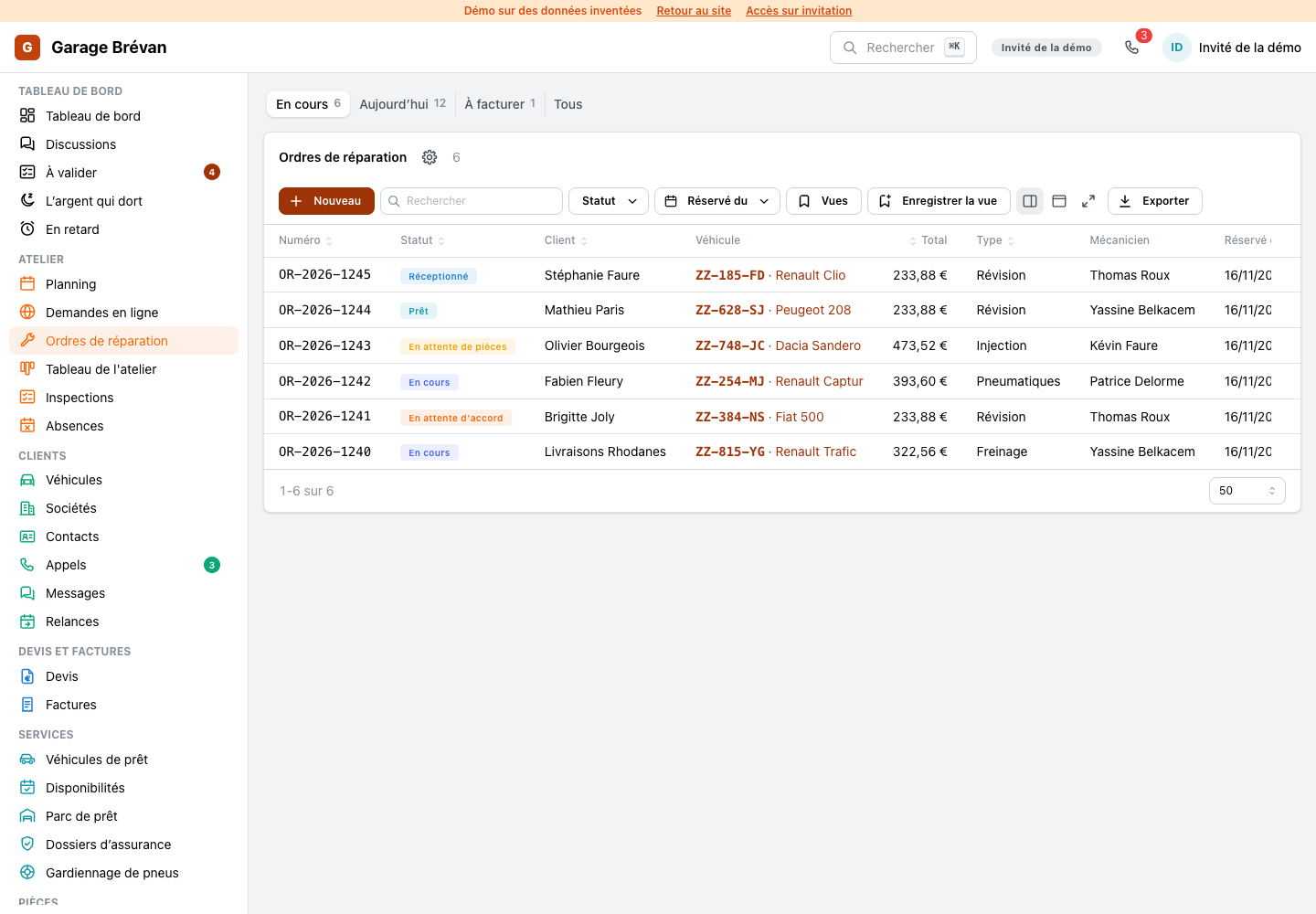
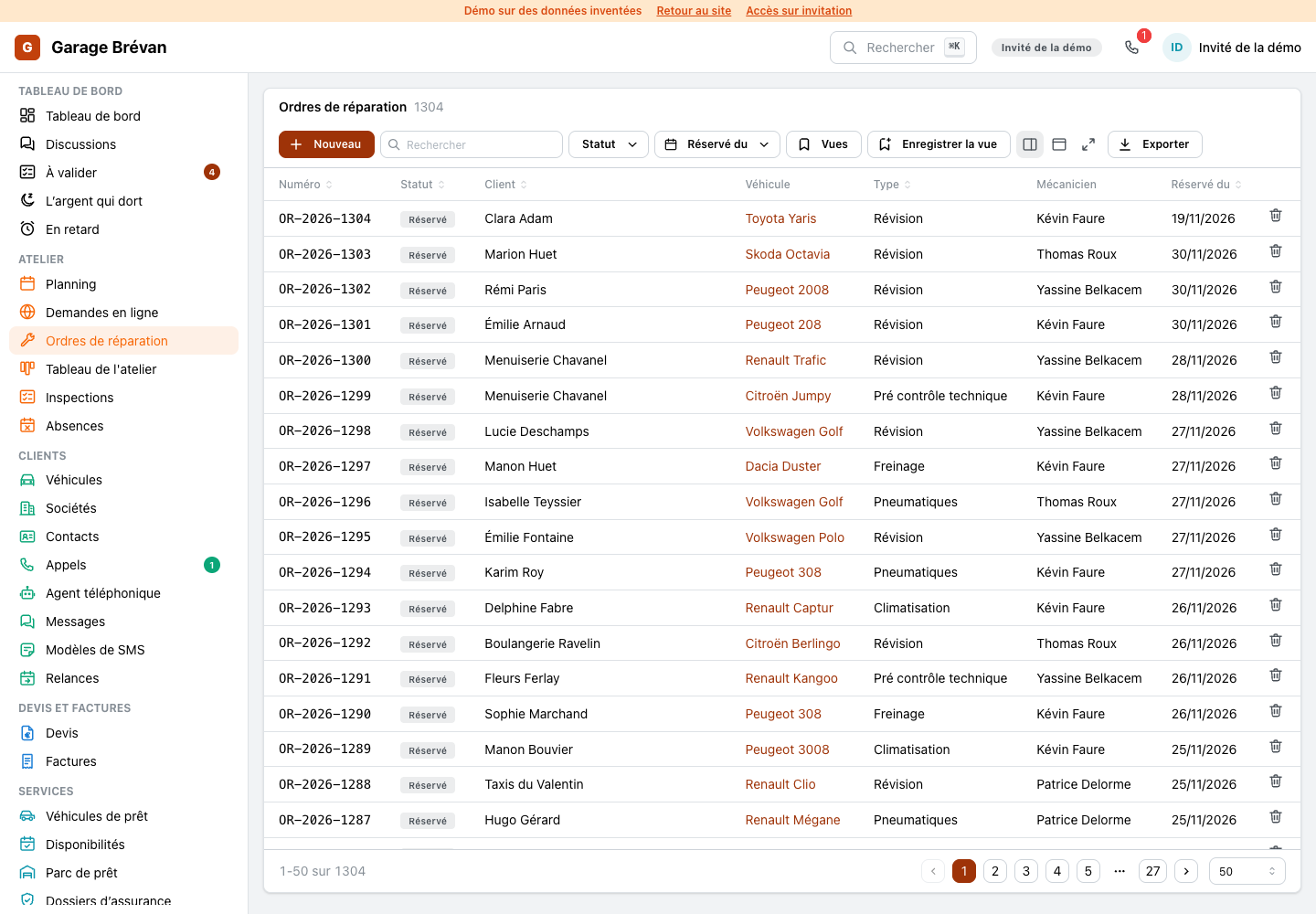
The list of repair orders opens on what is in progress, with today, to bill and everything one click away, each with its count. The plate leads each line and the total is in view.
ImprovedAn invoiced repair order names its invoice
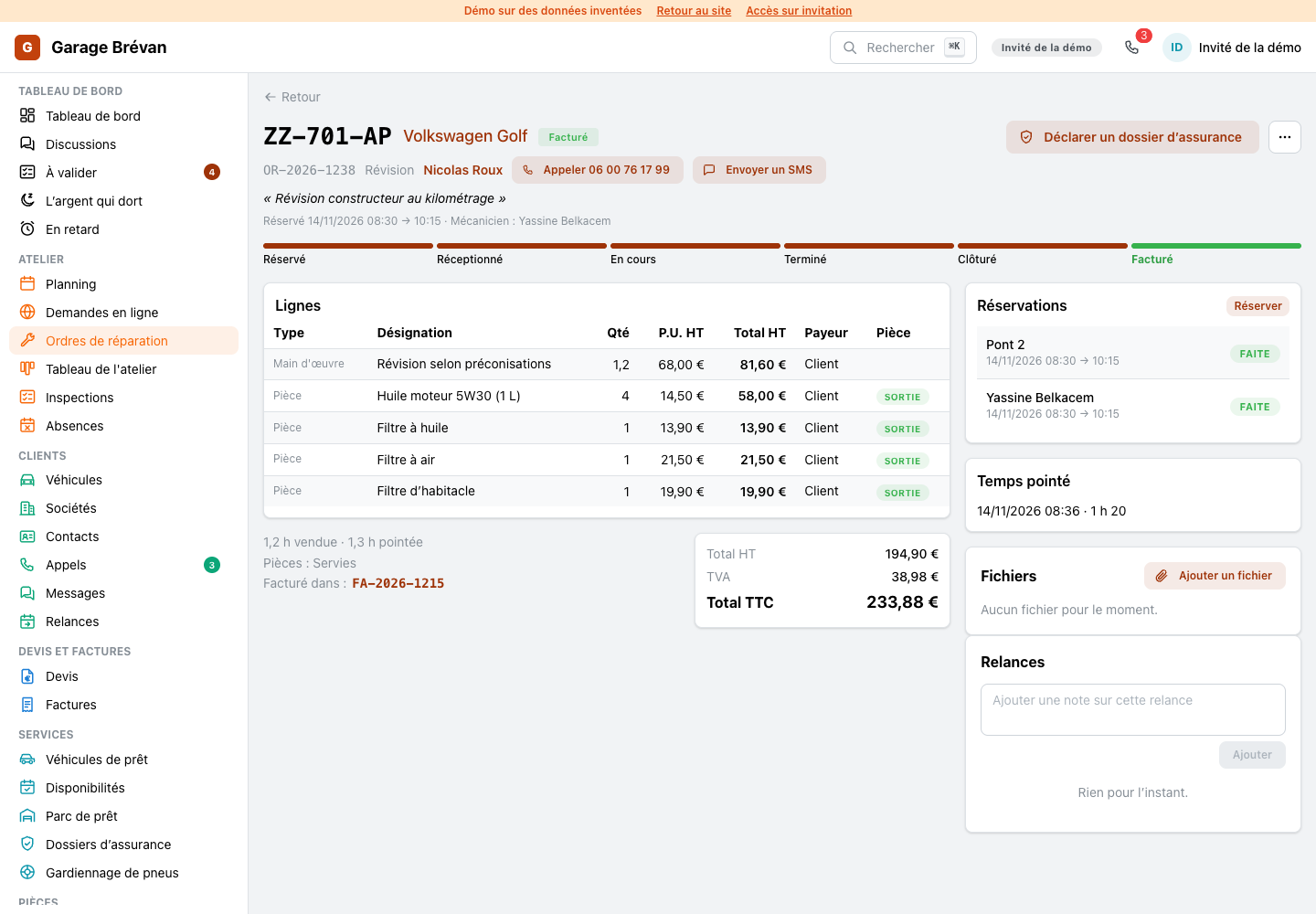
An order that was billed says in which invoice, and the number opens it.
ImprovedThe phone agent's page: its week first
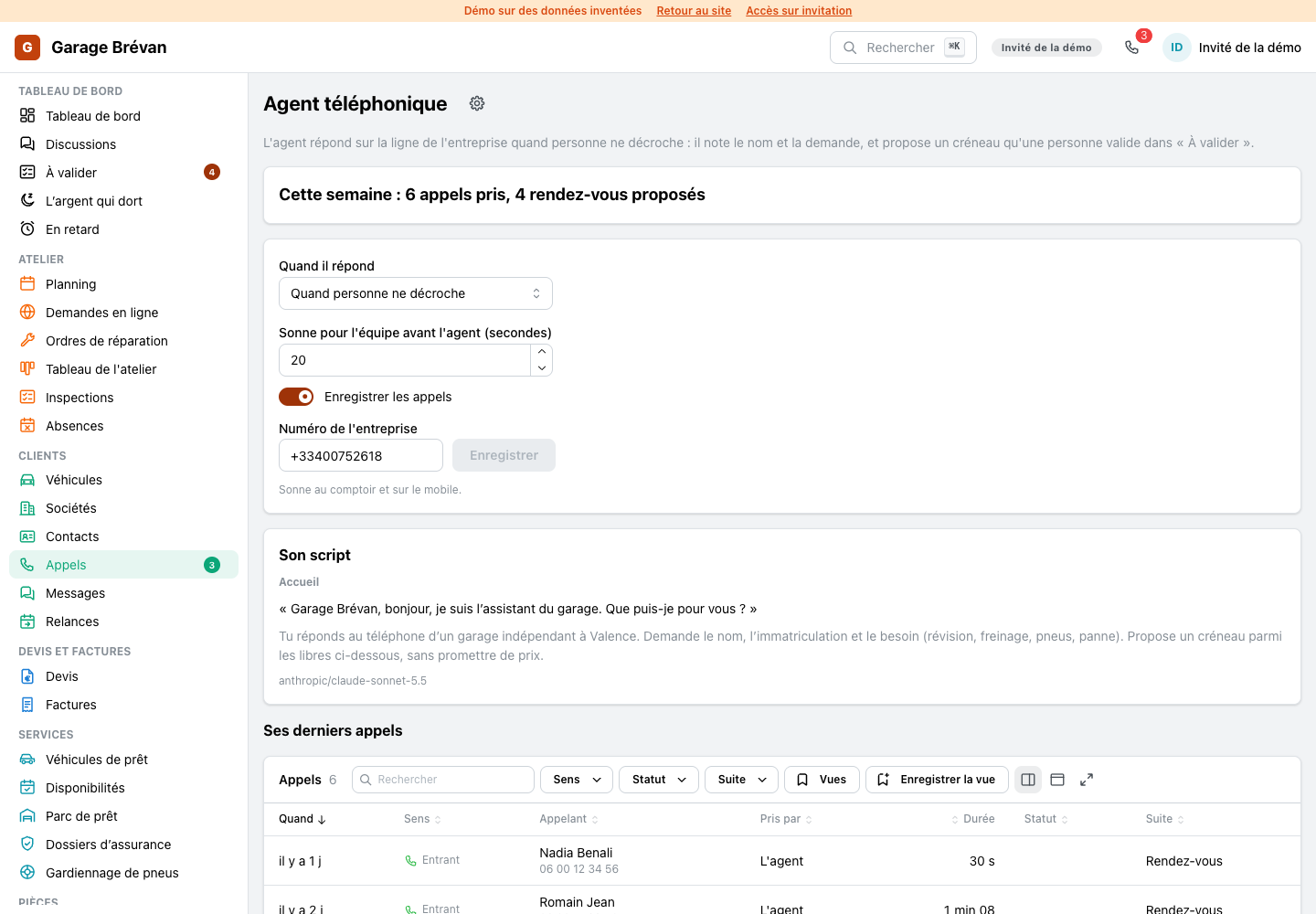
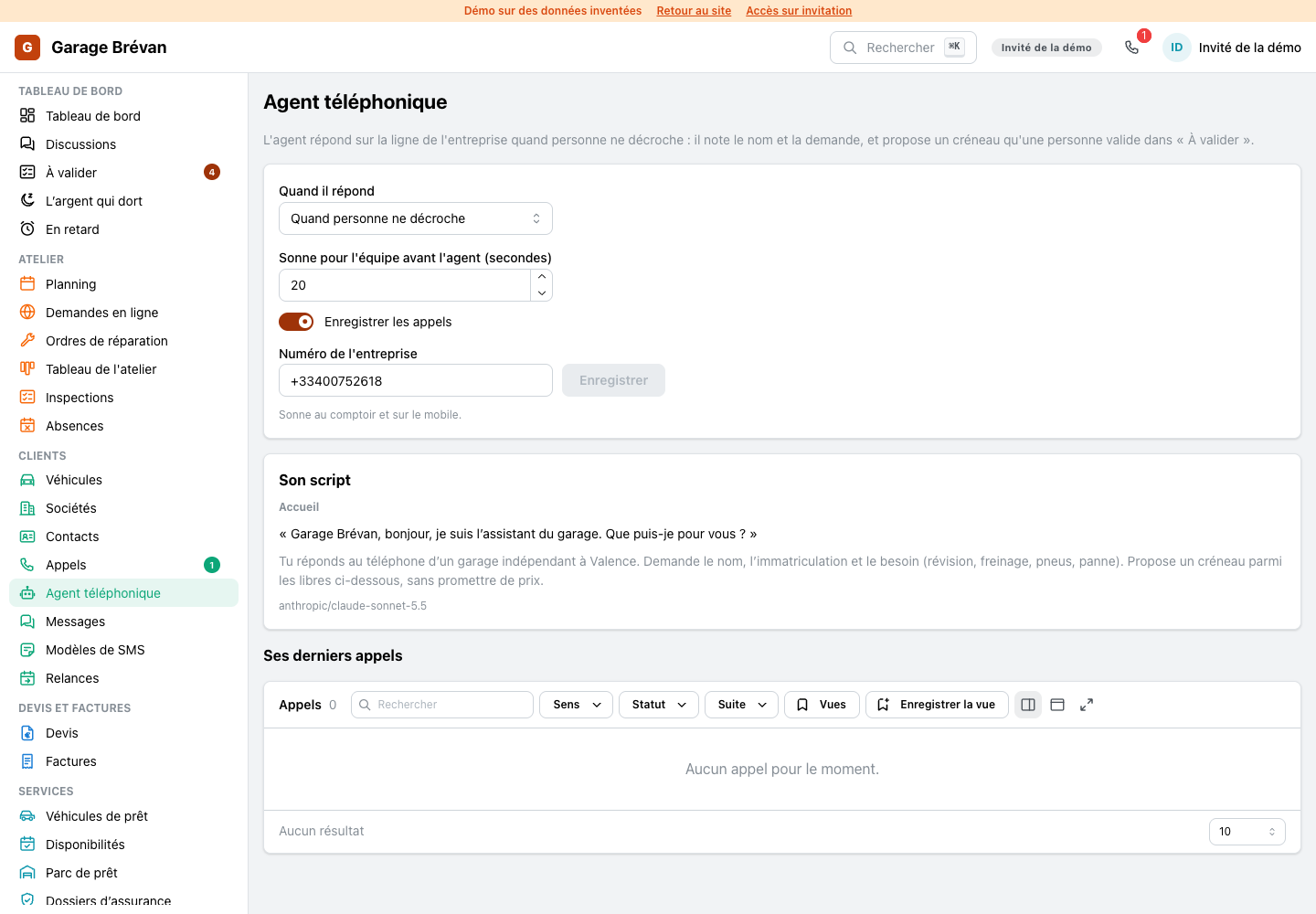
The agent's page opens on its week, the calls it took and the appointments it offered, then its last calls with what was said.
ImprovedA conversation shows the calls too
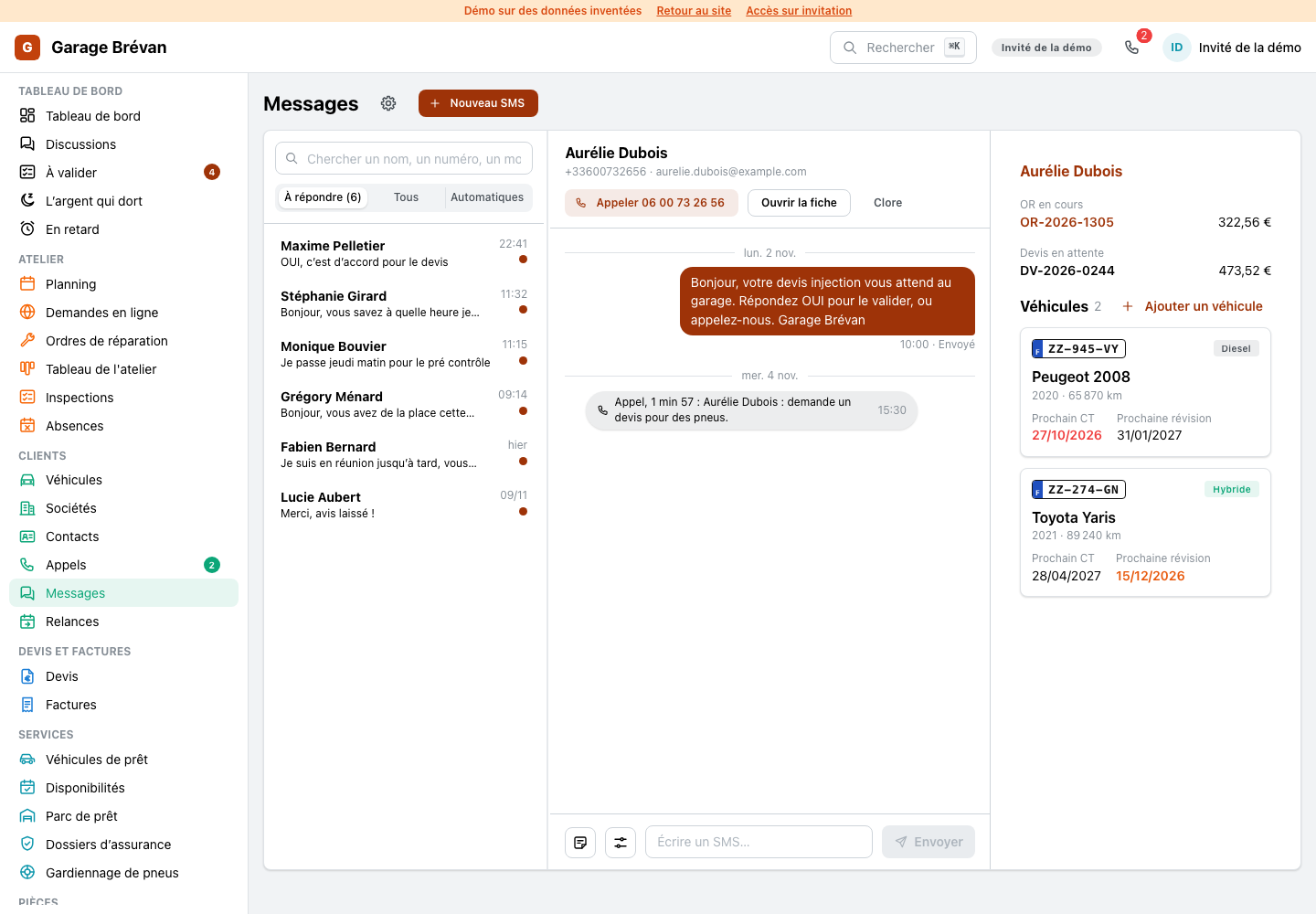
A customer's calls appear inside the text conversation, each as one line with its length and its summary, so the whole exchange reads in one place.
ImprovedOn a phone: the customer's file
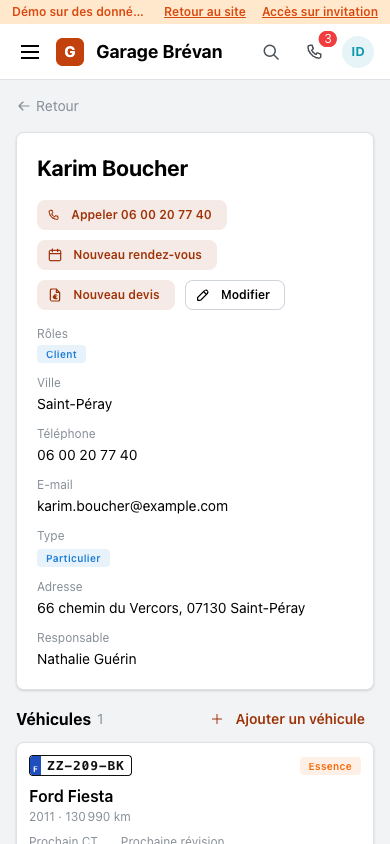
The customer's file on a phone: the head and its buttons, the vehicles, and the conversation one tab away.
ImprovedOn a phone: the repair order
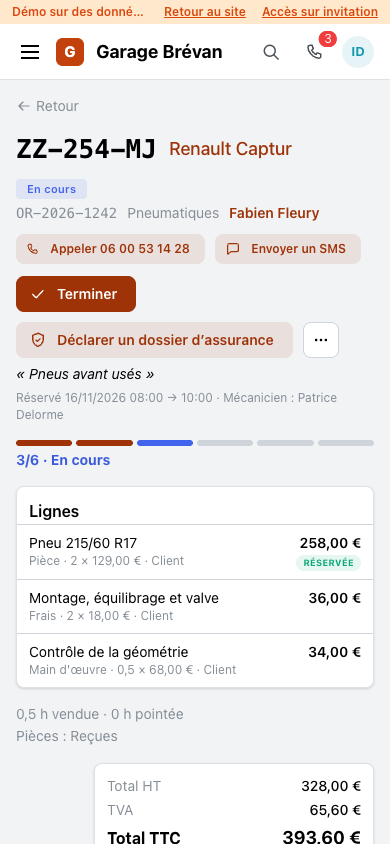
The repair order on a phone: the step it stands at, the one next step, the lines as a list.
ImprovedOn a phone: the inspection's result
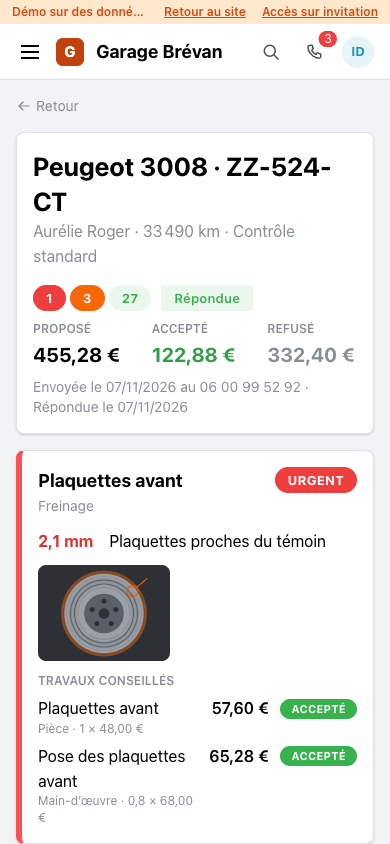
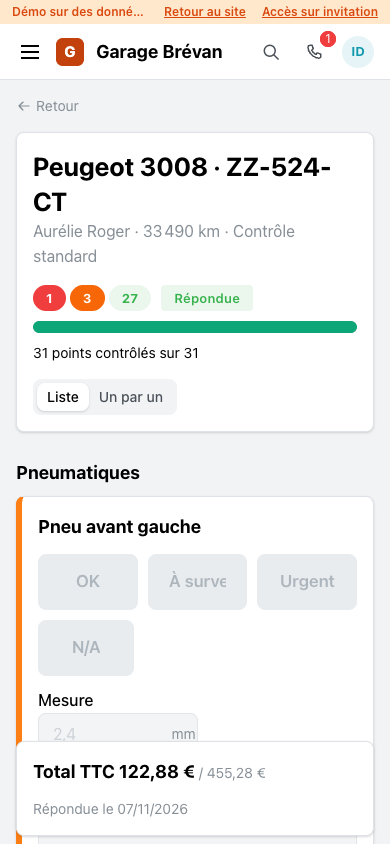
The result of an inspection on the mechanic's phone: the sums, then each finding with its photo and the customer's answer.
ImprovedOn a phone: the tyre racks
The racks on a phone: a set opens over the map, with the way back.
ImprovedOn a phone: messages
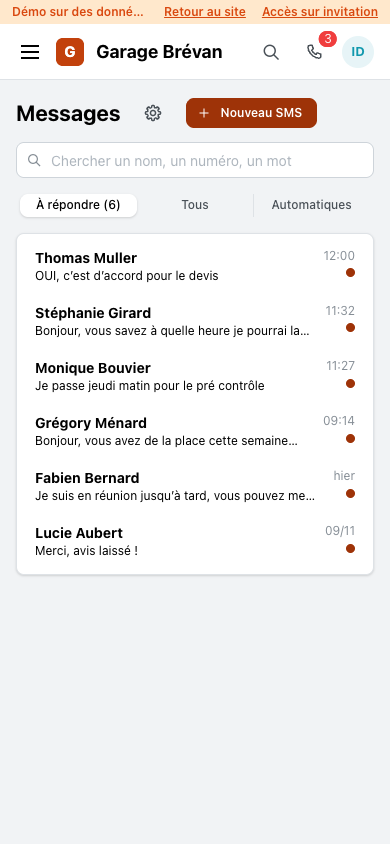
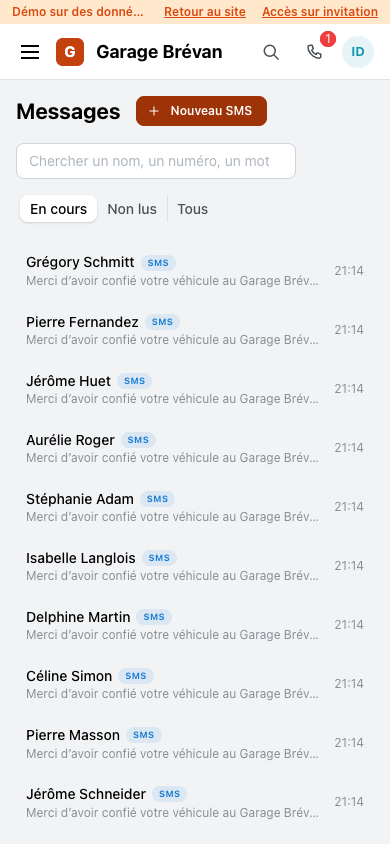
Messages on a phone: the list is the page, a conversation opens over it.
ImprovedOn a phone: the home page
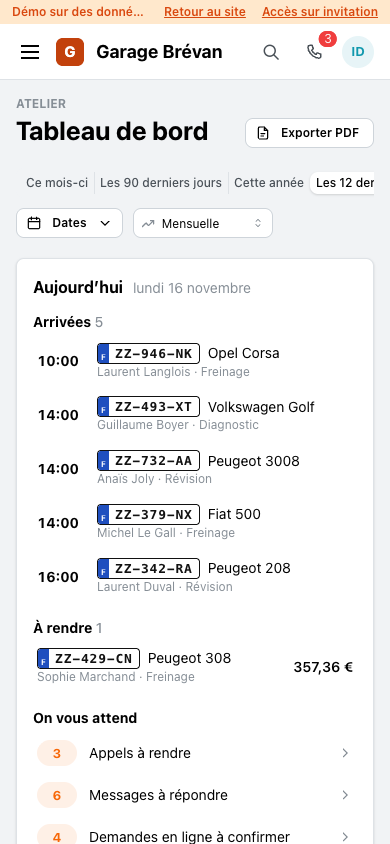
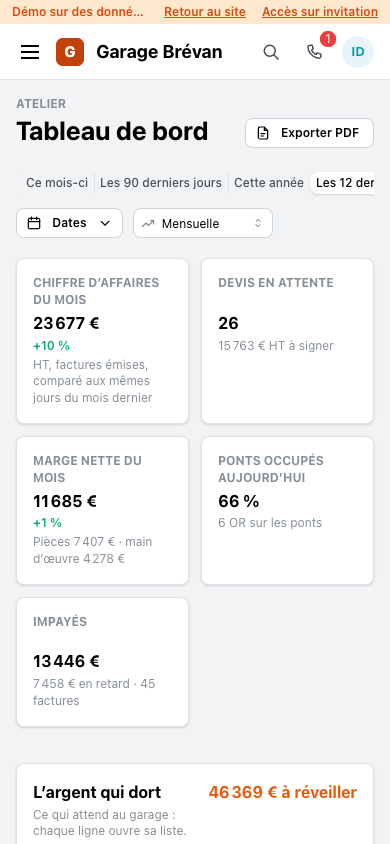
Today on a phone: the arrivals, the cars to give back, what waits for an answer.
ImprovedThe customer's answer, confirmed on his page

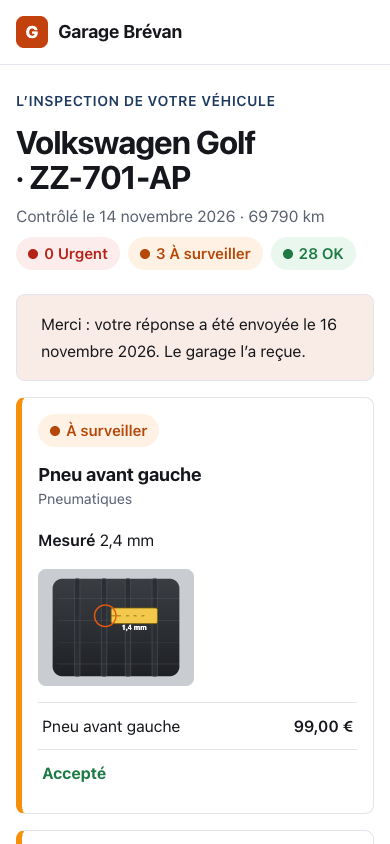
Once the customer answered an inspection, his page shows what he accepted and what he declined, with the total he accepted.
Platform
NewSettings: a page for every module
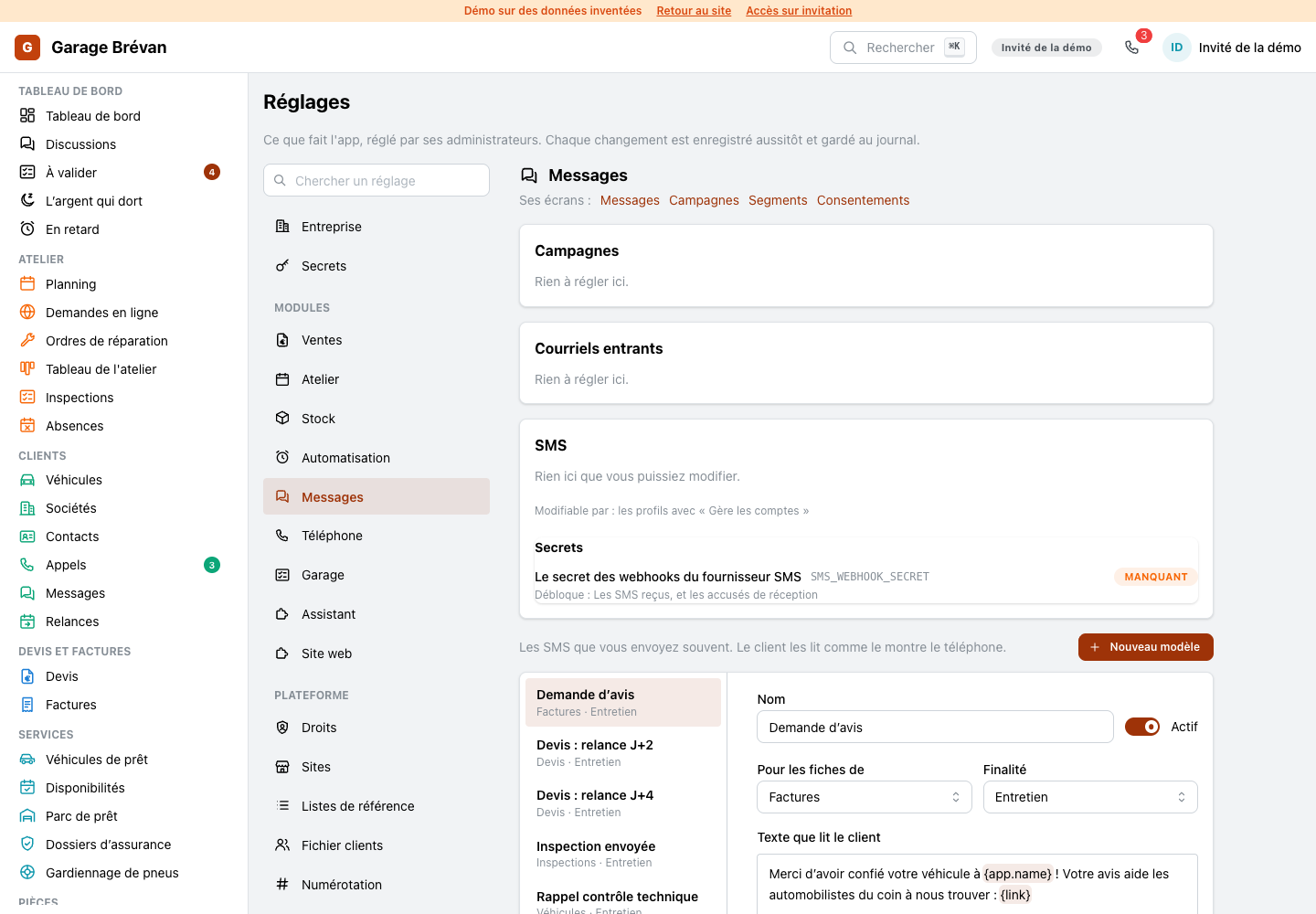
Settings are now a group of pages, one for each module the app installs and one for each part of the platform, each at its own address, with one search box over every setting. A gear on a screen opens the page of its module, and a module can bring its own section: the SMS templates and the phone agent's script live there.
- Who may change each setting is written beside it
- The secrets a module needs, set or missing
ImprovedSettings: the phone line and its agent
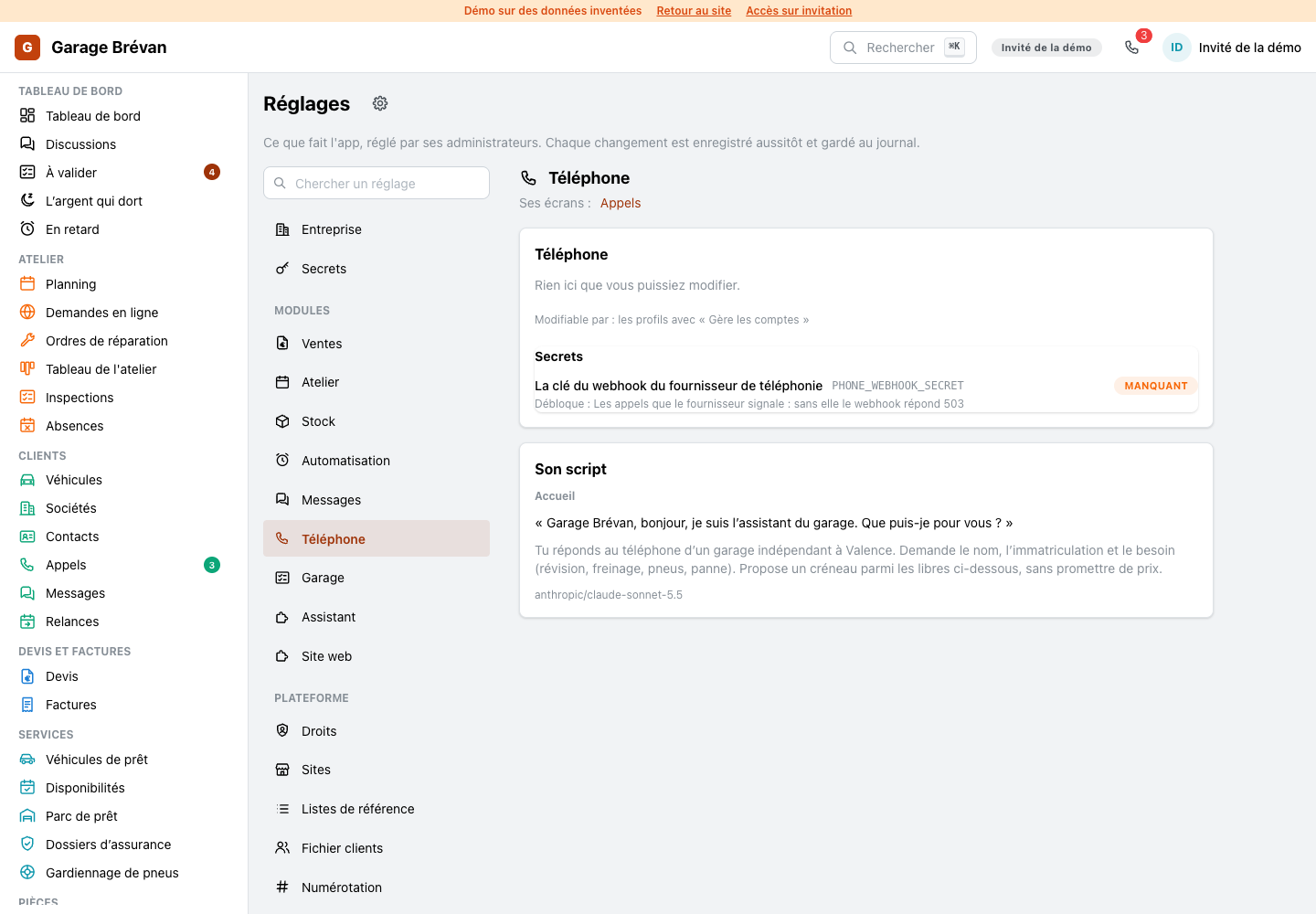
The phone's settings page holds the line's number, when the agent answers, and the agent's script, beside every other module's page.